17Before First Use
6.1 Hub Initial Setup
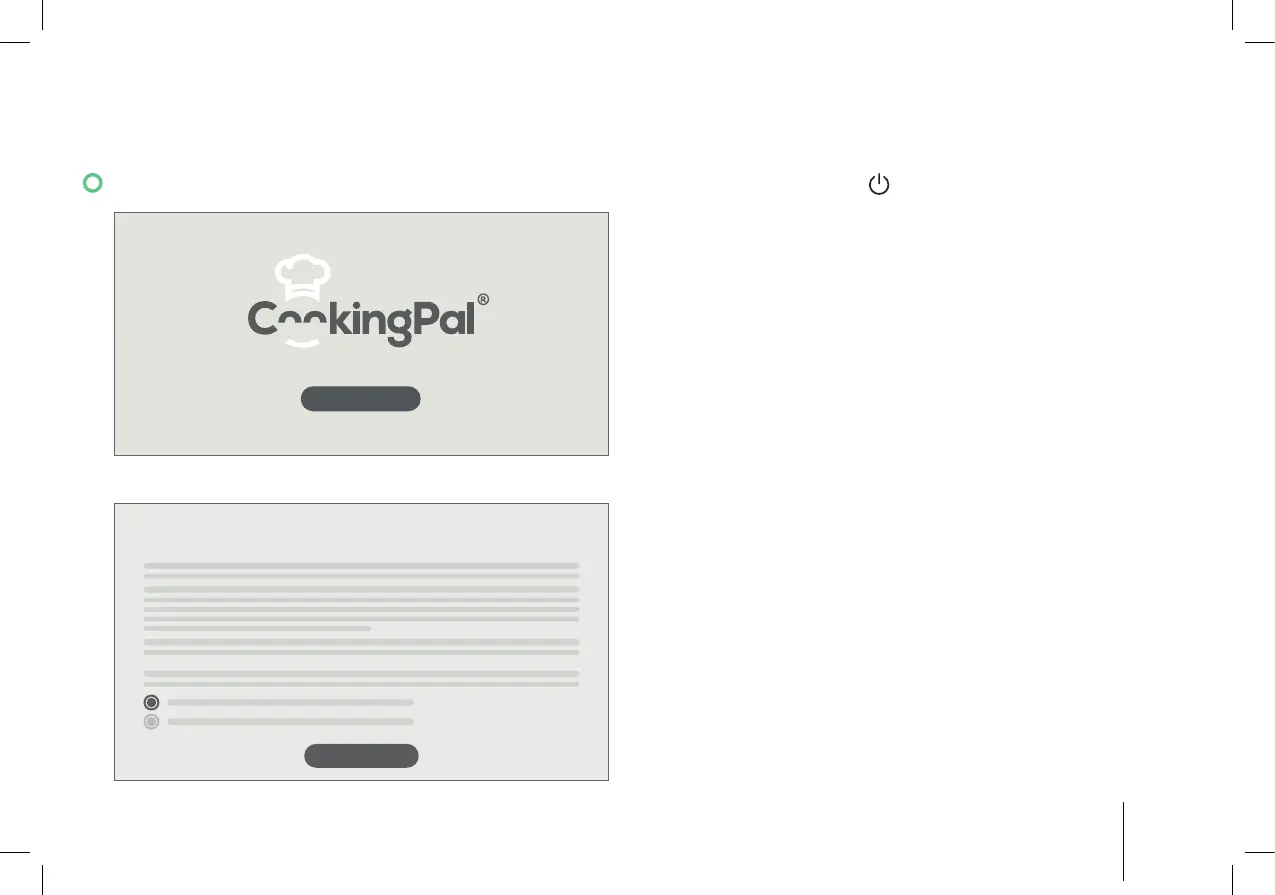
START
1. Press and hold the switch to switch on the Hub.
2. Tap “Start”.
End User License Agreement
AGREE
3. Scroll down to read the “End User License
Agreement”. When you have read, understood and
agreed to the “End User License Agreement”, tap
“Agree” to continue the setup.


 To Next Page