30 Settings
11.0 Settings
SETTINGS
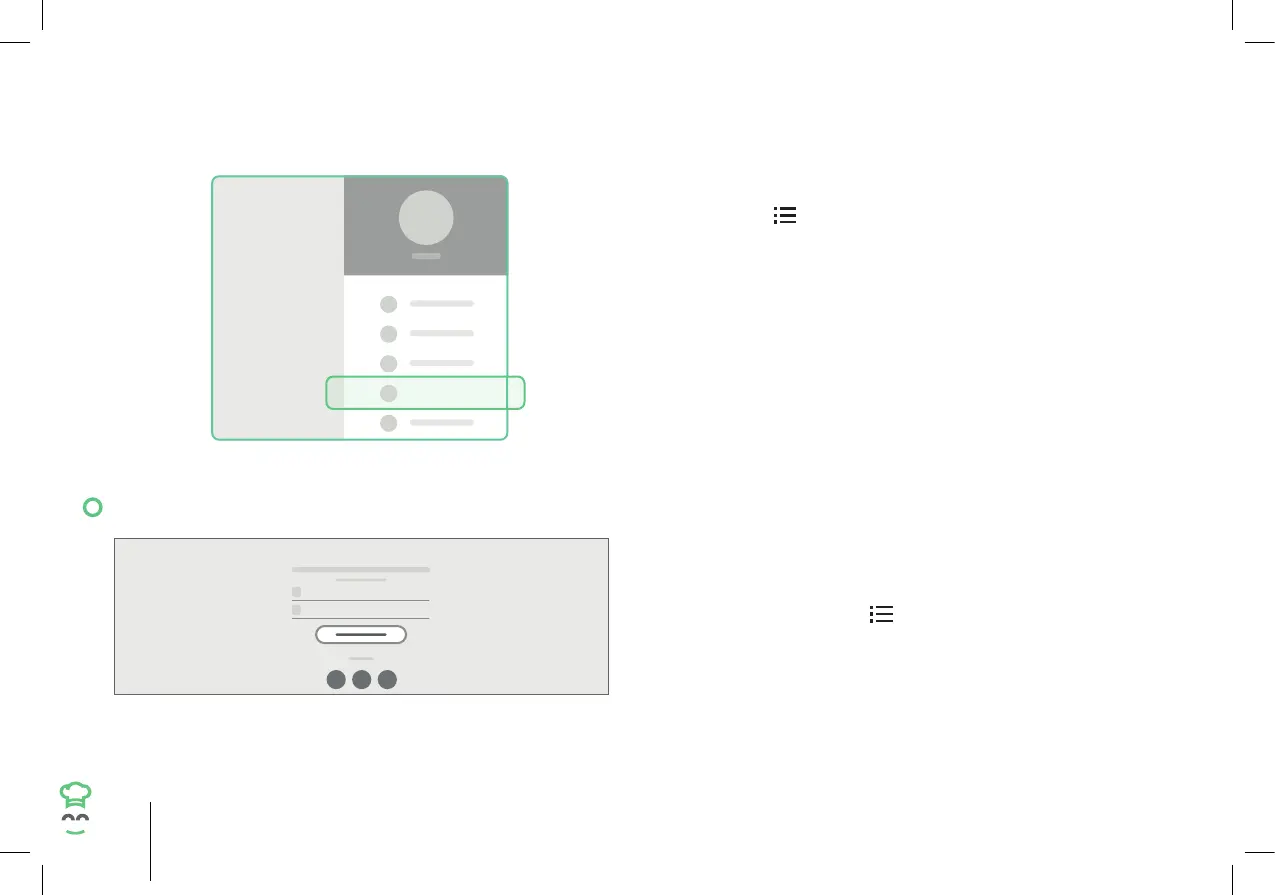
Settings are also kept on the side menu.
1. Tap the
icon on the top right side to access
the side menu.
2. Then tap “Settings” to proceed.
11.1 Logging In/Out of Your CookingPal® Account
LOG IN/SIGN UP
1. Tap “Login”.
2. Input your email address and CookingPal® account
password or your social media credentials to
access your CookingPal® account.
3. To log out, tap the
icon on the top right side to
access the side menu, tap “Log out”.


 To Next Page