33 Settings
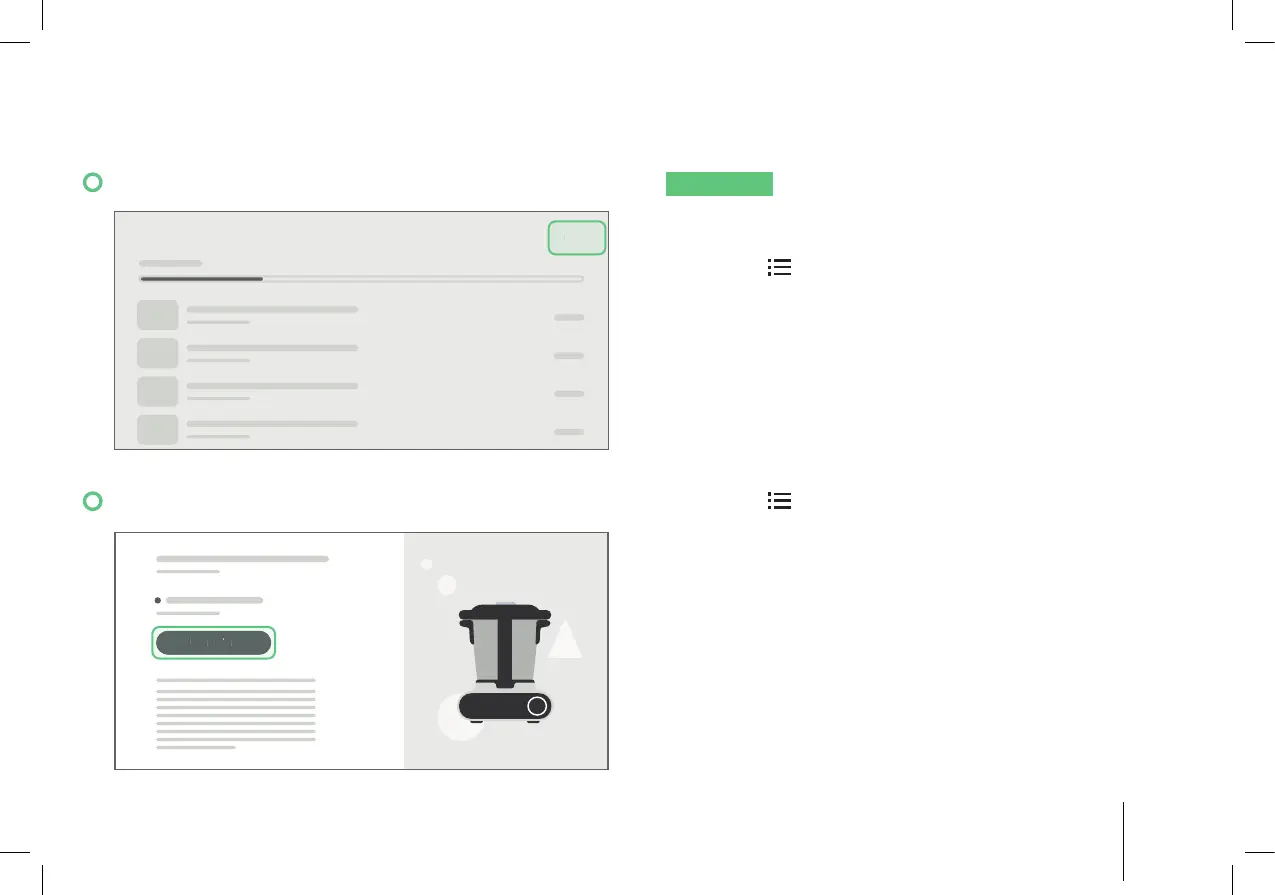
11.7 Tablet Storage Management
STORAGE EDIT
NOTICE
When the Hub storage memory is full, an
alert pops up. Tap “Manage Storage” to clear space
for new downloads.
1. Tap the
icon on the top right side to access the
side menu, tap “Settings”, then “Storage”.
2. The top bar shows how much of the memory
capacity has been used. Tap “Edit”, then select
the recipes you want to delete. Tap “Delete” to
remove the downloaded recipe.
11.8 Checking for the Most Updated Software
RESETUPDAT E
1. Tap the
icon on the top right side to access the
side menu, tap “Settings”, then “About -> Software
Update”. The version number and appliance
number is displayed.
2. If an update is available, tap “Update” to proceed
with downloading.


 To Next Page