29Side Menu Functions
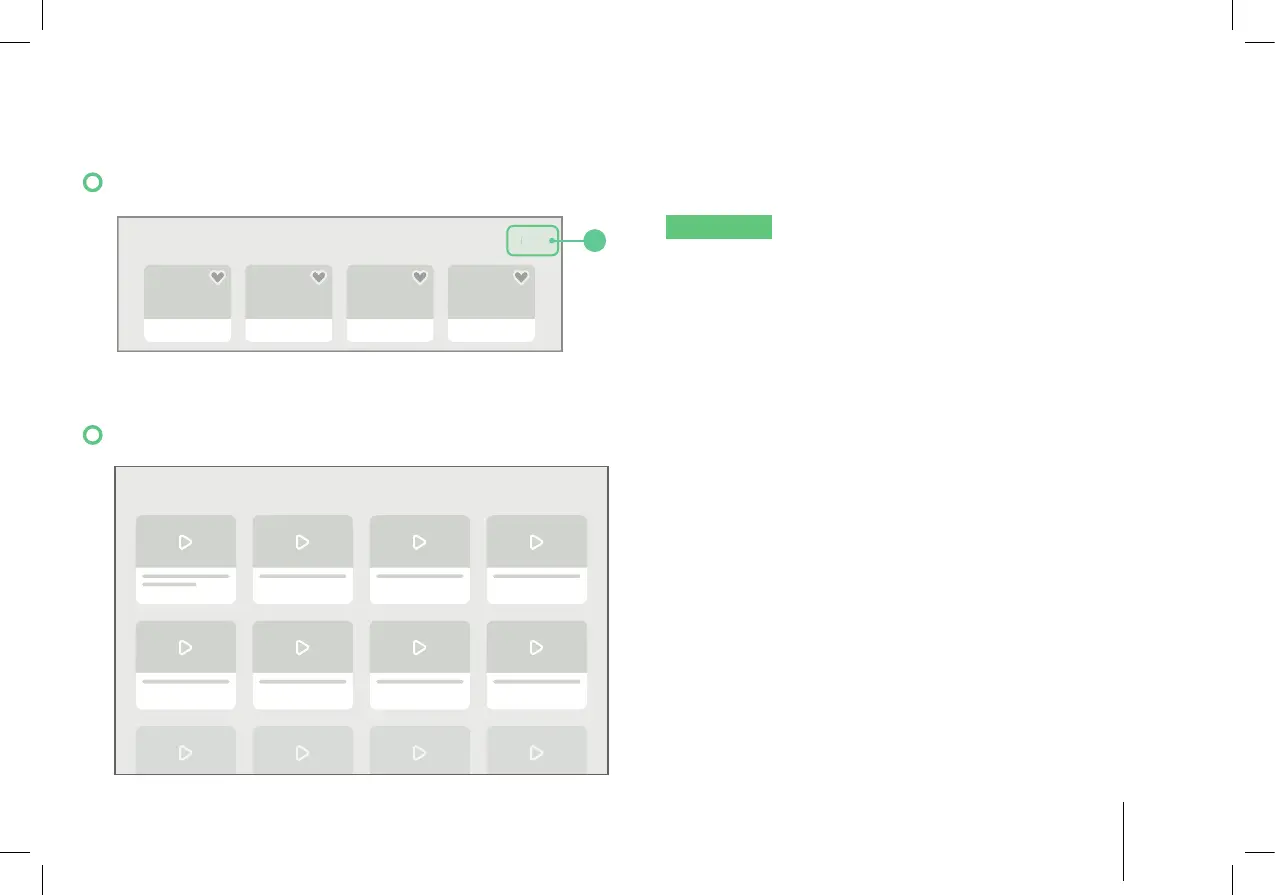
10.1 Managing the Cook History
COOK HISTORY EDIT
1
NOTICE
If no recipes have been cooked before,
the Cook History will be empty.
1. Tap “Cook History”.
2. The display shows most recently cooked recipes.
Tap “Edit”, then select the Cook History you want
to delete.
10.2 Tutorials
TUTORIALS
1. Tap “Tutorials”.
2. The display shows step-by-step videos of how to
use the appliance.


 To Next Page