41Guided Cooking
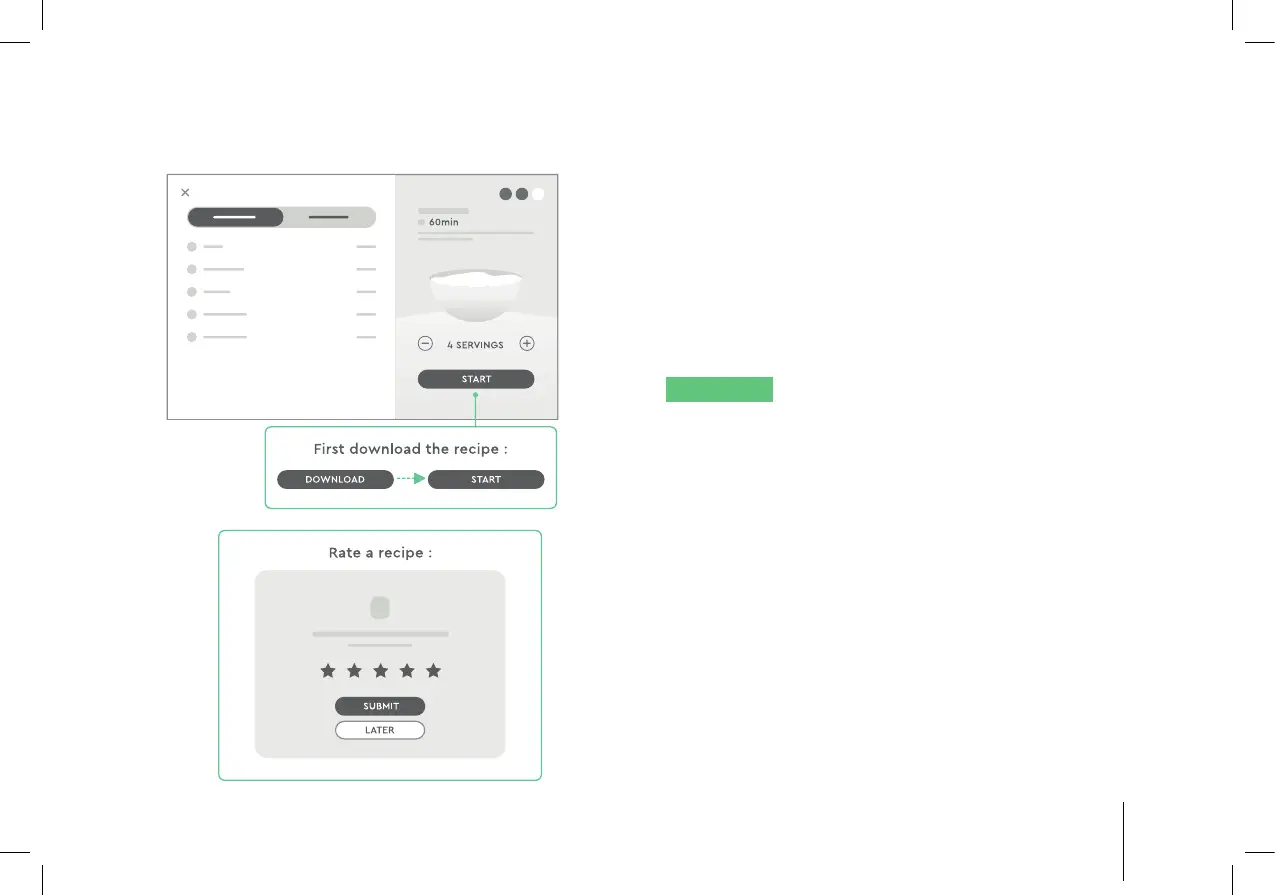
3. Download the recipe. Set the number of servings
needed. Check the ingredients for the recipe.
4. Tap “Start Cooking”, then follow the steps to cook
the recipe. Swipe left or right or rotate the jog
dial to scroll through the steps. To go to a specifi c
step, tap the downwards arrow to expand the
recipe timeline, then tap the desired step to go to
that step.
NOTICE
Cooking settings are still adjustable in
Guided Cooking function. Tap the setting that needs
to be changed and adjust accordingly.
5. After the recipe is completed, rate the recipe, then
tap “Submit”. Or skip this step by tapping “Rate
Later”.


 To Next Page