28
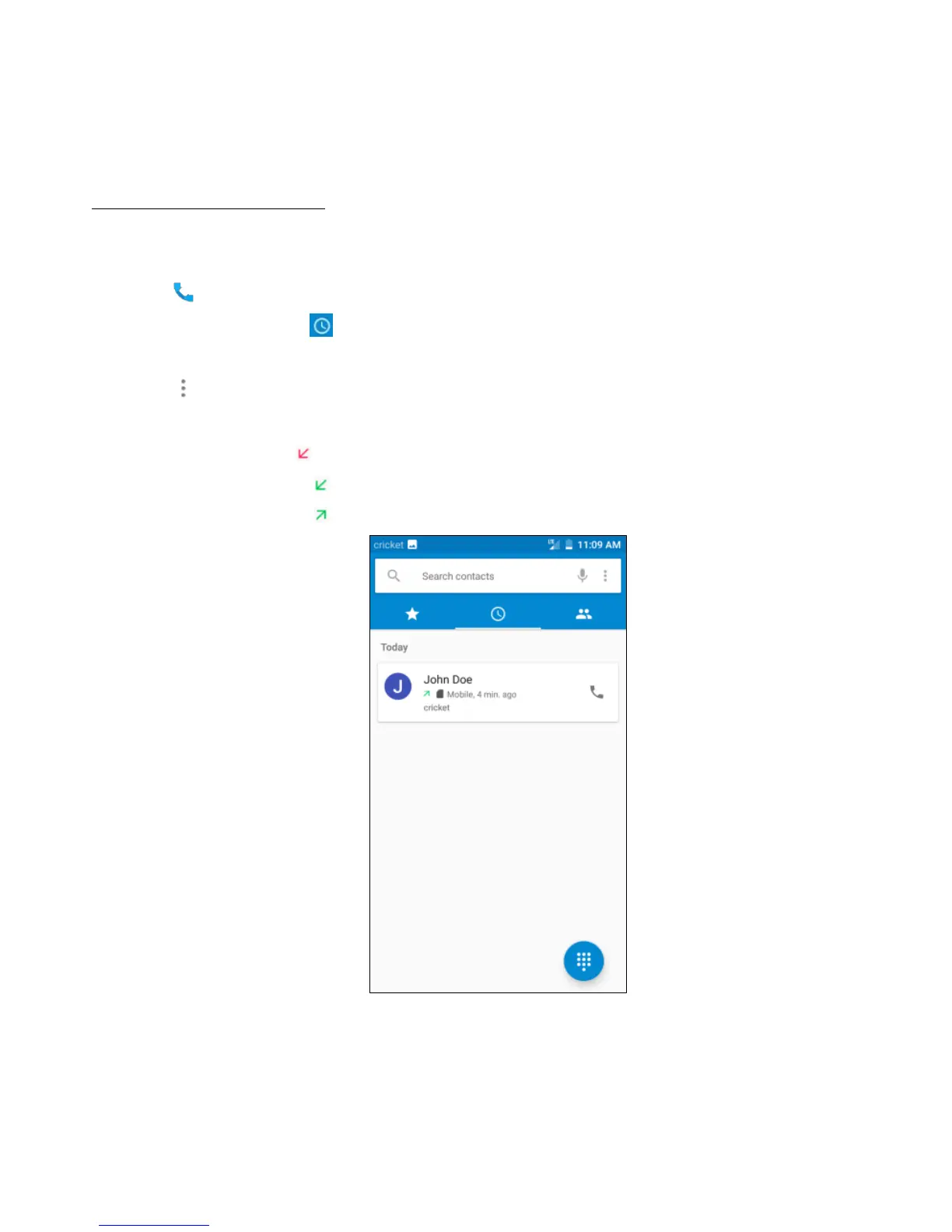
Exploring the call history
The Call History contains your history of calls received, missed or made. It's an easy way to
redial a number, return a call or add a number to your contacts.
1. Tap to enter the Phone screen.
2. Tap the Call History tab. This will show a list of your most recent incoming and
outgoing calls.
3. Tap and then choose Call History to see more calls. Arrow icons beside a call indicate
the type of call, and multiple arrows indicate multiple calls:
• Missed call
• Incoming call
• Outgoing call


 To Next Page
 Loading...





