Ⅶ
、Firmware/script update
1. Press and hold the N100 Plus pairing button, insert the N100 Plus into the computer's
USB port, and release the N100 Plus disk.
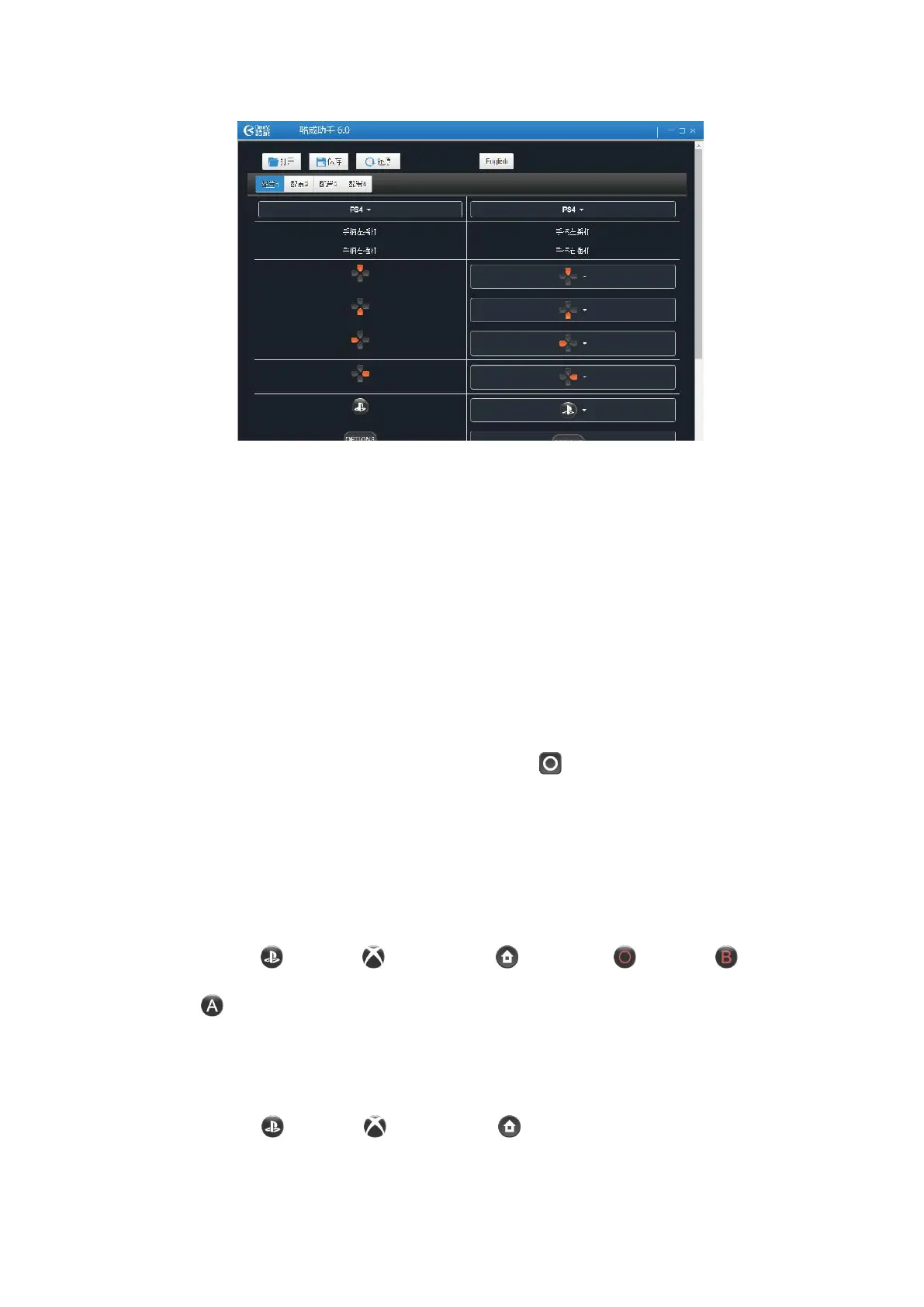
2, use the PC-side COOV assistant to perform online firmware script update
Ⅷ
、QuickMacro
Note 1: The same button cannot be activated with the burst function 、the auto combo and
Auto infinite loop function.
Note 2: During the function configuration, each effective operation triggers a handle
vibration.
Note 3: The default operation is to simulate the Capture (NS handle) by double clicking
the HOME button.
A
、
Button mapping
Button mapping is to map a button to another button, so as to realize the same function of
several buttons or exchange functions of several buttons.
1.Setting
a. Press the PS4 button / X1 button / NS Pro button + PS4 button / X1 button
/ NS Pro button at the same time and release to enter the button mapping function
configuration mode.
b. Press the buttons that need to be mapped
c. Press the mapping button
d. Press the PS4 button / X1 button / NS Pro button to exit the configuration
mode.


 To Next Page