EM 9250 Operator’s manual 93
UK
When the measurement is stored, the value of the distance acquired by the machine will
remain visible on the left display:
11b
- if only one measurement is taken, the machine
interprets the presence of a rim with balancing us-
ing a clip weight on both sides (Dynamic Balancing
Programme);
- moving the arm to the rest position, the machine
will set up for the manual WIDTH entry;
- in this phase, it is possible to perform an additional
acquisition of the rim diameter and distance.
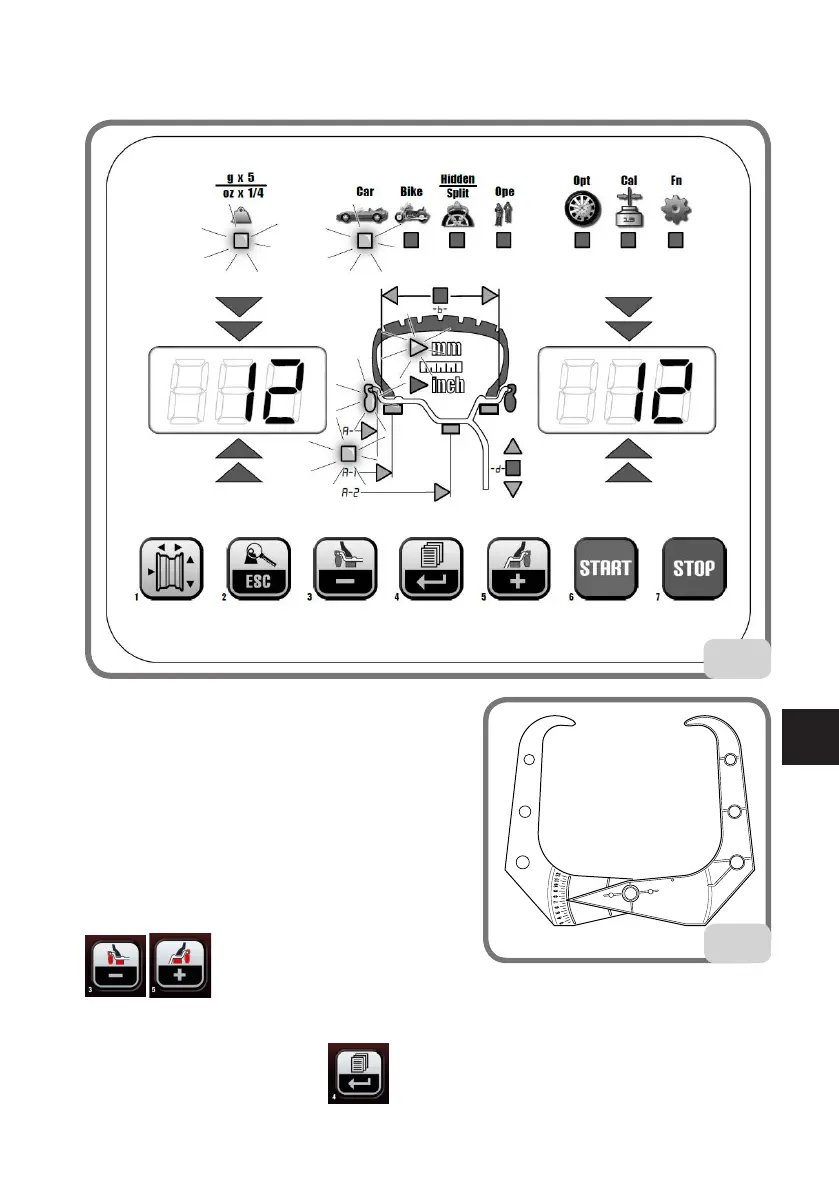
- Measure the width of the rim using the calliper
provided (fig.12).
- Modify the width value displayed by pressing the
buttons until the desired value is
set.
The WIDTH can be set in millimetres or the values already set can be converted from inches
to millimetres by pressing the button.
12



 To Next Page