32
Video Network Setups
Corinex AV200 Powerline Ethernet Wall Mount F
Note: Any of these two basic scenarios can be enlarged, adding more adapters,
computers and set-top-boxes.
4.2.1.2 Extending the Internet Connection to an AV200 Powerline
Network
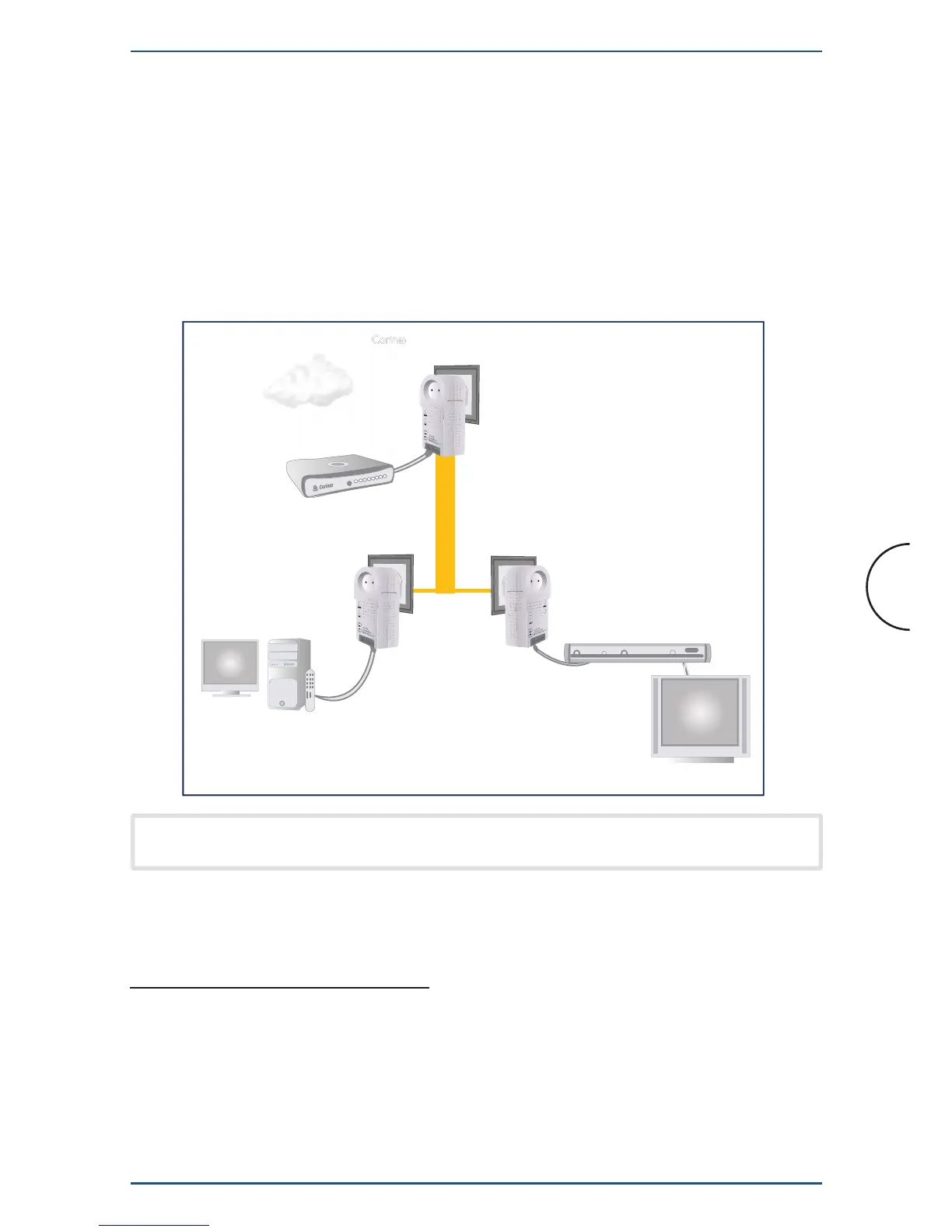
The next picture shows a more advanced Powerline network with three Corinex
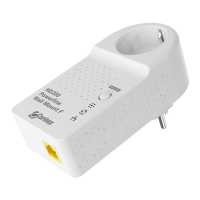
AV200 Powerline Ethernet Wall Mount F Adapters. This is a common network
configuration, where Internet access and digital video are delivered through the
same ADSL line. This configuration requires some QoS (Quality of Service) settings
to guarantee video quality when the network is carrying large amounts of data from
the Internet connection.
4.2.2 Multi-Network Scenarios
A multi-network scenario occurs whenever there are two or more adapters from
different networks (different network IDs) on the same circuit. In this case, a
coexistence mechanism is included, which allows a secure form of communication
without interference from adapters from other networks.
Corinex AV200 Powerline Wall Mount F
Corinex AV200 Powerline Wall Mount F
Corinex AV200 Powerline Wall Mount F
Home Electrical Wiring
HDTV
Internet
Router or
Cable / DSL Broadband Modem
Set-Top Box
Computer/ Media Center PC


 To Next Page