6
Installation
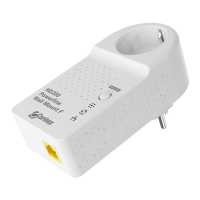
Corinex AV200 Powerline Ethernet Wall Mount F
2 Installation
2.1 Package Contents
When you receive your Corinex AV200 Powerline Ethernet Wall Mount F, check to be
sure that your package contains:
• Corinex AV200 Powerline Ethernet Wall Mount F (2x for Dual Pack)
• Standard Ethernet cable (2x for Dual Pack)
• CD with documentation
• Quick Start Guide
• Registration and Warranty Card
We are always working to improve our products. For any hardware/software
changes, downloads, and additional information on your device, please visit
www.corinex.com/retail.
2.2 System Requirements
• IBM compatible PC or a Macintosh
• One available 10/100 Mbps Ethernet port
• Windows 98/ME/2000/NT/XP, Mac OS X or Linux operating system
• Javascript-compatible web browser for configuration (Netscape, Internet
Explorer, Opera…)
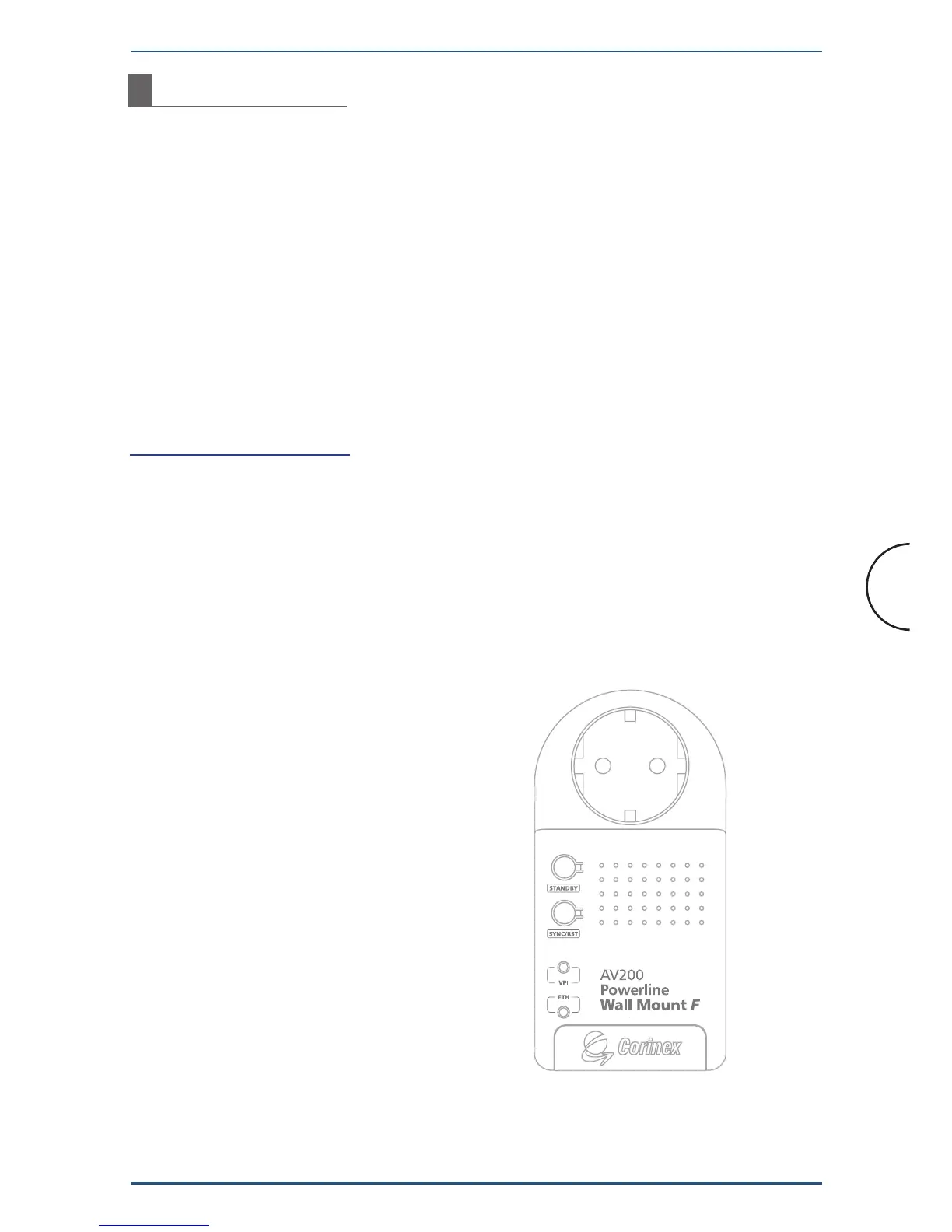
2.3 Physical Description
Button Definitions
(Buttons from top to bottom)
1. STANDBY
a. Implements the energy-saving Standby
Mode of operation when the device
is not in active use.
2. SYNC/ RST
a. Implements the one-button security
configuration and synchronization.
b. Can also be used to perform a Factory
Reset on the device.


 To Next Page