16
Adapter Configuration
Corinex AV200 Powerline Ethernet Wall Mount F
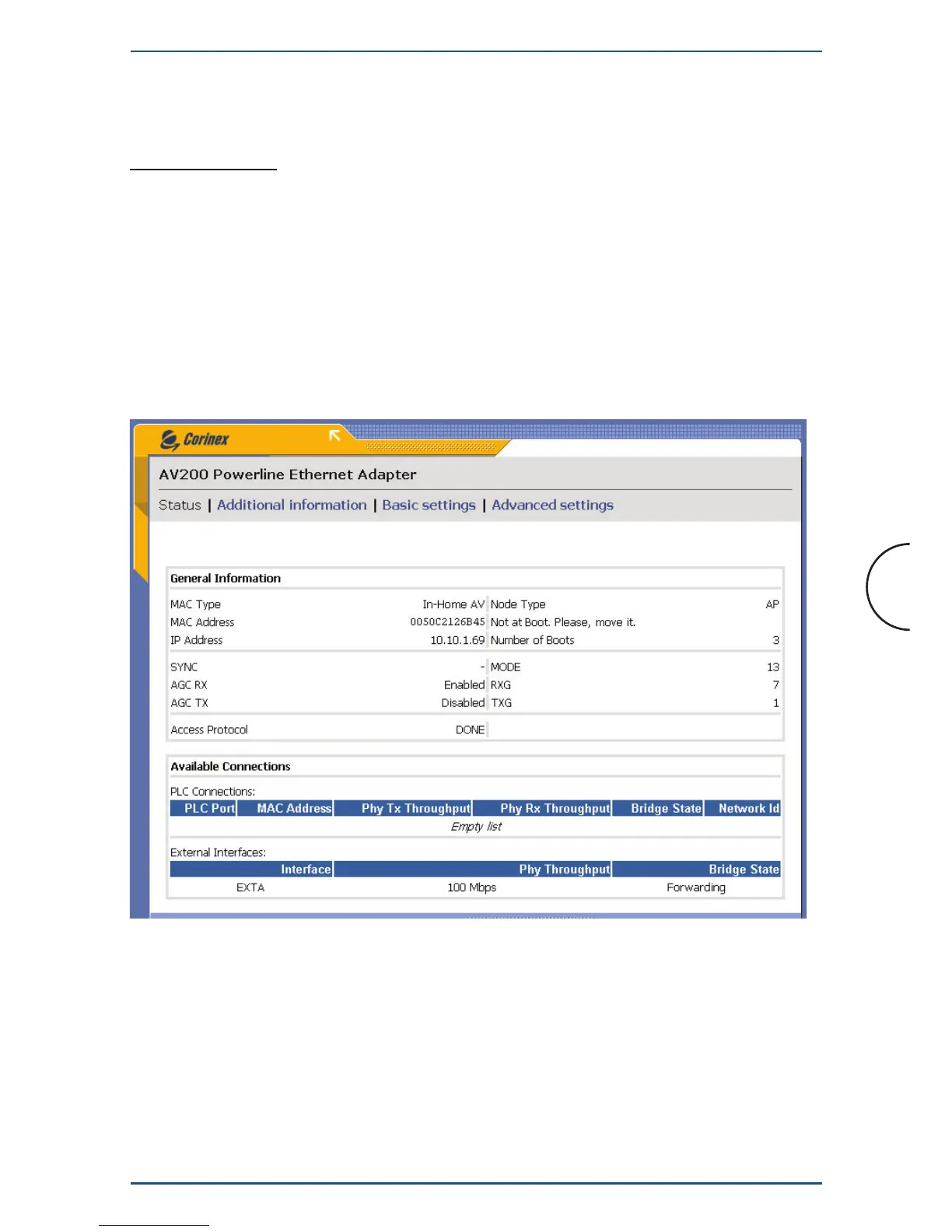
3.4 Change Configuration Page
3.4.1 Overview
The configuration pages allow you to change the settings on the wall mount adapter.
Any parameters changed here will be stored in the wall mount adapter‘s permanent
memory, and at the next startup, will be activated automatically. Any changes will take
effect immediately after startup, with the exception of the Network Configuration
settings (these require a restart of the wall mount adapter).
The configuration is divided into two sections: “Basic settings” and “Advanced
settings.”
Notes :
• A different IP must be set for each adapter on the network. The adapter’s
IP does not need to be in the same range as the PC, except when trying to
change the adapter’s settings on the configuration page (10.10.X.X and netmask
255.255.0.0 for an adapter with the default factory settings).
• The adapter’s netmask can also be changed, for example to a type C
(255.255.255.0) if necessary. This is a more advanced option, which you may
ignore if you’re not familiar with it.


 To Next Page