41
Network Configuration
Corinex AV200 Powerline Ethernet Wall Mount F
4. Click on Apply Now and close the Network panel, saving your settings.
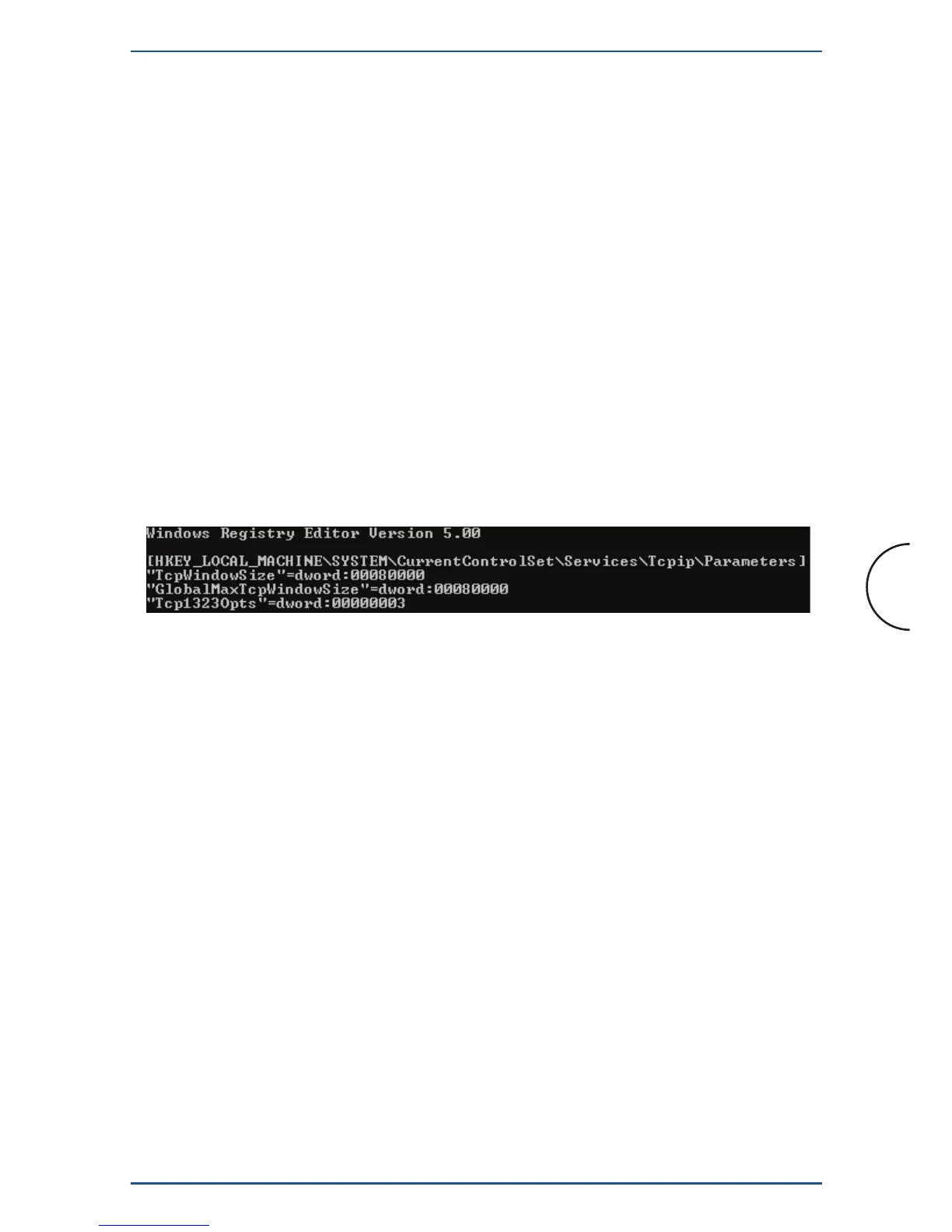
tcpwin.reg for use with Windows operating systems
5.2 Improving Network Performance
The latency (delay) of a Powerline network is higher than that of an Ethernet
network. Most operating systems have a default setting of the network latency
based on Ethernet figures. To obtain the maximum performance using TCP traffic
(FTP download, for example) the operating system has to be tuned to the new
network conditions.
For improving the network performance, we provide scripts for Windows and
Linux operating systems. The scripts can be found on the enclosed CD, in the folder
scripts. The scripts will set the TCP window size to 512 kB.
With a Windows PC, simply double-click on the file tcpwin.reg, provided on the
documentation CD in the “scripts“ folder. You can also run the script using the
autorun feature on the CD.


 To Next Page