Series 65-80
30
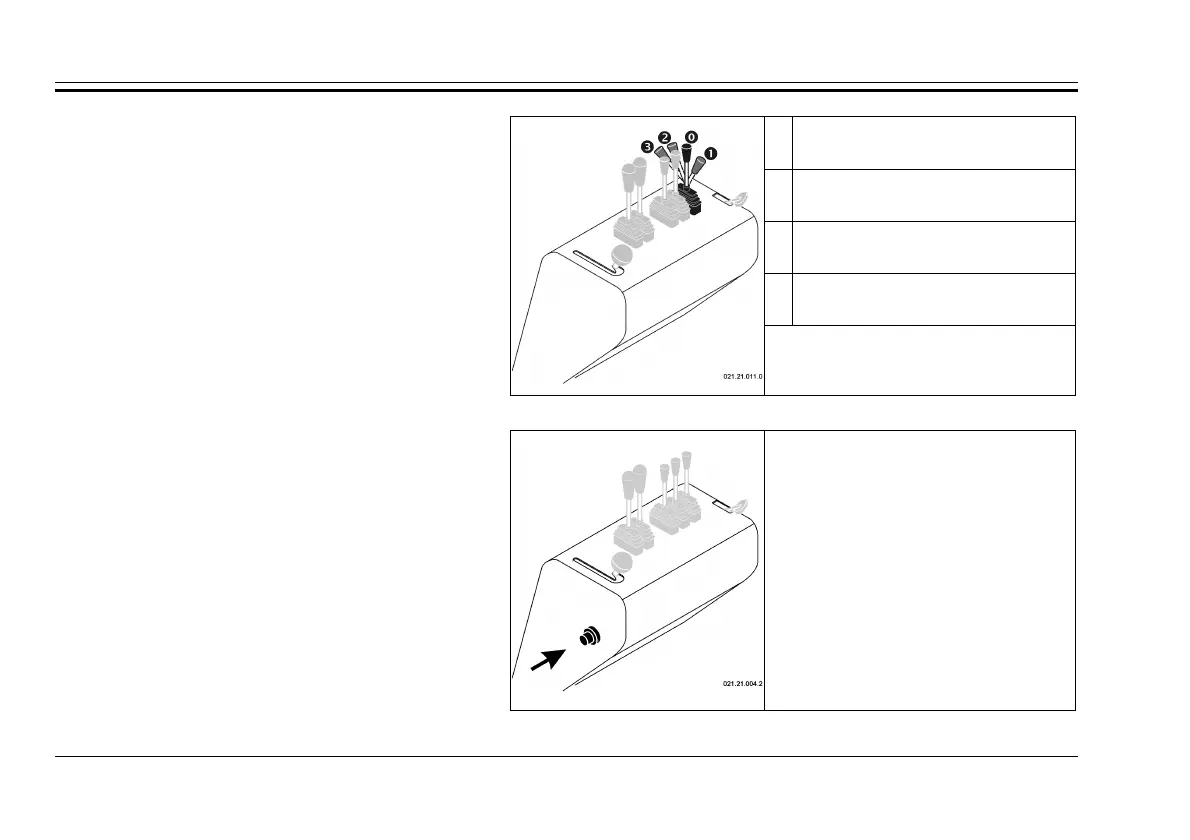
Auto-loading Command lever
STABLE POSITION
The bucket is free (floating)
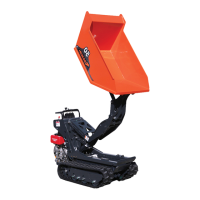
The command lever for the auto-loading tool
works the hydraulic jack that provokes the raising
of the auto-loading bucket.
This command may only be used when the
motor is turned on.
UNSTABLE POSITION
Lowering of the bucket
STABLE POSITION
Resting position
UNSTABLE POSITION
Raising of the bucket
fig. 47
Command lever for the body
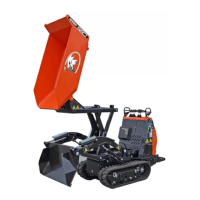
Horn Command
fig. 48
Horn Command
The horn button is on the left side of the
instrument panel. To sound the horn, push the
button. Only intermittent mode horn operation is
enabled. Continuous mode is not enabled.
The command works only with the engine
running.



 To Next Page