Quest 2000 Service Manual
Publication Number: 720529901SER - 4 - © 2004, IMI Cornelius Inc.
5. To change the brix setting, simply readjust the water flow rate.
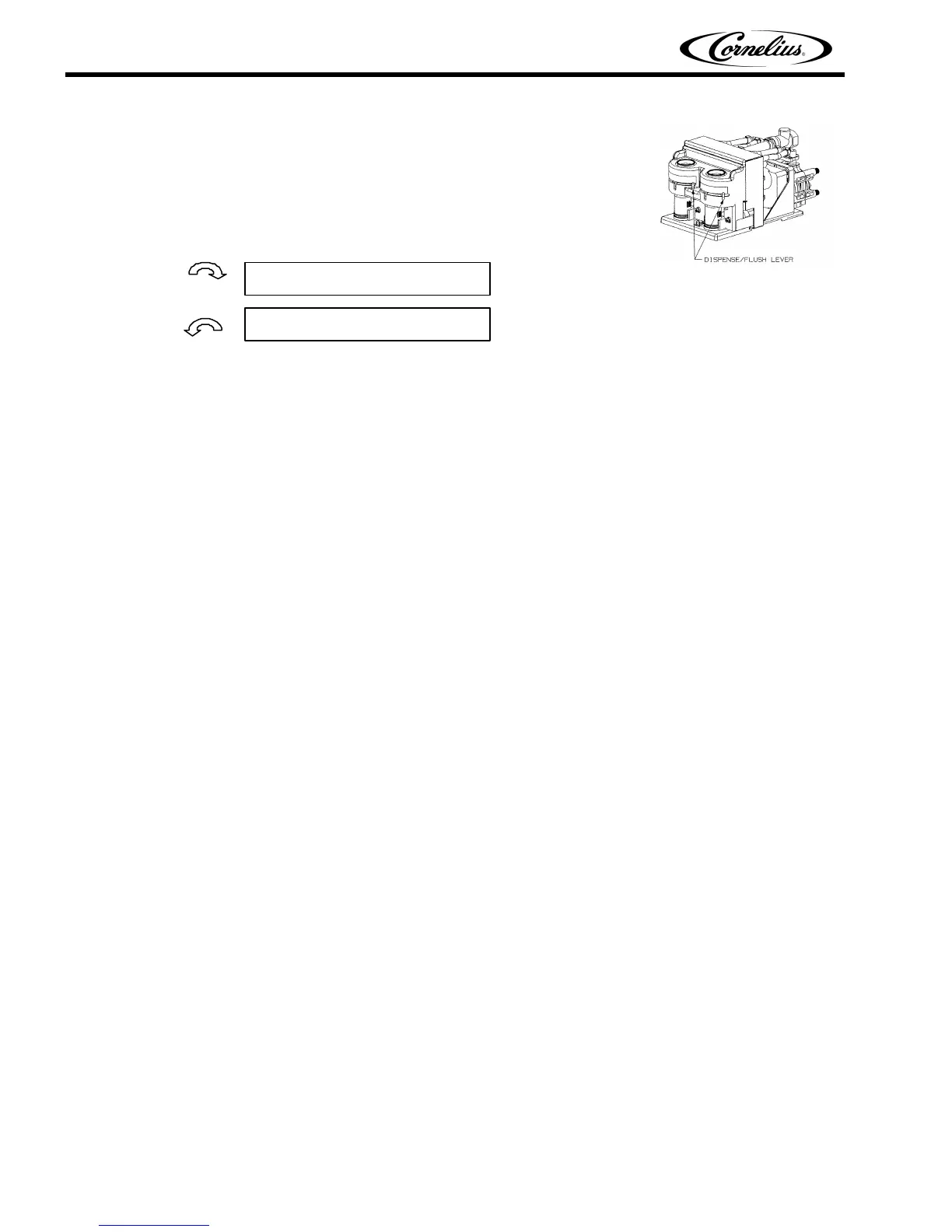
Located on each of the valve assemblies inside the refrigerated com-
partment are the adjusting screws for the water flow rate (one per
valve).
If the brix reading is too high or low, rotate the appropriate water flow
control according to the diagram below. Repeat steps 1-5 until the brix
setting is achieved.
IMPORTANT: When making changes to the water flow control, do not rotate more than 1/4 turn
per adjustment. Additionally, prior to taking your next brix reading, “tap” the corresponding dis-
pense button several times prior to drawing a sample. This will clear remnant drink from the dis-
pense nozzle AND help move the flow control to its new setting.
Lowers Brix by increasing water
Raises Brix by reducing water













 To Next Page