EasyManua.ls Logo

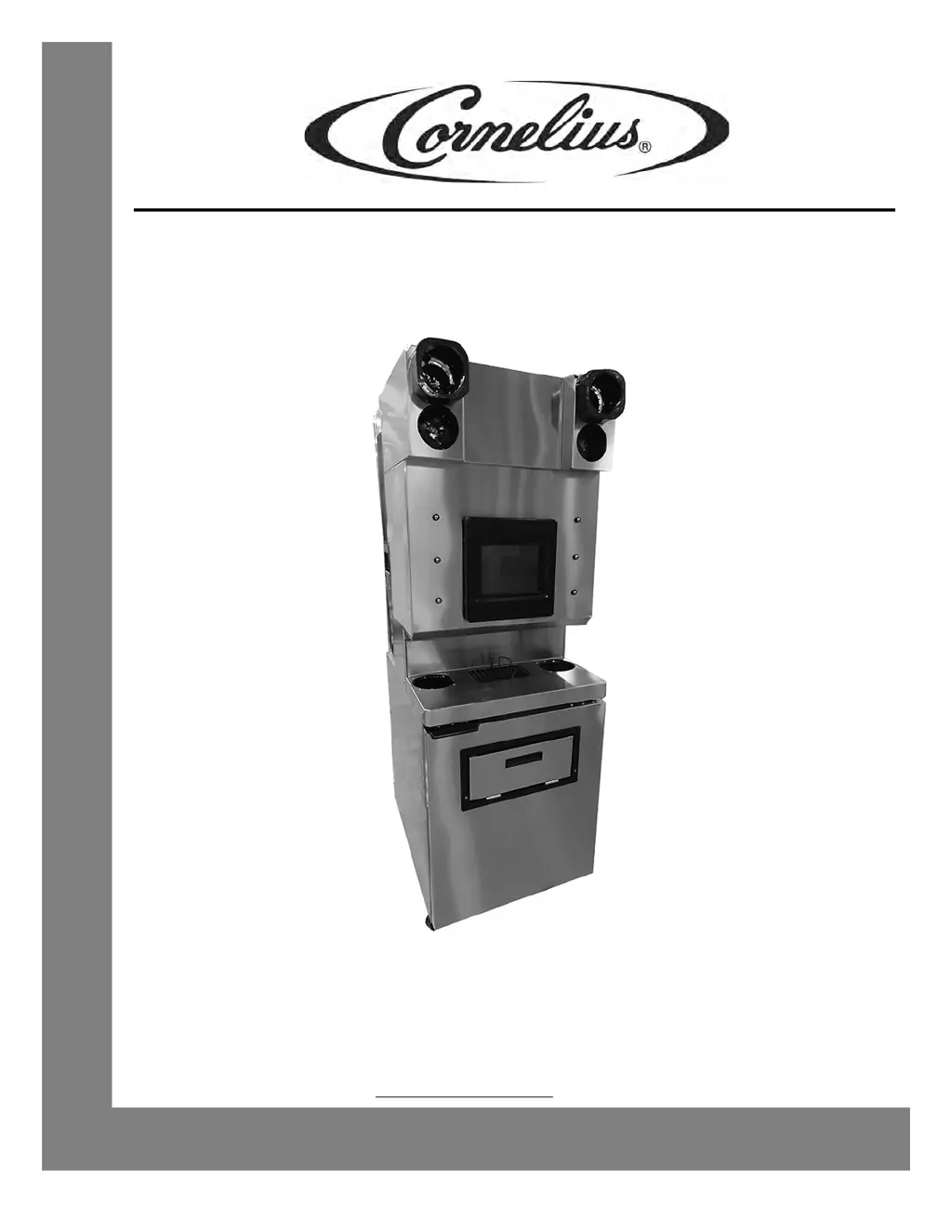
Cornelius HELIX - User Manual

Cornelius HELIX
42 pages
Print Icon
To Next Page IconTo Next Page
Loading...
HELIX
Operator’s Manual
Release Date: July 13, 2012
Publication Number: 621058497OPR
Revision Date: February12, 2014
Revision: A18
Visit the Cornelius web site at www.cornelius-usa.com
for all your Literature needs.

Table of Contents

Other manuals for Cornelius HELIX

Questions and Answers

  • K
    Karen BoyleAug 17, 2025
    What to do if I see a Cabinet Temperature Error on my Cornelius HELIX?
    • C
      Chelsea AriasAug 17, 2025
      If your Cornelius Dispenser displays a Cabinet Temperature Error, check to ensure the door is closed properly and the gasket is sealing correctly.
  • L
    ljonesAug 20, 2025
    What does SMART Gateway Communications Error mean on Cornelius HELIX Dispenser?
    • S
      seanpaulAug 20, 2025
      If the Cornelius Dispenser displays a SMART Gateway Communications Error, the Smart Gateway will not operate, but other unit functionality will operate normally.
  • R
    Ruth LeonardAug 22, 2025
    What should I do if my Cornelius HELIX displays a Sanitation Schedule Alarm?
    • J
      Joel GuzmanAug 23, 2025
      If your Cornelius Dispenser displays a Sanitation Schedule Alarm, acknowledge it by selecting the pop-up and then perform a sanitation cycle.
  • C
    Christopher WoodAug 26, 2025
    How to reset Blender Reset Alarm on Cornelius HELIX Dispenser?
    • B
      Brittany LamAug 26, 2025
      To address a Blender Reset Alarm on the Cornelius Dispenser, use the corresponding button to attempt to recover the blender. This usually requires restarting the current process. The log will show the blender error and the specific condition.
  • L
    Loretta FarleyAug 28, 2025
    What to do if my Cornelius Commercial Food Equipment has no activity at all?
    • R
      Ryan DyerAug 28, 2025
      If your Cornelius Commercial Food Equipment shows no activity, there might be several reasons. First, ensure the unit is properly plugged in and the cable is securely connected in the E-box. Second, verify that there is power to the branch circuit by checking the fuse or breaker. If these steps don't resolve the issue, inspect the keypad for proper connection or consider replacing it. As a last resort, the control board might be faulty and need replacement.
  • C
    Crystal ObrienAug 31, 2025
    What to do if Cornelius Commercial Food Equipment LEDs are on but there is no motor activity?
    • G
      Gina AliAug 31, 2025
      If the front panel LEDs are on, but there is no motor activity or response from your Cornelius Commercial Food Equipment, consider the following: * Check that the faceplate is in the proper mounted position and adjust as needed. * Check for excessive refrigeration pressure and correct it. * Check connections and the transformer in the E-box. * Ensure there isn't a bad or missing cable connection; connect or replace the cable if needed. * The control board may be bad and needs replacing.
  • G
    gdaySep 2, 2025
    What to do if my Cornelius Commercial Food Equipment product does not dispense?
    • A
      Anthony WilliamsSep 3, 2025
      If your Cornelius Commercial Food Equipment isn't dispensing product, check the following: * Check the connections to the dispense switch and correct as needed. * Inspect the dispense switch itself; adjust or replace it if it is bad or mis-located. * The control board may be faulty and require replacement.
  • P
    Patricia McneilSep 5, 2025
    Why is there no condenser fan or compressor in my Cornelius Commercial Food Equipment?
    • S
      schroederstephanieSep 6, 2025
      If your Cornelius Commercial Food Equipment has no condenser fan or compressor, check the connections, contactor, and transformer in the E-box and correct as necessary.
  • W
    William CookSep 8, 2025
    Why is the compressor not running but the condenser fan runs on my Cornelius Commercial Food Equipment?
    • I
      iwileySep 8, 2025
      If the condenser fan runs but the compressor does not on your Cornelius Commercial Food Equipment, check the connections at the contactor, capacitors, start relay, and compressor, correcting as needed. If the connections are good, the start relay, capacitor(s), compressor, or contactor may need to be replaced.
  • K
    Kenneth HernandezSep 12, 2025
    What to do if the compressor runs but there is no condenser fan in my Cornelius Commercial Food Equipment?
    • E
      evelynhallSep 12, 2025
      If the compressor runs but there is no condenser fan on your Cornelius Commercial Food Equipment, check the connections at the contactor and fan, correcting any issues. If the connections are secure, the condenser fan or contactor may need to be replaced.

Summary

SAFETY INSTRUCTIONS

Safety Overview

General safety guidance including reading manual and labels.

Types of Safety Alerts

Understand the meanings of DANGER, WARNING, and CAUTION alerts.

Qualified Service Personnel

Only trained technicians should service the unit, adhering to codes.

Shipping and Storage

Guidelines for safely transporting and storing the unit.

CO2 Warning

Hazards of CO2 gas leaks and essential ventilation procedures.

Electrical Warning

Risks of electric shock and safe handling of electrical components.

Helix Machine Usage

Intended use and user limitations for the Helix unit.

SYSTEM OVERVIEW

Introduction

Overview of the Helix unit as an automated smoothie machine.

Features

Key functionalities and benefits of the Helix unit.

Specifications

Technical details and operational parameters of the Helix unit.

OPERATION

Initial System Preparation

Steps to prepare the unit's CO2/air and water systems.

Hopper Sanitation

Steps for sanitizing the ice hopper before initial use.

Unit Startup

Instructions on how to power on and start the Helix unit.

System Sanitation

Procedures for cleaning and sanitizing the entire unit system.

Blender Operation

How to operate the blenders and dispense drinks.

Dispensing a Drink

Step-by-step guide to dispensing beverages.

MAINTENANCE

Replacing Supplies

Procedure for replacing product bags (syrup bags).

Cabinet Temperature

Guidelines for maintaining and checking cabinet temperature.

Weekly Maintenance

Scheduled maintenance tasks performed weekly.

Monthly Maintenance

Scheduled maintenance tasks performed monthly.

Auger Bearing Inspection

Procedure for inspecting auger bearings for wear.

ALARMS

Unit Level Alarms & Warnings

Understanding alarms displayed on the unit's main screen.

Sold Outs

Information on ingredient, water, and CO2/air sold out conditions.

TROUBLESHOOTING

Troubleshooting - Controls

Diagnosing and resolving issues related to unit controls and activity.

Troubleshooting Product Not Cold

Identifying and fixing causes for the unit not cooling products.

Cornelius HELIX Specifications

General IconGeneral
BrandCornelius
ModelHELIX
CategoryDispenser
LanguageEnglish

Related product manuals