Helix Operator’s Manual
© 2012-2014,Cornelius Inc. All Rights Reserved - 13 - Publication Number: 621058497OPR
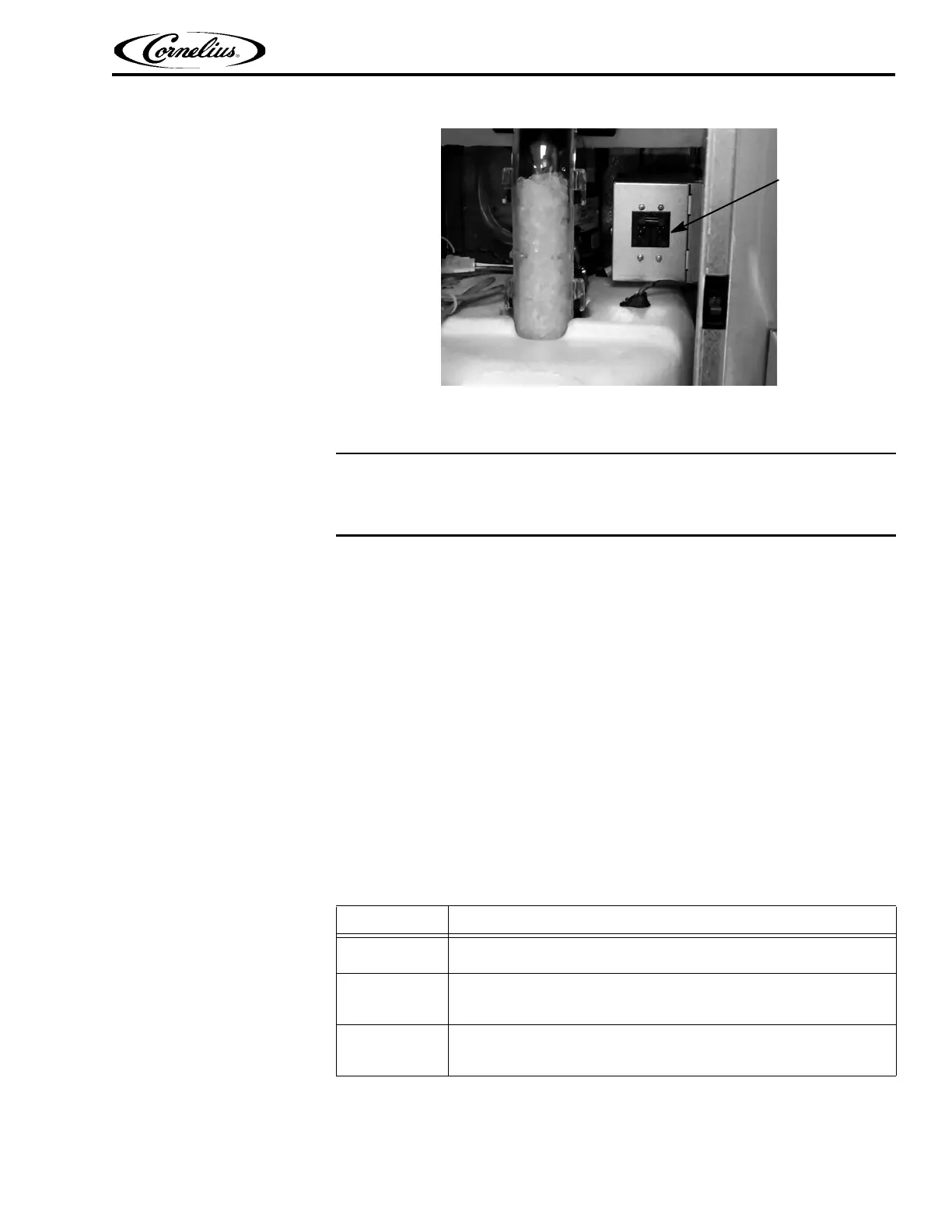
Figure 6.
The system now displays the Home Screen, shown in Figure 1.
System Sanitation
Before initially placing product into the cabinet, the unit must be sanitized to ensure
there is no contamination of the product when it is placed in the unit.
The unit should be cleaned on a weekly basis (minimum) using the Sanitation Menu.
The menu is accessed from the Menu Screen. The following list of supplies are
needed for this operation:
• Clean Cloths
• Ru
b
ber gloves
• Spray bottle with cleaning solution
• Spray bottle with sanitizer solution
• 3 5-gallon buckets
• Sanitation funnel
• Sanitation spyder
• Ice collection tray
To sanitize the system, perform the procedure in Ta bl e 4.
NOTE: During initial set up, all ingredie
nt lin
es and blenders must be sani-
tized. When selected, the ingredient image turns grey.
Table 4.
Step Action
1
From the Home Screen, press the Menu button in the upper left hand
corner as shown in Figure 1.
2
In the Menu Screen, press the Sanitize button in the top center of the
screen, as shown in Figure 7. This opens the Sanitize menu. Follow
the instructions displayed on the left side of the screen.
3
Select the weekly product tab and press the Play button, as shown in
Figure 8. The sanitization program steps through the rest of the proce-
dure providing step-by-step instructions.















 To Next Page