Helix Operator’s Manual
© 2012-2014,Cornelius Inc. All Rights Reserved - 17 - Publication Number: 621058497OPR
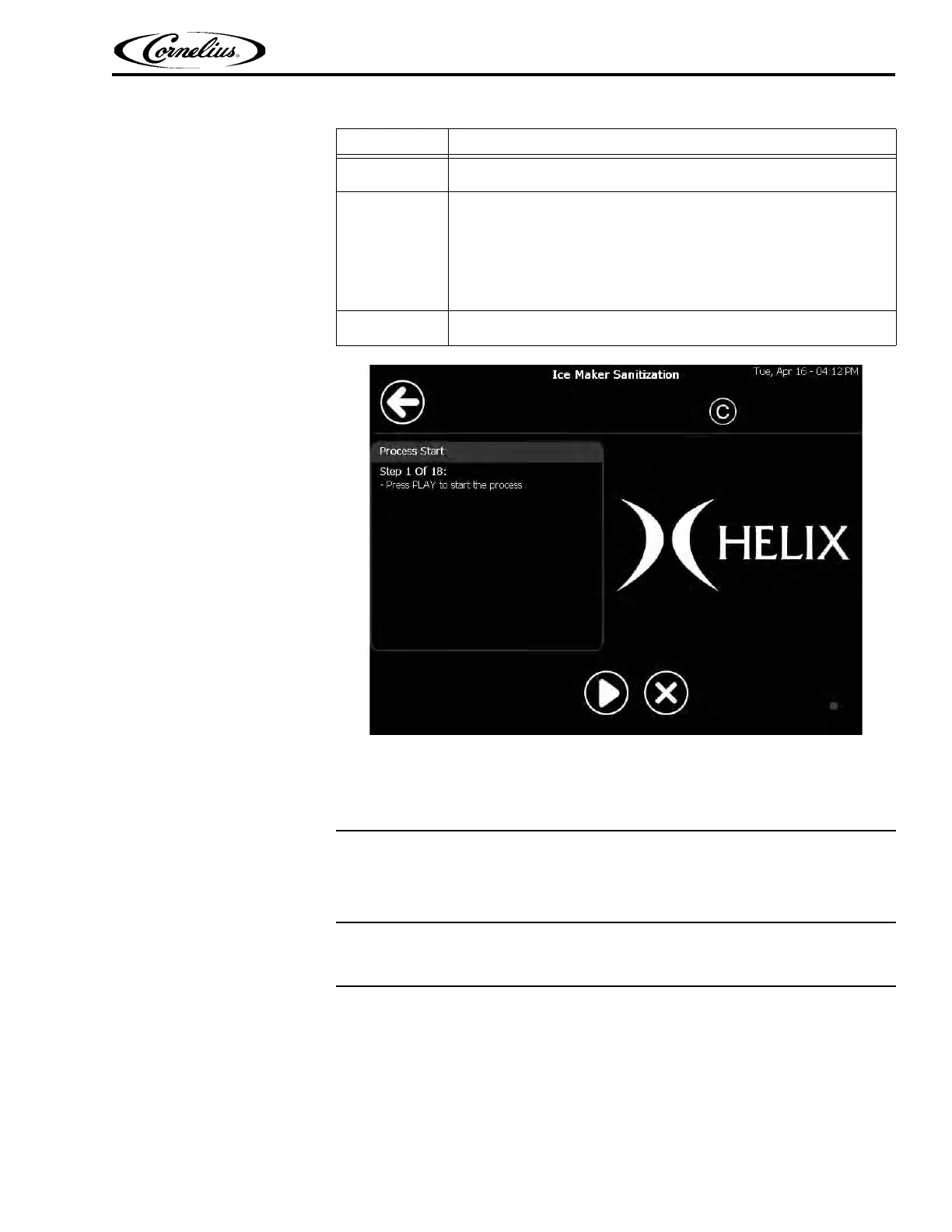
Figure 12.
Sanitation Scheduler
The Helix software contains a Sanitation Scheduler that allows the user to set up an
automated schedule for sanitizing the unit.
Pressing the Sani Scheduler button shows the current sanitation schedule settings.
Setting Sanitation Dates
The Sanitization Schedule allows each ingredient and blender to be scheduled for
sanitization individually. This menu can be accessed from the Menu Screen in the
second row, as shown in
Figure 13. All ingredient lines and blenders should be
set to sanitize at least once a week. This menu requires a minimum of man-
ager or supervisor permission to access it. It can also be accessed by service
tec
hnici
ans.
3
Remove the cleaning hose from its storage space under the left-front
side of the unit, inside the product compartment, as shown in Figure 11.
4
Sanitation Preparation: Prepare three, 5-gallon buckets for the cleaning
process as follows:
Bucket #1: Fill the bucket with sanitizer solution (100 ppm, Kay-5
cleaner/sanitizer) mixed as directed on the package.
Bucket #2: Fill the bucket with five gallons of clean hot water (100° F. -
38° C).
Bucket #3: Fill the bucket with sanitizer solution (100 ppm, Kay-5
cleaner/sanitizer) mixed as directed on the package.
5
Press the Play button to start the process. Follow the steps shown on
the screen to complete the ice maker sanitation process.
Table 7
Step Action















 To Next Page