Helix Operator’s Manual
Publication Number: 621058497OPR - 12 - © 2012-2014, Cornelius Inc. All Rights Reserved
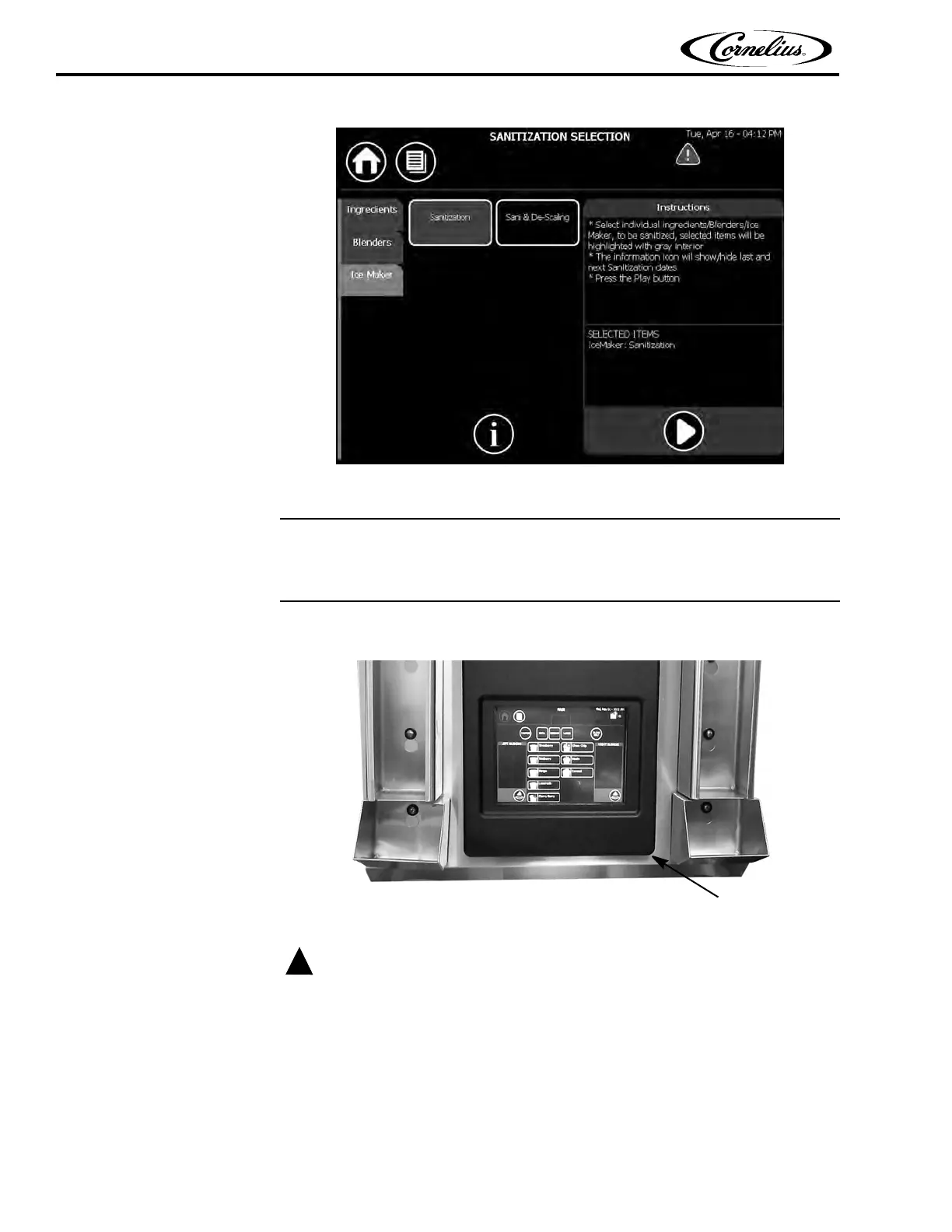
Figure 4.
Unit Startup
To start the unit, open the control panel by grabbing the lower right-hand corner
and opening it. (See
Figure 5.)
Figure 5.
If the supply cord is damaged, it must be replaced by a special cord or assembly
available from the manufacturer or its service agent.
Turn on the power switch located behind the control panel, as shown in Figure 6.















 To Next Page