Helix Operator’s Manual
Publication Number: 621058497OPR - 26 - © 2012-2014, Cornelius Inc. All Rights Reserved
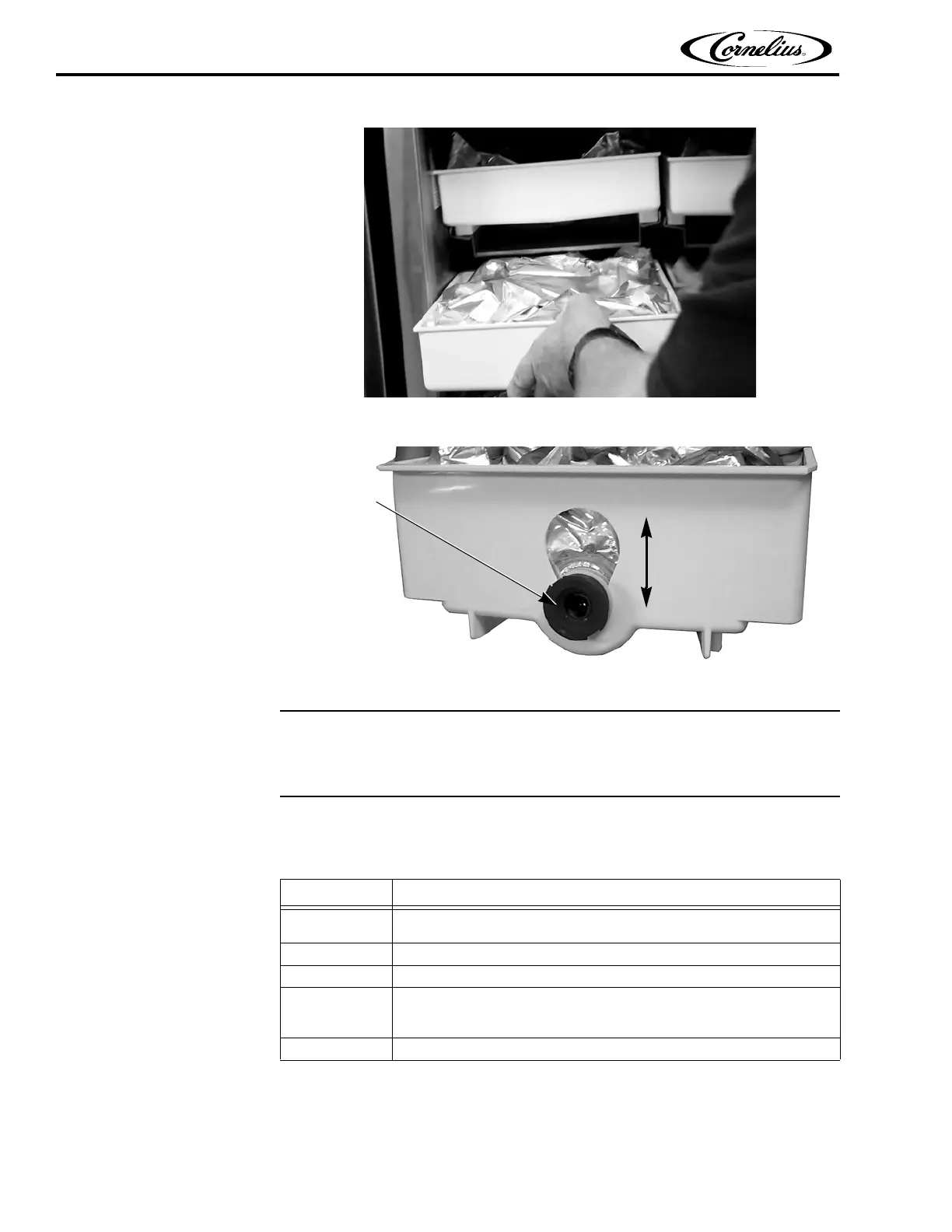
Figure 23.
Figure 24.
Priming the New Product Bag
Whenever a product bag is replaced, the bag must be primed.
To prime a product bag, perform the procedure in Ta b l e 1 3.
Table 13.
Step Action
1
When the new bag has been placed in the tray, press the Menu button
on the Home Screen, shown in Figure 1 on page 10.
2 Place an empty cup in the cup holder, as shown in Figure 19 on page 23.
3 Press the Ingredient Status button on the Menu Screen, shown in Figure 25.
4
Select the bag that was replaced and then press the Arrow button and
follow the steps shown on the screen to complete the priming pro-
cess.(See Figure 26.)
5 Press the Home button to return to the Main Screen















 To Next Page