Helix Operator’s Manual
© 2012-2014,Cornelius Inc. All Rights Reserved - 15 - Publication Number: 621058497OPR
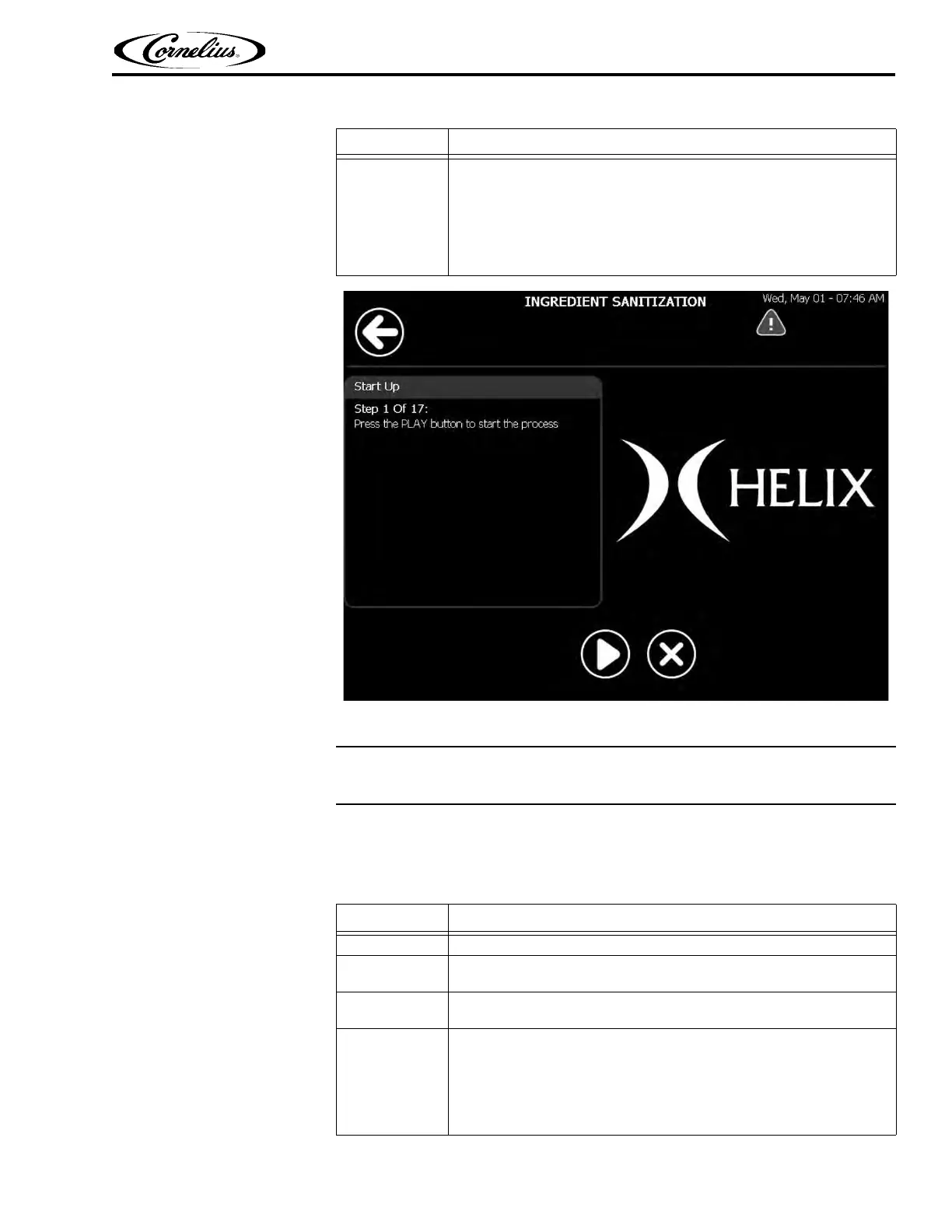
Figure 9.
Blender Sanitation
The Blender Sanitization screen is accessed from the Sanitize screen. It will automat-
ically follow the ingredient sanitation process.
To sanitize the blenders, perform the procedure in Tab l e 6 .
5
Sanitization Preparation: Prepare three, 5-gallon buckets for the clean-
ing process as follows:
Bucket #1: Fill the bucket with cleaning solution (100 ppm, Kay-5
cleaner/sanitizer) mixed as directed on the package.
Bucket #2: Fill the bucket with 5 gallons of clean hot water (100° F. - 38°
C).
Bucket #3: Fill the bucket with sanitizer solution (100 ppm, Kay-5
cleaner/sanitizer) mixed as directed on the package.
Table 5.
Step Action
Table 6.
Step Action
1 Wash and sanitize hands or use clean rubber gloves.
2
Ingredient sanitation is now complete, press Play to start blender saniti-
zation.
3
Remove the cleaning hose from its storage space under the left-front
side of the unit, inside the product compartment, as shown in Figure 11.
4
Sanitation Preparation: Prepare three, 5-gallon buckets for the cleaning pro-
cess as follows:
Bucket #1: Fill the bucket with cleaning solution (100 ppm, Kay-5 cleaner/
sanitizer) mixed as directed on the package..
Bucket #2: Fill the bucket with five gallons of clean hot water (100° F. - 38° C).
Bucket #3: Fill the bucket with sanitizer solution (100 ppm, Kay-5 cleaner/
sanitizer) mixed as directed on the package.















 To Next Page