3-23
Controls and Indicators
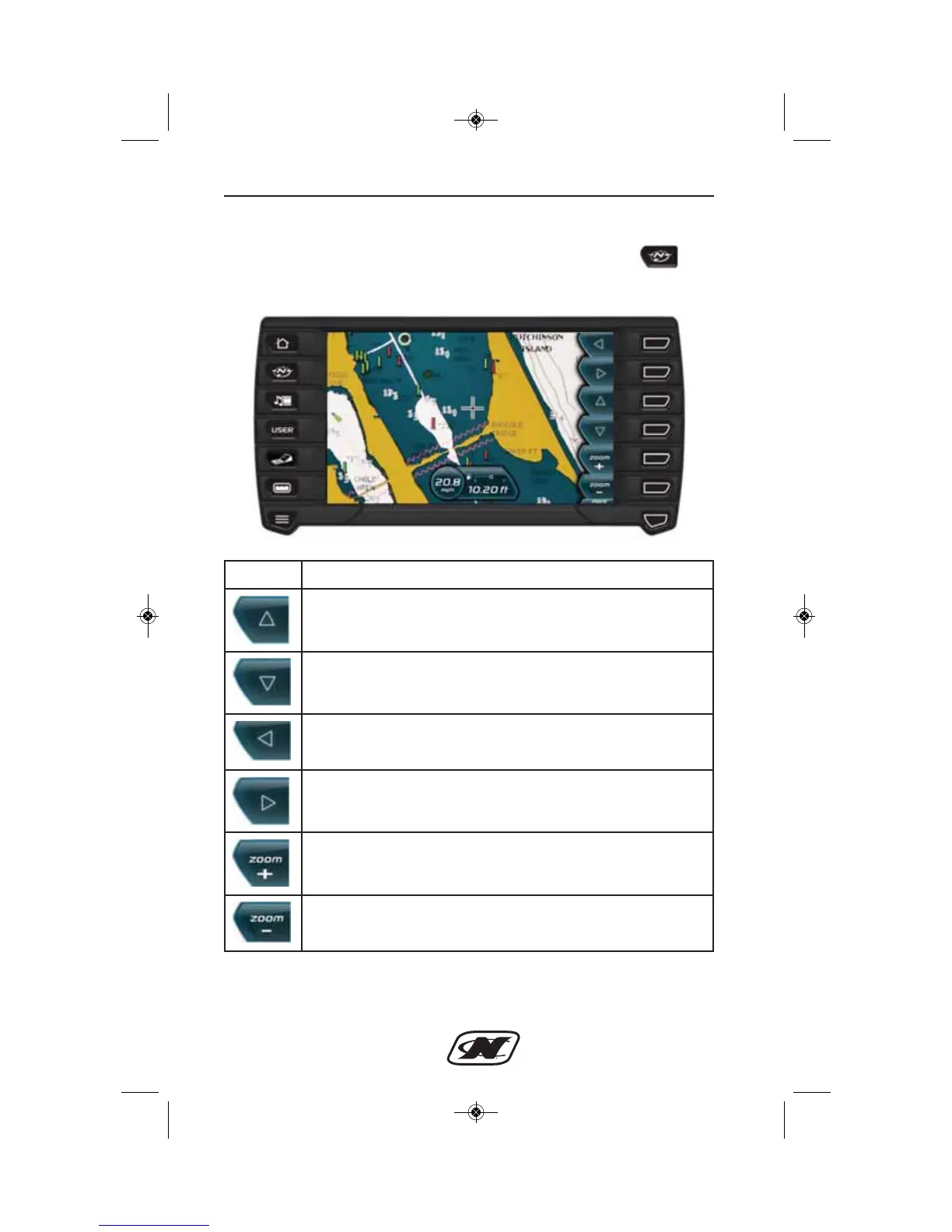
Map Display
The Map Display screen can be accessed by pressing the key.
The Map feature displays map data, latitude and longitude
coordinates, depth and speed.
Soft Key Description
UP – facilitates navigating the map by moving the cross-hairs
accordingly.
DOWN – facilitates navigating the map by moving the
cross-hairs accordingly.
LEFT – facilitates navigating the map by moving the
cross-hairs accordingly.
RIGHT – facilitates navigating the map by moving the
cross-hairs accordingly.
ZOOM IN – this soft key zooms in for more detailed view of
the area map.
ZOOM OUT – this soft key zooms out for a larger view of the
area map.








 To Next Page