3-25
Controls and Indicators
Soft Key Description
CLEAR TRACK – clears the currently displayed track.
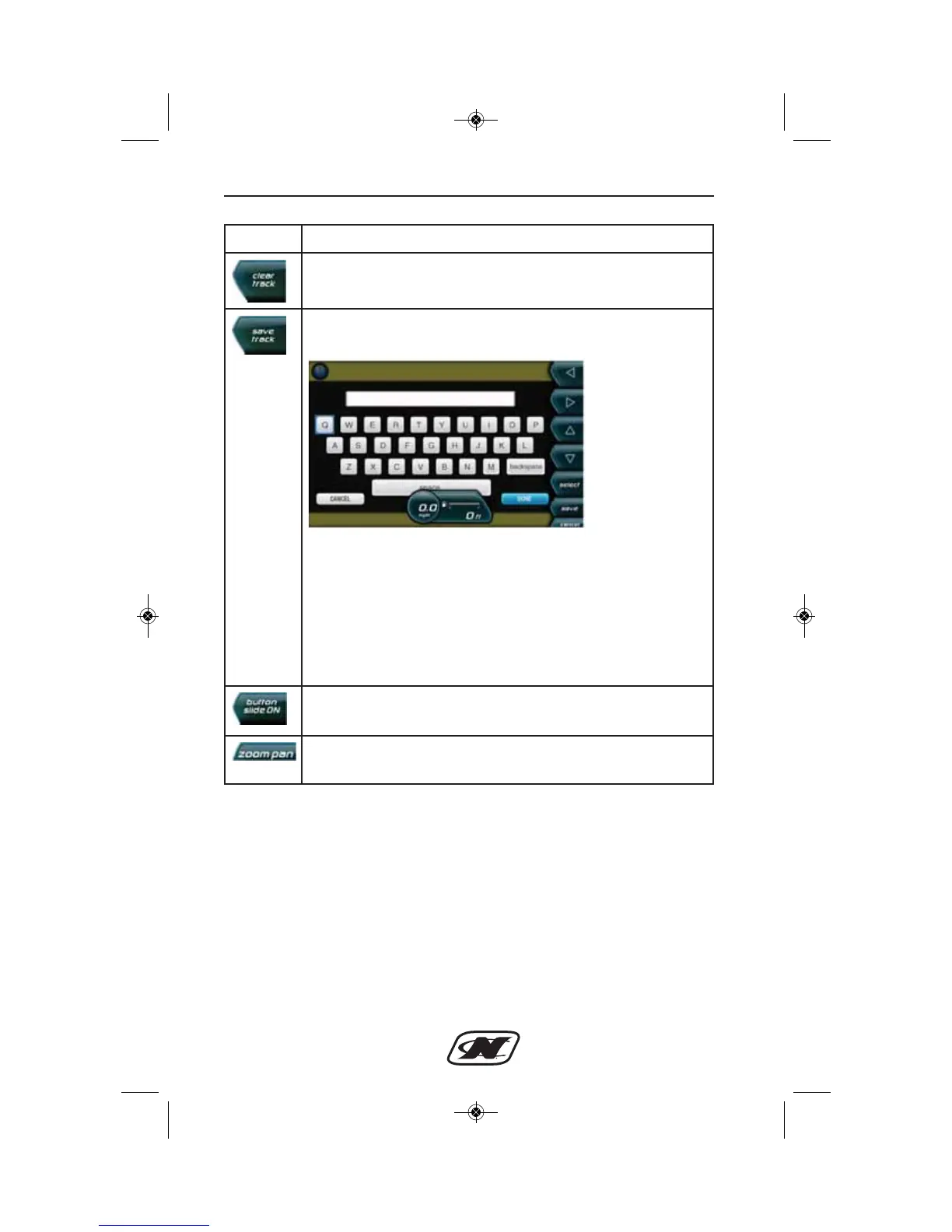
SAVE TRACK – displays a keyboard. Enter a track name. The
Track can be edited in Map Utilities.
LEFT – RIGHT – UP – DOWN ARROWS – navigate the
keyboard.
SELECT – places the selected letter in the space at the top of
the keyboard or performs the function selected.
SAVE – saves the track and the name.
CANCEL – removes the keyboard without saving the track or
the name.
BUTTON SLIDE ON/OFF – allows or prevents the soft keys
from sliding off the screen. The default is Button Slide On.
ZOOM PAN – returns to the top level map and displays the
ZOOM IN/ZOOM OUT and directional soft keys.








 To Next Page