3-27
Controls and Indicators
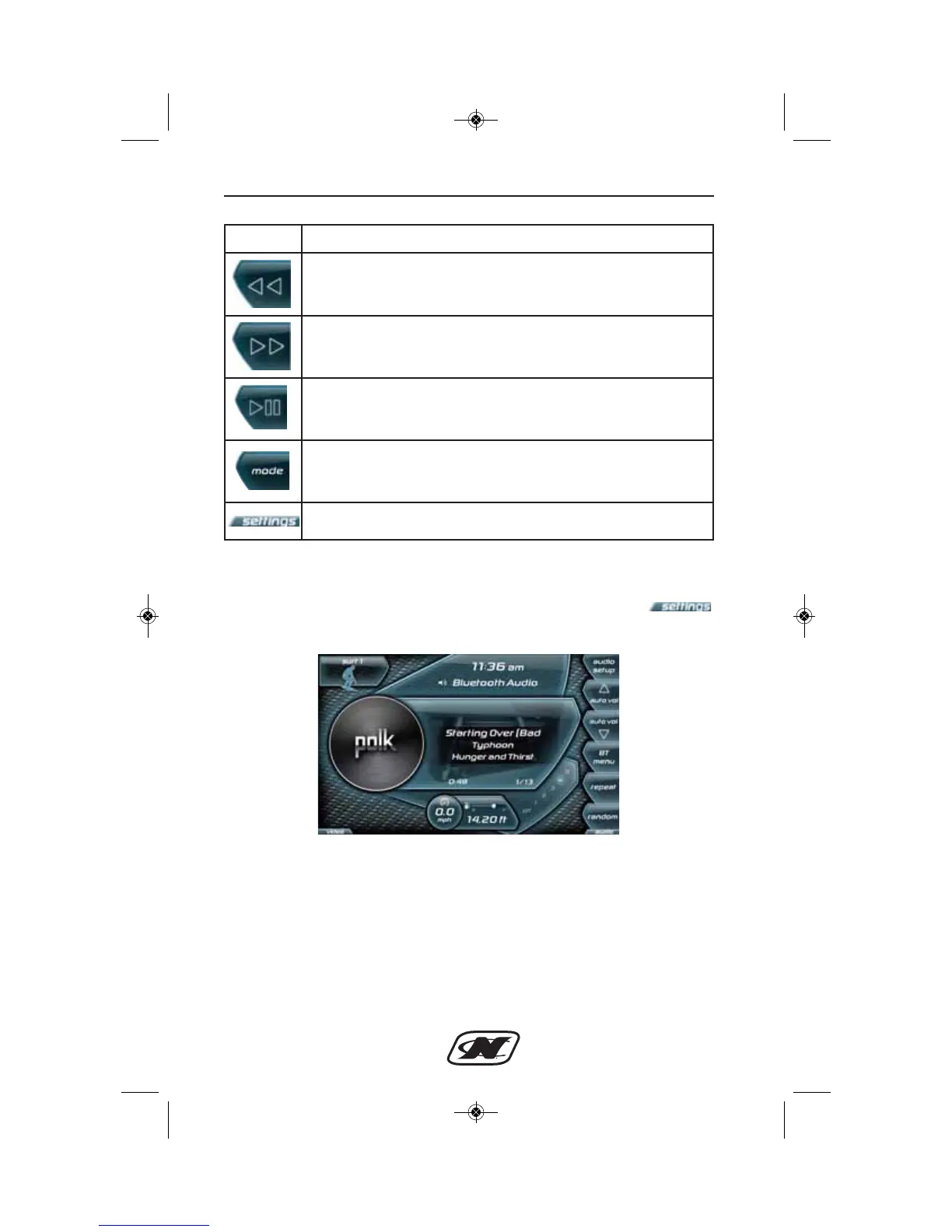
Media Settings Menu (210, 230)
The Media Settings menu can be accessed by pressing the
soft key from the Media Display.
Soft Key Description
PREV TRACK – plays the previous track of the current input
and other functions depending upon the input mode.
NEXT TRACK – plays the next track of the current input
and other functions depending upon the input mode.
PAUSE/MUTE – will pause or mute the current music
depending upon the input mode.
MODE – brings up a menu to select the audio source,
including AM/FM Radio, Auxiliary Input, Satellite Radio,
USB, Weather Band and Bluetooth.
Settings – brings up the Settings menu.








 To Next Page