3-28
Section 3
Media Settings Menu – Soft Key Commands
Soft Key Description
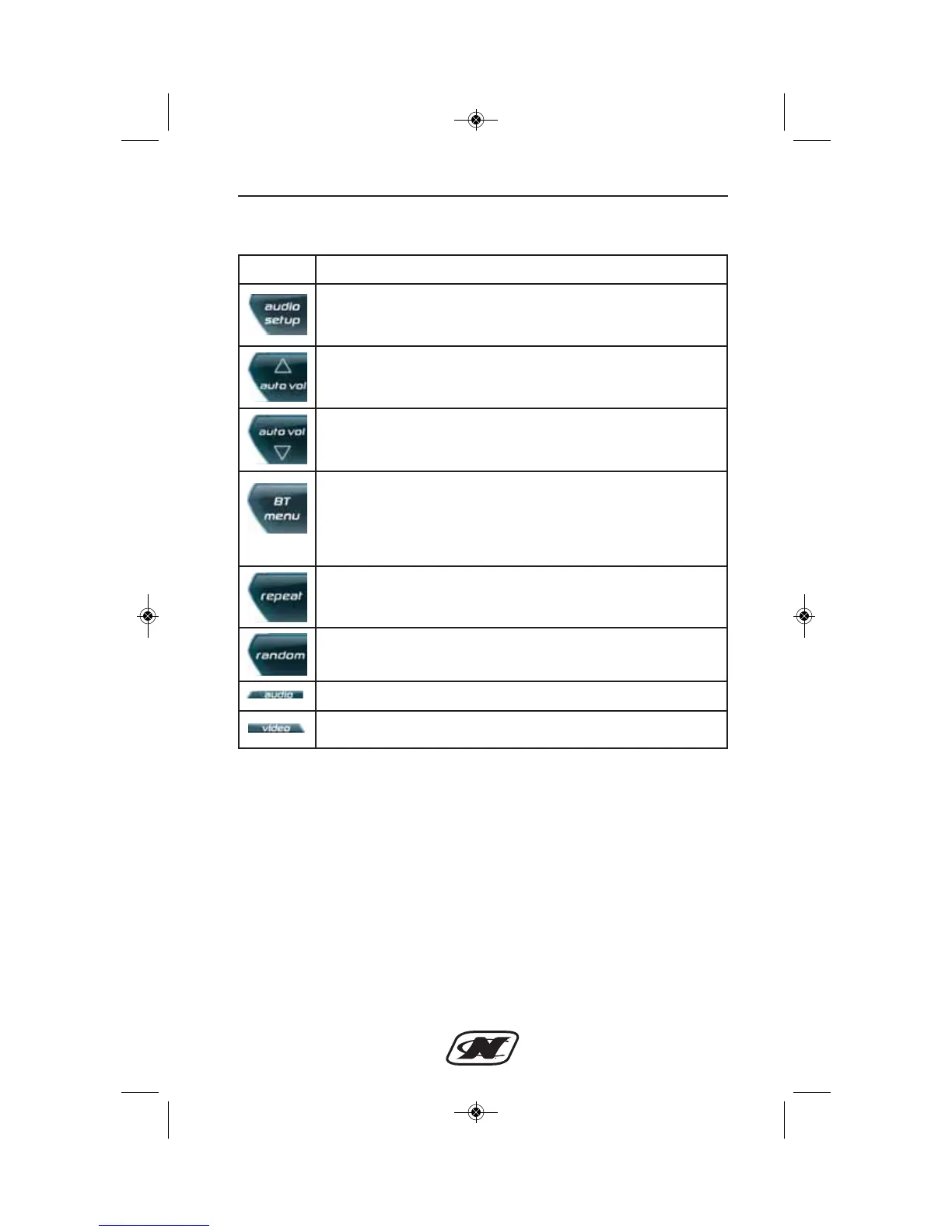
AUDIO SETUP – brings up a menu to adjust the balance,
fade, bass, treble, and equalizer preset. The “loudness”
setting can be turned on or off here as well.
AUTO VOLUME UP – increases the degree of change in
volume based on boat speed.
AUTO VOLUME DOWN – decreases the degree of change
in volume based on boat speed.
BT MENU OR PLAYLIST – depending upon the selected
mode, this will either be the Bluetooth Menu button that
brings up a menu for pairing and connecting Bluetooth
devices OR it will be a Playlist button that brings up the
playlist settings for USB-connected devices.
REPEAT – repeats the current track.
RANDOM – randomizes the selection of the next track.
AUDIO – brings up the main audio menu.
VIDEO – switches unit to video mode.








 To Next Page