3-32
Section 3
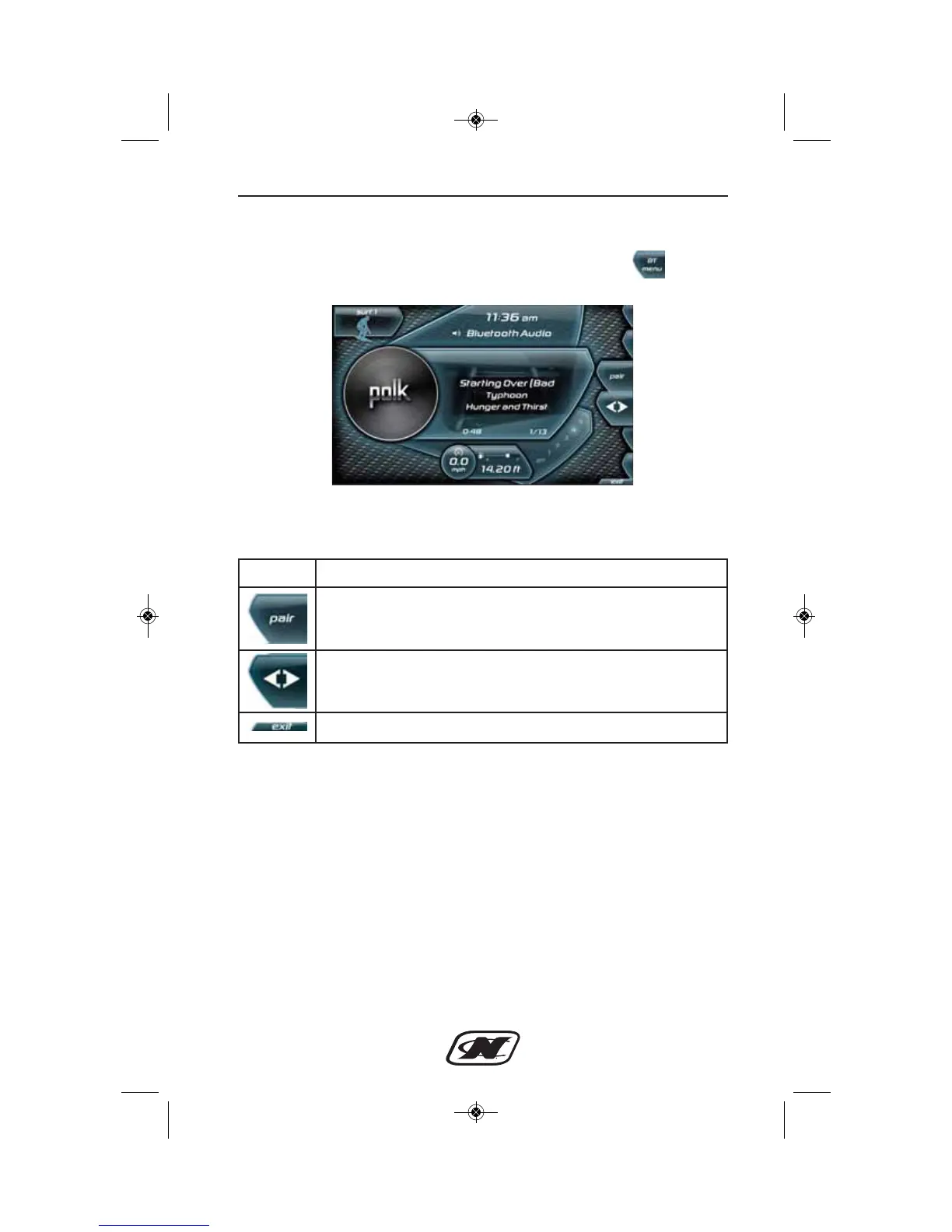
Bluetooth Menu
The Bluetooth menu can be accessed by pressing the soft key
from the Media Settings menu.
Bluetooth Menu – Soft Key Commands
Soft Key Description
PAIR – Searches for nearby Bluetooth devices to pair with.
Please ensure that the Bluetooth device you are trying to
connect with is in “discoverable mode” before pressing pair.
CONNECT/DISCONNECT – Connects or disconnects the
currently paired Bluetooth device. Once connected, music
from the Bluetooth device can be played through LINC.
EXIT – returns the user to the settings menu.








 To Next Page