3-31
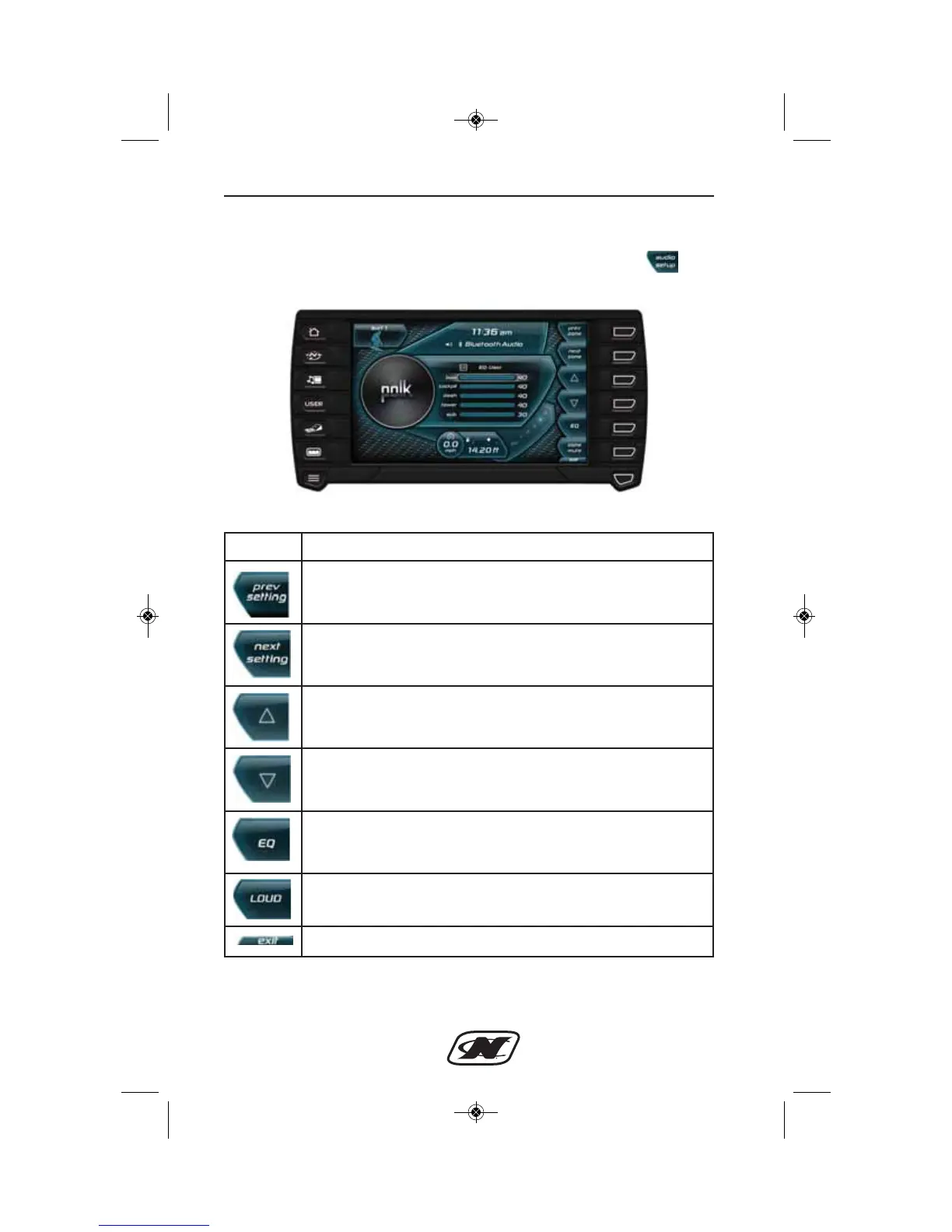
Audio Setup Menu (G21, G23, G25)
The Audio Setup menu can be accessed by pressing the soft
key from the Media Settings menu.
Audio Setup Menu
Controls and Indicators
Soft Key Description
PREV SETTING – highlights the previous setting.
NEXT SETTING – highlights the next setting.
UP – increases the volume of the highlighted setting.
DOWN – decreases the volume of the highlighted setting.
EQ – advances to the next equalizer preset.
LOUD – turns the loudness boost on or off.
EXIT – returns to the Media Settings menu.








 To Next Page