3-30
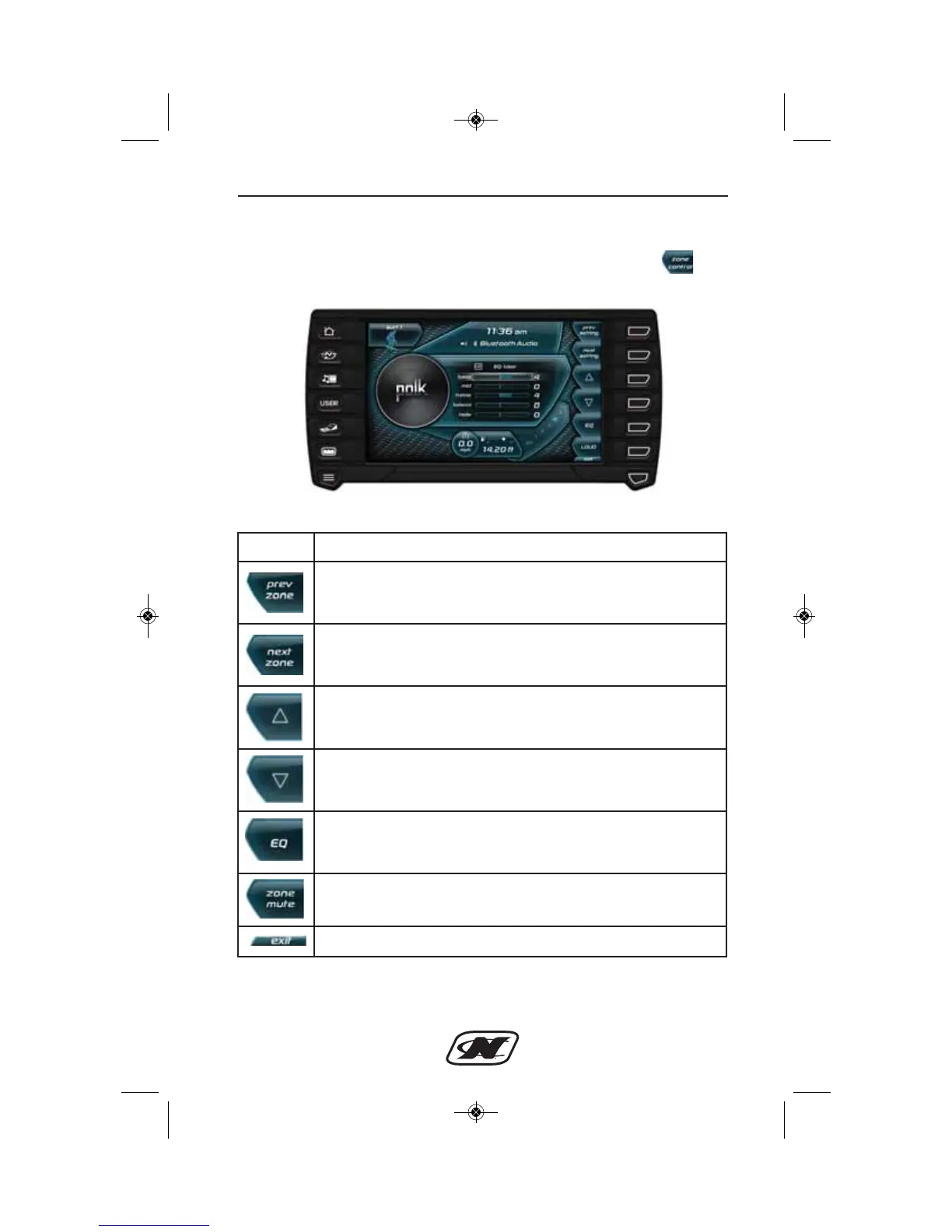
Zone Control Menu (if equipped on G21, G23, G25)
The Zone Control menu can be accessed by pressing the soft
key from the Media Settings menu.
Zone Control Menu
Section 3
Soft Key Description
PREV ZONE – highlights the previous zone.
NEXT ZONE – highlights the next zone.
UP – increases the volume of the highlighted zone.
DOWN – decreases the volume of the highlighted zone.
EQ – advances to the next equalizer preset.
ZONE MUTE – mutes the highlighted zone. NOTE: Muting
the “cockpit” zone will also mute the “sub” zone.
EXIT – returns to the Media Settings menu.








 To Next Page