3-41
Controls and Indicators
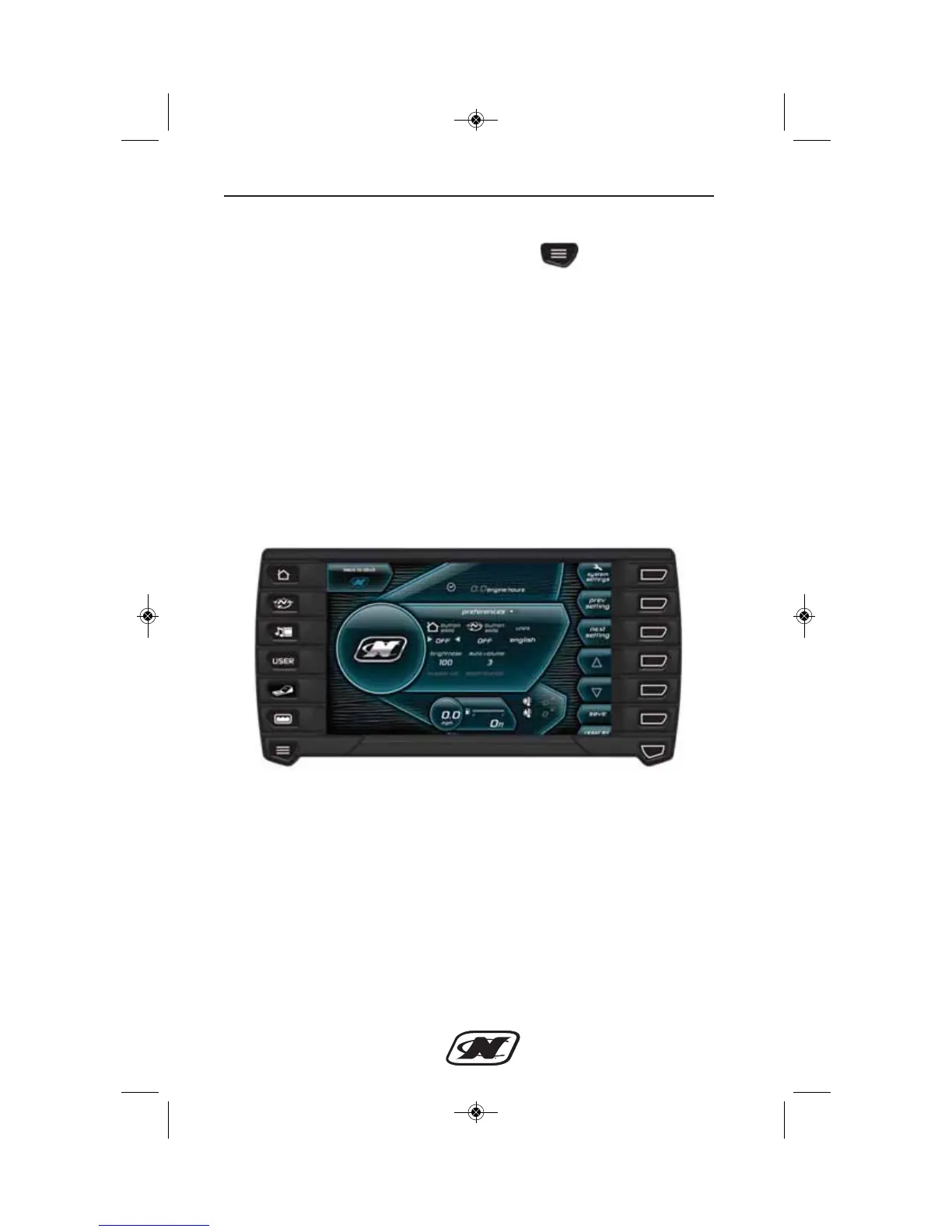
Preferences
The Preferences screen is displayed when is pressed briefly.
The following preferences can be set on this screen; use Next
Setting to scroll to additional settings:
• Home Button Slide (turn on or off)
• Map Button Slide (turn on or off)
• Units (English or Metric)
• Brightness (in increments of 10)
• Auto Volume (Levels 1-5)
• Buzzer Volume
• Depth Buzzer
• Time Zone (GMT offset 1 to -12)
• Daylight Savings Time (on or off)
• Clock Mode (12hr or 24hr)








 To Next Page