3-40
Section 3
Soft Key Description
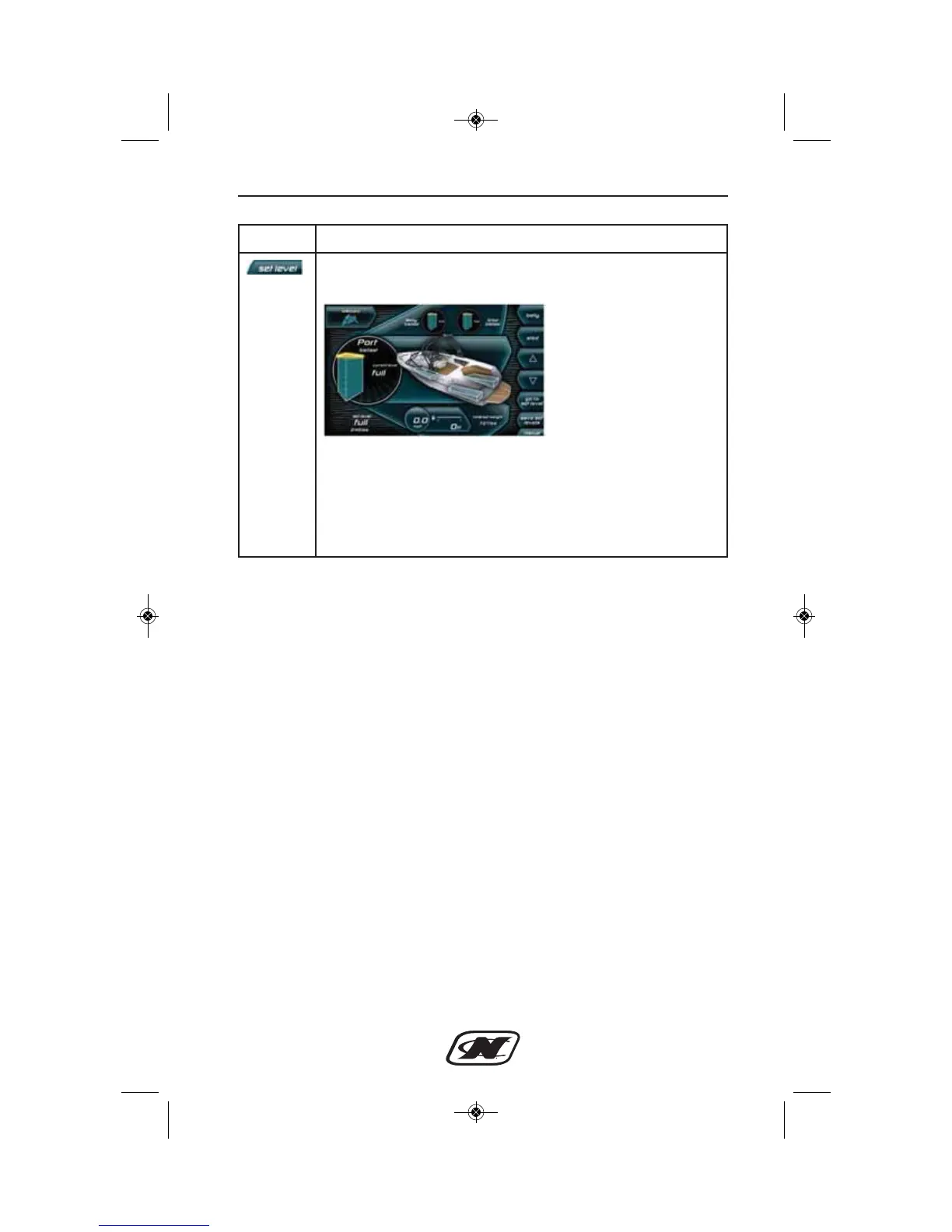
SET LEVEL – displays the set level screen. Set the Port, Belly
and Starboard ballast levels.
Select the ballast from the list of soft keys. Use the UP and
DOWN arrow keys to set the desired ballast level. Press the
GO TO SET LEVEL key to fill or drain that ballast. Save the
set levels to the activated user by pressing the SAVE SET
LEVELS soft key. Press the MANUAL soft key to return to the
previous screen.








 To Next Page