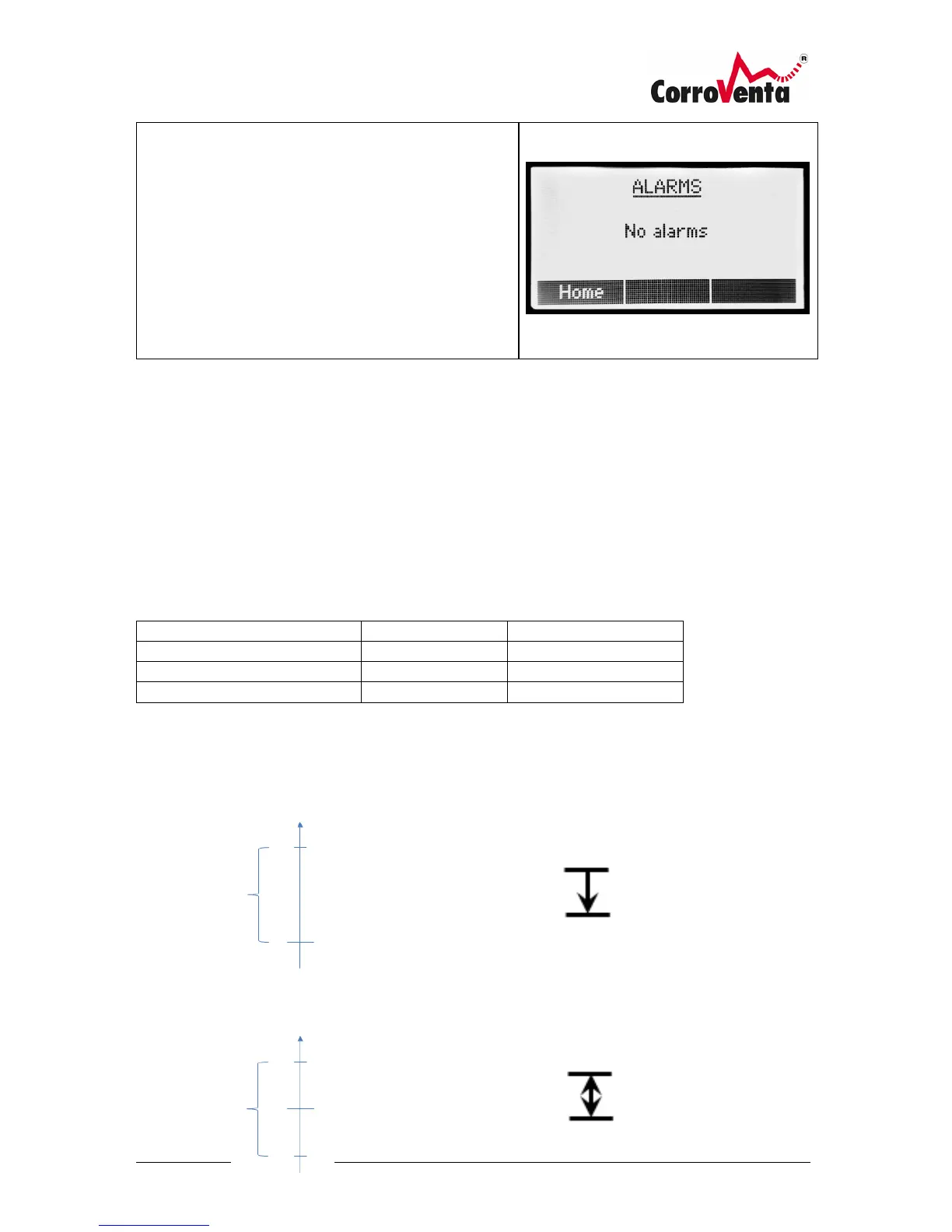
Alarms
In this screen, the machine presents identified alarms.
As soon as an alarm is identified, this is also presented
as a pop-up screen. Furthermore, as long as the error
condition remains, in the top right corner of the default
view there is an warning symbol.
The alarms presented need not be erased by the user.
Instead, as soon as the machine detects that the
functionality is again in place, the alarm will disappear
automatically.
Control Modes and Hysteresis
In addition to normal, continuous drying operation, the CTR A ES operation can be controlled by use
of its internal Relative Humidity and Temperature sensor, external hygrostat or external, networked
sensor.
When using an electronic sensor, built-in or external, the machine applies a software controlled
hysteresis to make the operation of the machine stable and prevent excessive on- and off -switching.
The table below presents the default settings of the machine. If changes are required, these can be
made under the Setup and Maintenance menu.
The below illustrations describe the different hysteresis settings, bottom, center and top.



 To Next Page