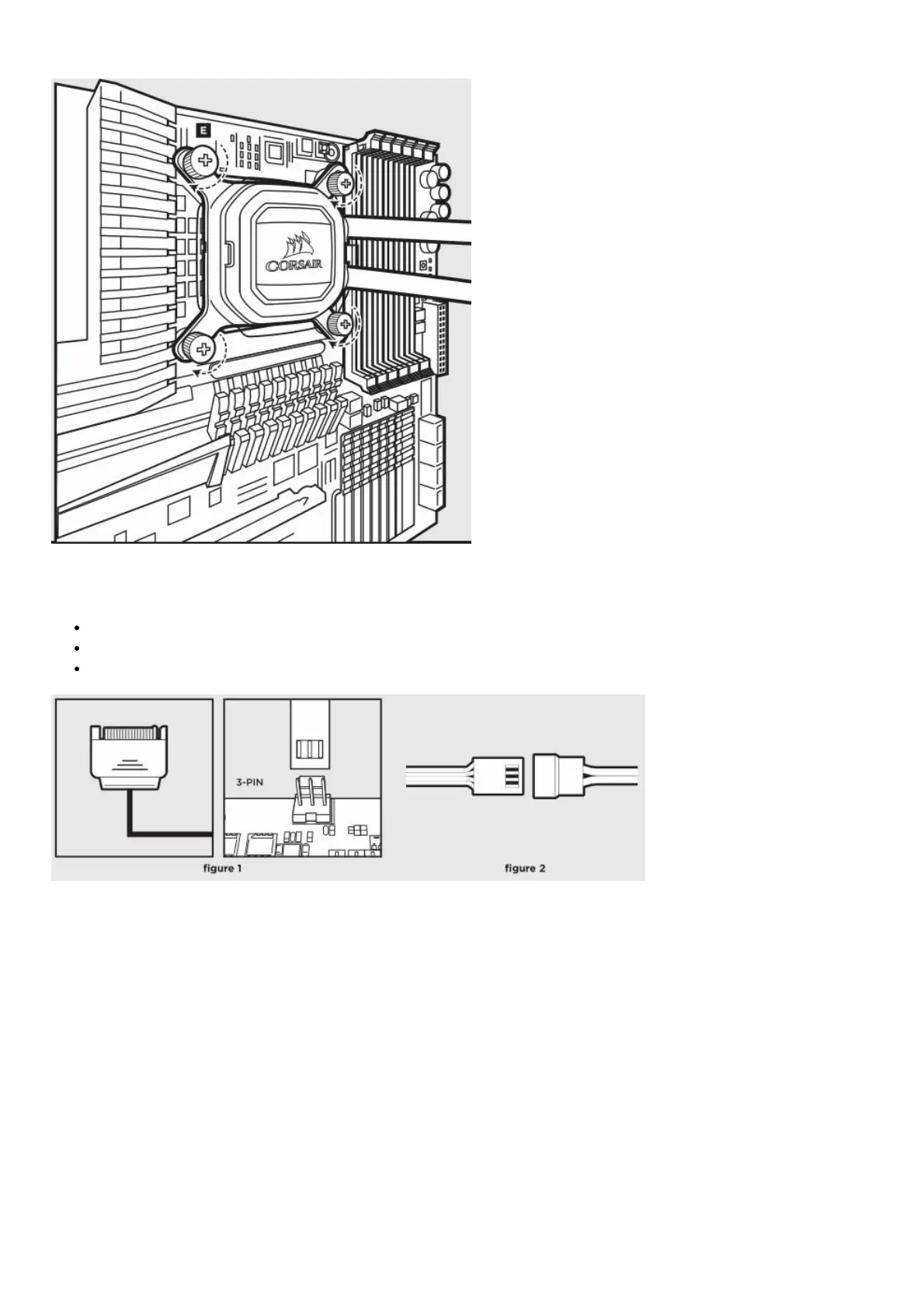
• Tighten the thumbs screws until all four corners are firmly secured.
Connect Power to the Fans and Pump
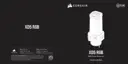
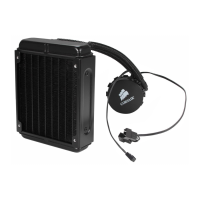
Connect pump power cable to an available SATA power plug (figure 1).
Connect pump tach cable to the CPU_FAN header on your motherboard (figure 1).
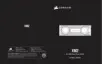
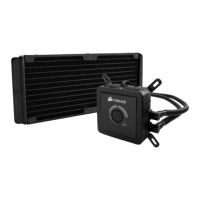
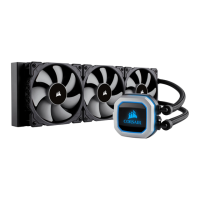
Connect each fan to the shrouded 4 pin connectors on the pump (figure 2).
Connect Pump to USB Header
Using the included CORSAIR iCUE USB cable, attach pump unit to a motherboard USB header.


 To Next Page
 Loading...