EasyManua.ls Logo

Cotek AD-1500 - Page 50

Default Icon
60 pages
Print Icon
To Next Page IconTo Next Page
To Previous Page IconTo Previous Page
Loading...
47
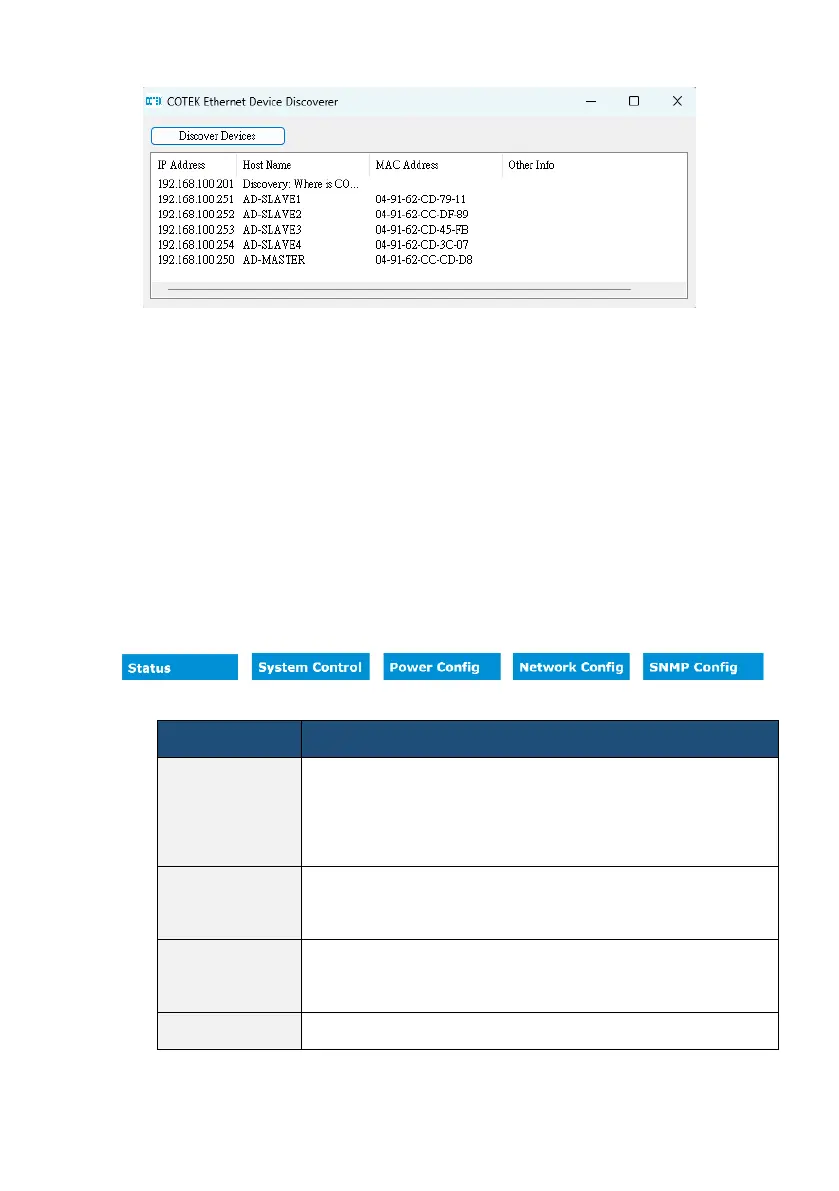
Use the mouse to click on the correct HOST NAME to start the WEB browser and display the
AD webpage.
4-9-2 WEB Device Menu
The device menu shows the settings options and instantaneous values of a given device.
You must select the device in the device tree in advance. The menu items change according
to the device selected.
Tabs
Relevance
Status
This page provides information about the device or system. Here
you will find an overview of the most important device data as
well as the actual status display.
System Control
You can use the settings option to look at and adjust various
parameters.
Power Config
You can use the settings option to look at and adjust the
communication and remote module.
Network Config
You can use the settings option to look at and adjust various