EasyManua.ls Logo

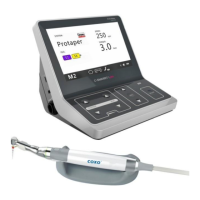
Coxo C-SMART-1 Pro - Components, Installation and Charging; Standard Components; Structure

Coxo C-SMART-1 Pro
27 pages
Print Icon
To Next Page IconTo Next Page
To Previous Page IconTo Previous Page
Loading...
=
b
.....
-
C-SMART
-I
Pro
Usar
Manual
8.6
Factory Default Parameters
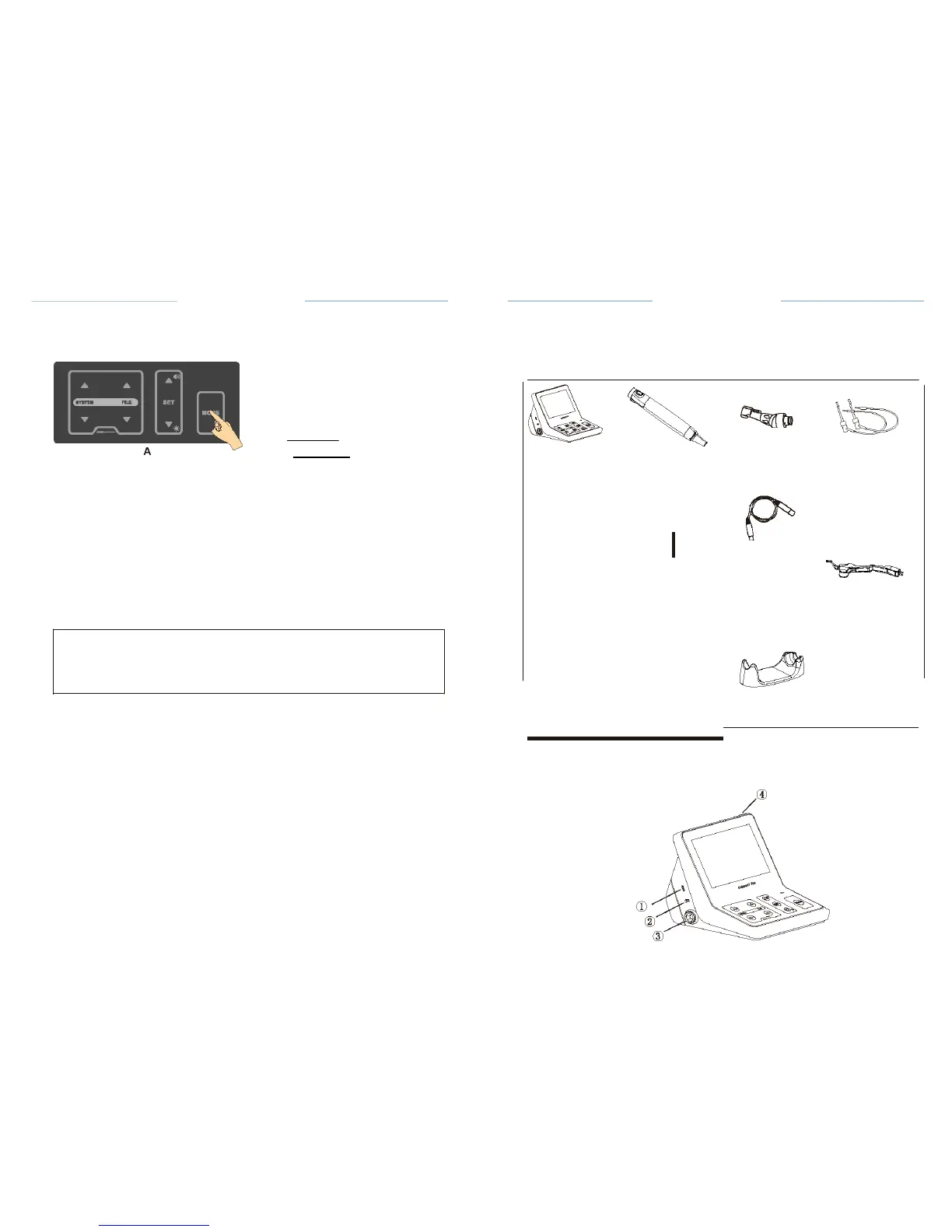
To return to the
original
default
parameters,
follow the
general
reset
instructions:
@
SETUP
C-SMART-1
Pro Uoar
Manual
Components,
installation
and
charging
7.1
Standard Components
A
E
I
.
Intlllhnml•r gu•l•
A
: :!
'!!
IIAute-n•IIKMM
F
!!!
n
.ht
!
:c
dlll)
-
8
:=
-
.....
....
B
Press the SET key to enter the RESET
state;
Engliah
ON
ON
Contro
l
unit
Motor
handpiece
#I
Contra
angle
(
External
)
File
clip
Press the MODE key for 2
seconds
(A) to enter setting
interface;
Press Up or Down key to select RESET
(B);
When the
factory
reset is
complete,
the
display returns
to the M1
interface.
.&.
CAUTION
Please
note: when the
factory settings
are
restored,
all
personal
settings
Lip hook
Test
wire
Lip hook
wire
Lighting
device
D
will be
lost.
'
Handpiece
stand
Operation
Manual
Tester
AC
adapter
7.2
Structure
CD
Charging
socket
I
test wire
socket
® Lip hook wire
socket
@ Motor
handpiece socket
@ Power
button