EasyManua.ls Logo

Coxo C-SMART-1 Pro - LCD Panel; Changing Speed, Torque and Set Changing Speed and Torque; Auto Reverse; LED Lighting Function

Coxo C-SMART-1 Pro
27 pages
Print Icon
To Next Page IconTo Next Page
To Previous Page IconTo Previous Page
Loading...
A
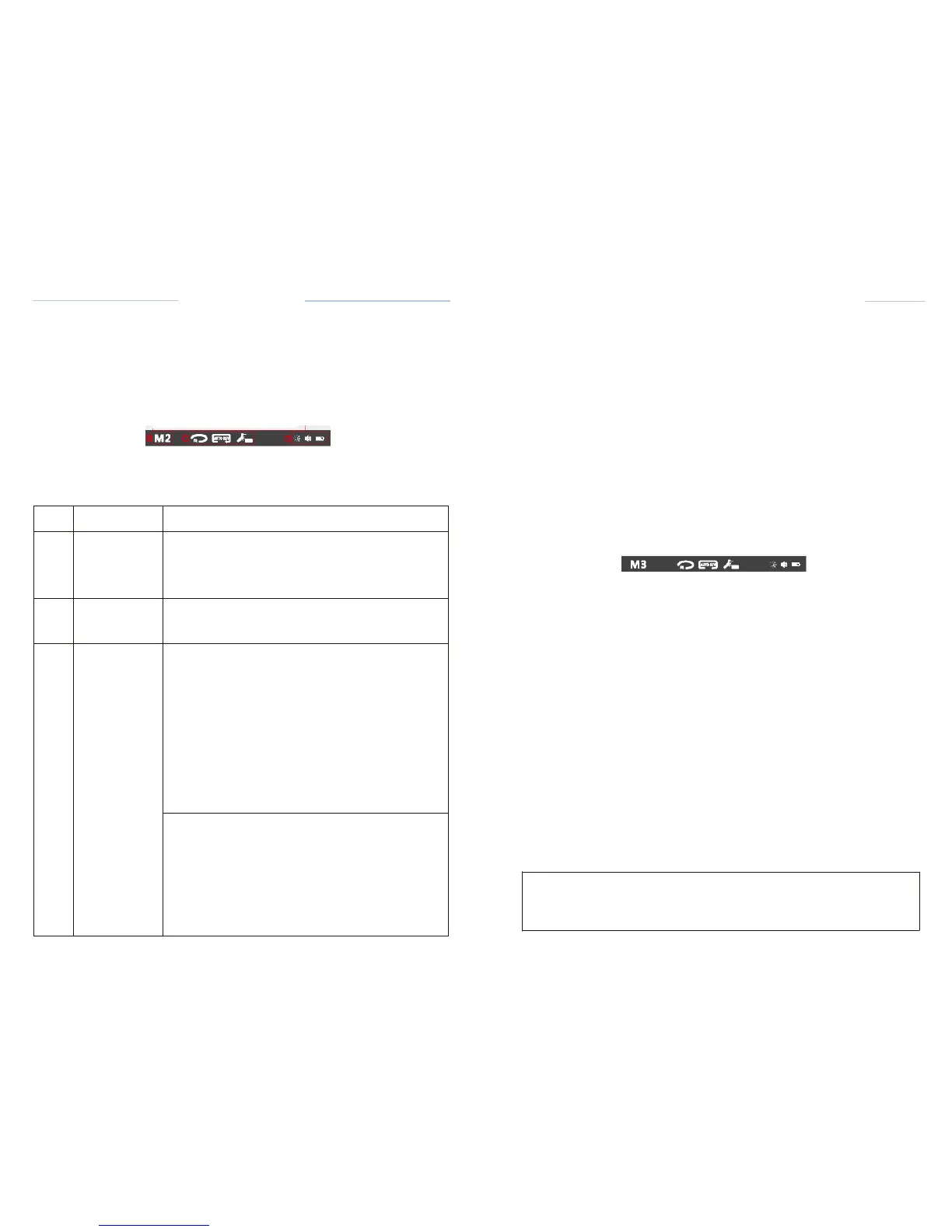
Working
area
Displays
operating parameters
in
different modes.
B
Mode
area
The device can be
operated
in three
different modes:
M1: Apex
locator only,
M2: Motor
only,
M3:
(Dualmode)
Motor with apex
location
function.
c
Motor
option
area
Display
motor
rotation direction,
auto
reverse,
lighting
and LED delay
time.
*M2 and M3 are
available
D
Status
area
BATTERYdisplays
the
present remaining
amount
of
the
battery
:
CJJ
Full
charge
[
-
!!]
Less than 30%
remains.
E:!]
Approximately
30-80%
remains.
The
remaining amount
of
batter
y
mark
indicates
a
voltage
. When a load is
applied
to the
motor
handpiece,
there
remaining amount
of
battery
mark
appear
to be come
lower.
SOUND
VOLUME displays
the
current
sound
volume
(see
chapter
6.5.7. Sound Volume
Adjustment).
4 marks can be
displayed:
OJ
High
volume
rm
Low
volume
Minimum
volume
1:1
Limited
off
I
C-SMART-
l Pro Uaar Manual
C-SMART-lPro Uoar
Manual
8.1.3 LCD
Panel
,---------------- ---------------
-
1
SYSTEM:
CI!Mwo
SPEED:
I
Wave
0
150
..
m
l
FlU: TORQUE
liJ
ID
IDCKJ 0.6 N<m
I
@J@J
: •••••
II
Fig.14
LCD
Panel
8.3.3.5 Changing
Speed,
Torque and set
Changing
Speed and
Torque
See
8.3.2.5 Changing
Speed and
Torque
Set the DR'S CHOICE apex
position
Follow
these steps to set the DR'S CHOICE apex
position:
Press the SET key, the apex
setting
icon
becomes
adjustable
state,(Fig.28)
·Press
the Up or Down key to
adjust
the apex
position.
Path File
·-
0
pm
SYSTE
M
:
l:loaru-
SPEED!
15
Fn.E
:
0.6
••m
·Cill
mm
mCill
•••••
I
l
-
8.3.3.6
Auto
Reverse
Fig.28
Set Apex
Position
Battery
is
drained
or very low
battery voltage.
Charge the
battery.
r::::7'
NOTE:
See
2.3.2.6
Auto
Reverse
8.3.3.7
LED
lighting function
See
2.3.2.7
LED
lighting function
8.3.3.8 Working
Start and stop the Motor
handpiece
The motor is
started
and
stopped
with the ON/OFF key on the
handpiece.
fyou
press the
ON/OFF
key briefly, the motor
handpiece
starts.
If you
re-press
the key,
it stops.
Reverse
Press the on I off
button
for more than 2
seconds
to change the
direction
of
file
rotation (whether
the motor is
stopped
or
running).
The
current direction
of file
rotation
is
displayed
in the motor option
area.
Means
forward
rotation
Means
reverse rotation
r::::7'
NOTE
Only
continuous rotary
file
systems
can
change
the
direction;
reciprocating
file
systems
can not change the
direction.