EasyManua.ls Logo

Coxo C-SMART-1 Pro - M3 Motor and Apex Locator (Dualmode); Connection; Calibration; Working Area

Coxo C-SMART-1 Pro
27 pages
Print Icon
To Next Page IconTo Next Page
To Previous Page IconTo Previous Page
Loading...
....
....
D
....
T
1
SYSTEM
See2.3.2.3
2
FILE
See2.3.2.3
3
SPEED
See2.3.2.3
4
TORQUE
See2.3.2.3
5
TORQUE
BAR
See2.3.2.3
6
ROTATIONAL
DIRECTION
See2.3.2.3
7
AUTO
REVERSE
See2.3.2.3
8
Motor
and
LED
lighting
See2.3.2.3
9
Root
apex
Area
Specially
shows
the Root apex area
and
indicates where
the file
was
reached.
1
SYSTEM
.lit./,.
Change the file
system.
2
FILE
Change the file within a
system.
3
SET
Press this key to
adjust
the
different parameters.
4
[
...
>
>
]
a.Up
key
b.Adjust
the sound
volume(idle
state)
5
..
a. Down
key
b. Adjust the
screen brightness(idle
state)
6
[
•oo
]
;
a. Short press to switch
between
3
operating
modes: Apex
Locator,
Motor
,
Dual
mode
b. Long press to enter setting
interface.
m
C-SMART
-I
Pro
U11er Manual
8.3.3 M3
Motor
and
Apex
locator
{Dua
l
mode)
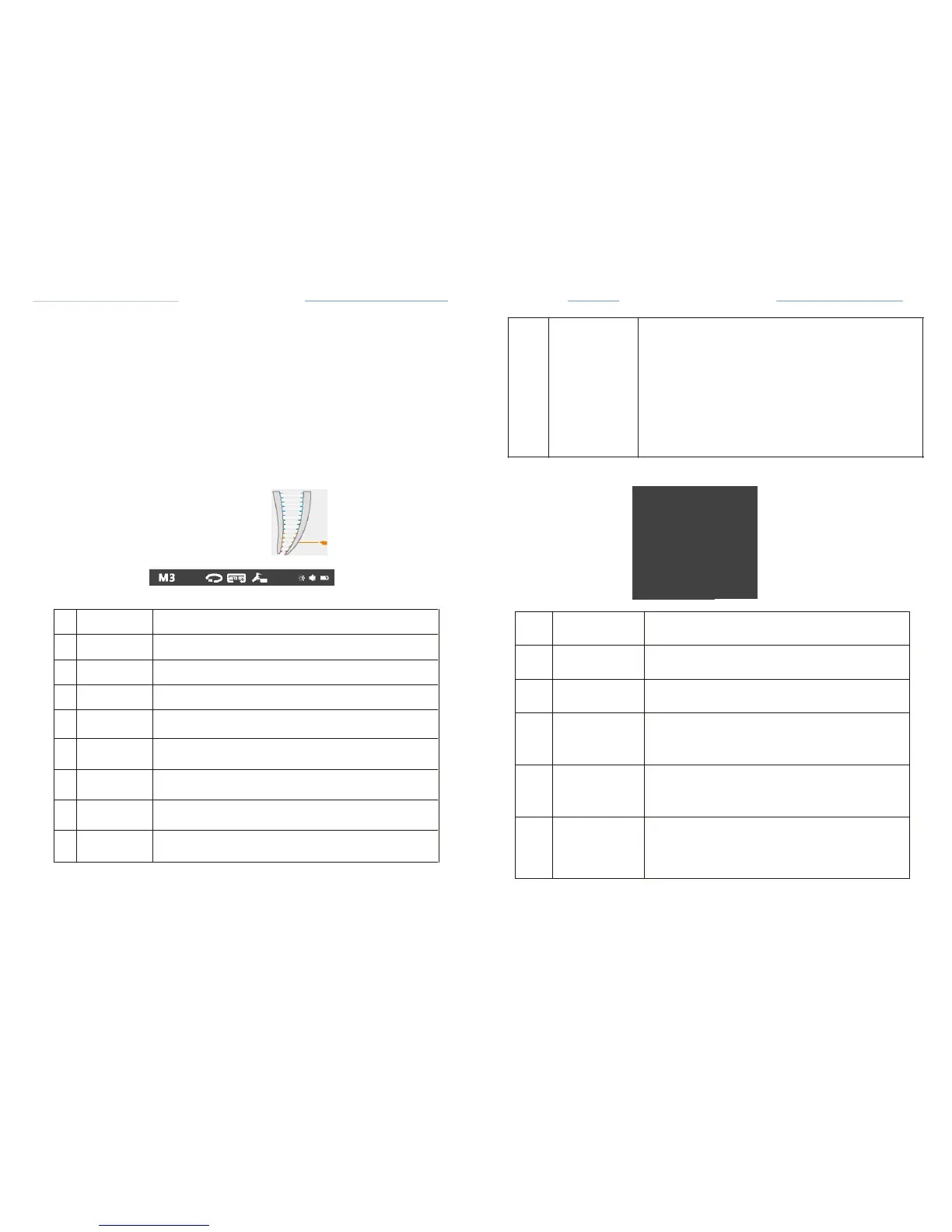
Press mode key to enter M3 mode. In this mode, as a
combined unit
(Dual mode) when the apex
location function
drives the
endo-motor.
8.3.3.1 Connection
The
connection
method in this mode is shown in
chapter
7.3.7
Fig.1O,Fig. 11.
8.3.3.2 Calibration
Calibration
is
recommended
when using a new
contra angle,
the
detailed
calibration methods,
see
Chapter
8.5.
8.3.3.3 Working area
SYSTEM: S EEO:
150
,.m
C-SMART-1
Pro User
Manual
Screen
Brightness display
the
Brightness
of
the
screen (see
chapter 8.2.2.Screen Brightness
Adjustment
)
.
4 marks can be
displayed
D
Status
area
n
brightest
bright
darker
dark
8.1.4
Operation Panel
Path
File
TORQUE
8
FD.E: 0.6
Ncm
Cill
mm
-
.....
l
l
Fig.27 M3
interface
Fig.15
Operation
Panel
[
:;:
[
8.3.3.4 System
and File
Select
See
8.3.2.4 System
and File
Select