C-SMART
-I
Pro
U11er
Manual
C-SMART-1
Pro Uoer
Manual
•
The
changed
value will be saved
automatically.
Press any key other than
SET
and Up or Down key to exit the
setting,
or exit the
setting automatically
after
3
seconds.
•
When
measuring
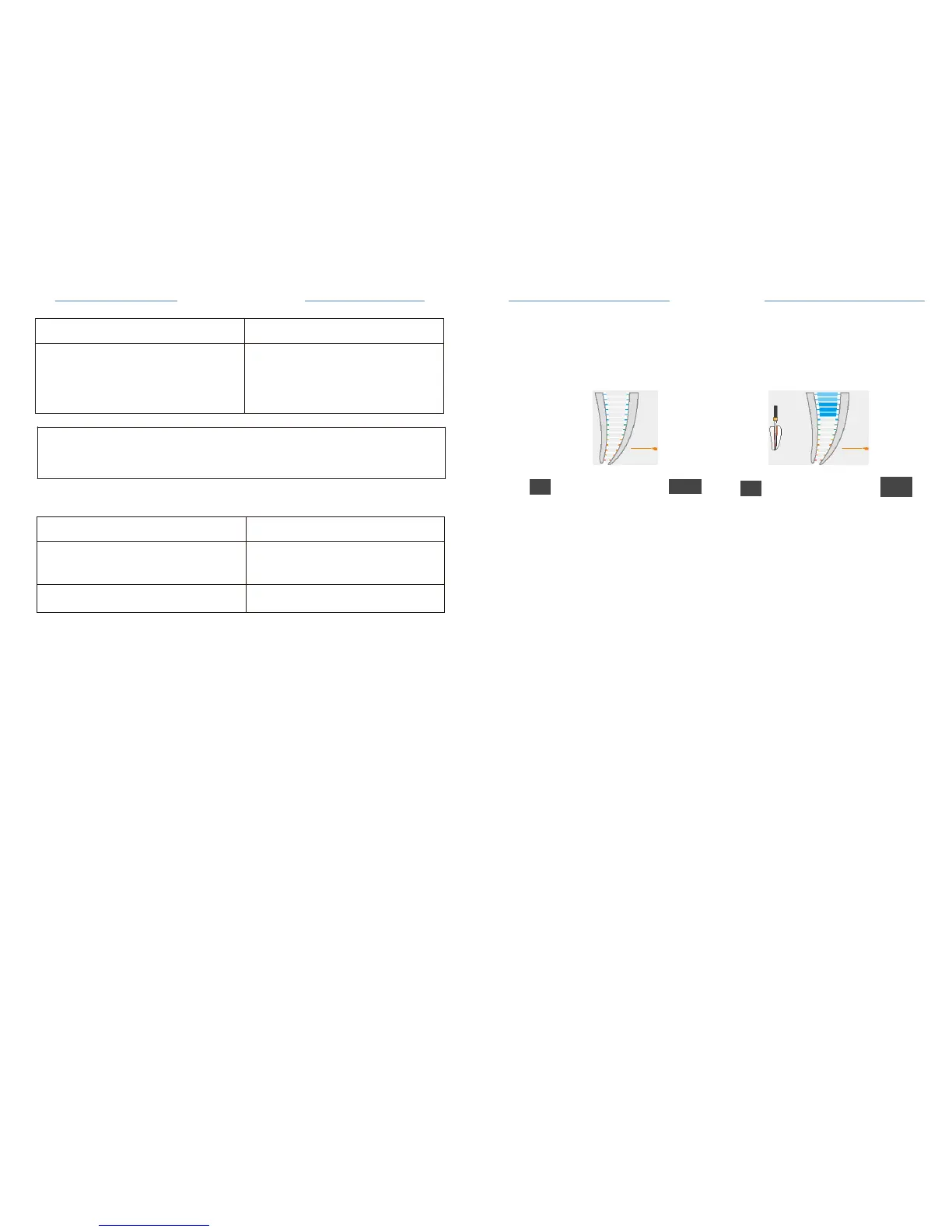
the root apex arrow shown as
Fig.25
.
.&..
caution
In some
cases,the
position
of the file can not be
determined accurately.
1.2
Ml
:(·
•.,
Ml
*
•.,
Special
condition symptom:
Fig. 24 Set the apex
position
Fig.25
Measurement
process
8.3.1.6 Functiona
l
check of the apex
locator
It is
recommended
to check the
performance
of the Apex
Locator
once a week
,
the
detailed
check
methods,
see Chapter
8.4.
Comparison
of
electroni
c
length determination versus radiography:
X-ray
radiography
shows
two-dimensional
projection
of
three-dimensional
root canal
system.
In some cases ,the
radiograph display
length does
not
match the
electron
assay
length.
In the case of a
lateral
canal
curvature
,the x-ray may show a
shorter
working length
than the
device's measured
value.
Electronic length measured
using the
instrument
is
usually
more
accurate
more
accurate
than the
radiographic
length on the
X-ray.
8.3.1.5
Set the DR'S CHOICE apex
position:
This
feature enables
to mark an
individualpredetermined reference
position
at the
required distance
from the apex. This
variable apical
arrow can be
set
between
the green bar and the
yellow bar.
When DR'S CHOICE
apical
arrow is set, clear visual and audio
indication
is
given
that the file tip has
reached
this
pre-selected
position.
To set the DR'S CHOICE apex
position,
follow the next
steps:
• Press the SET key, the apex setting icon
becomes adjustable
state,
(Fig.24)
·Press
the Up or Down key to
adjust
the apex
position.


 To Previous Page