12
The UNLCDHS has the ability to read back the settings stored in a device.
To read back individual parameters
• Navigate to the parameter and apply a short momentary push to the ‘R’ (Read) button whilst pointing at the device.
The device will ash its LED, and the value will be shown against the parameter in the menu.
To read back all of the parameters in a menu
• Press and hold the ‘R’ (Read) button for more than 1 second.
• The handset will click every time a parameter is received
• The device will show multiple ashes of its LED
• All of the values will be shown against the parameters in the menu.
• The individual parameters may be edited and then saved as a ‘Macro’.
Notes
• If a parameter(s) has been missed because of a communication error, the missing value(s) is replaced by dashes.
• When reading back, the Channel 1 relay (where tted) will temporarily be switched o, and will return to it’s normal state 2
seconds aer the read back has been completed. The channel 2 relay will similarly switch o for 2 channel type units.
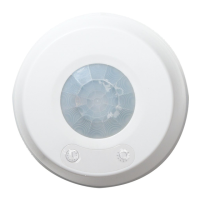
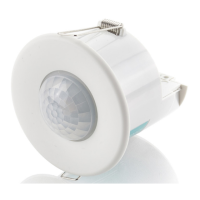
This guide is for programming old and newer versions of presence detectors. If you
are not sure what version of detector you have, use the identify function under
STANDALONE products menu to read back from the sensor.
Some parameters are available for certain products only.
Certain parameter functions are only available in specic versions of
the detectors and the version numbers are indicated under the
aected parameter headings within the brackets e.g. LUX Learn Level (V3).
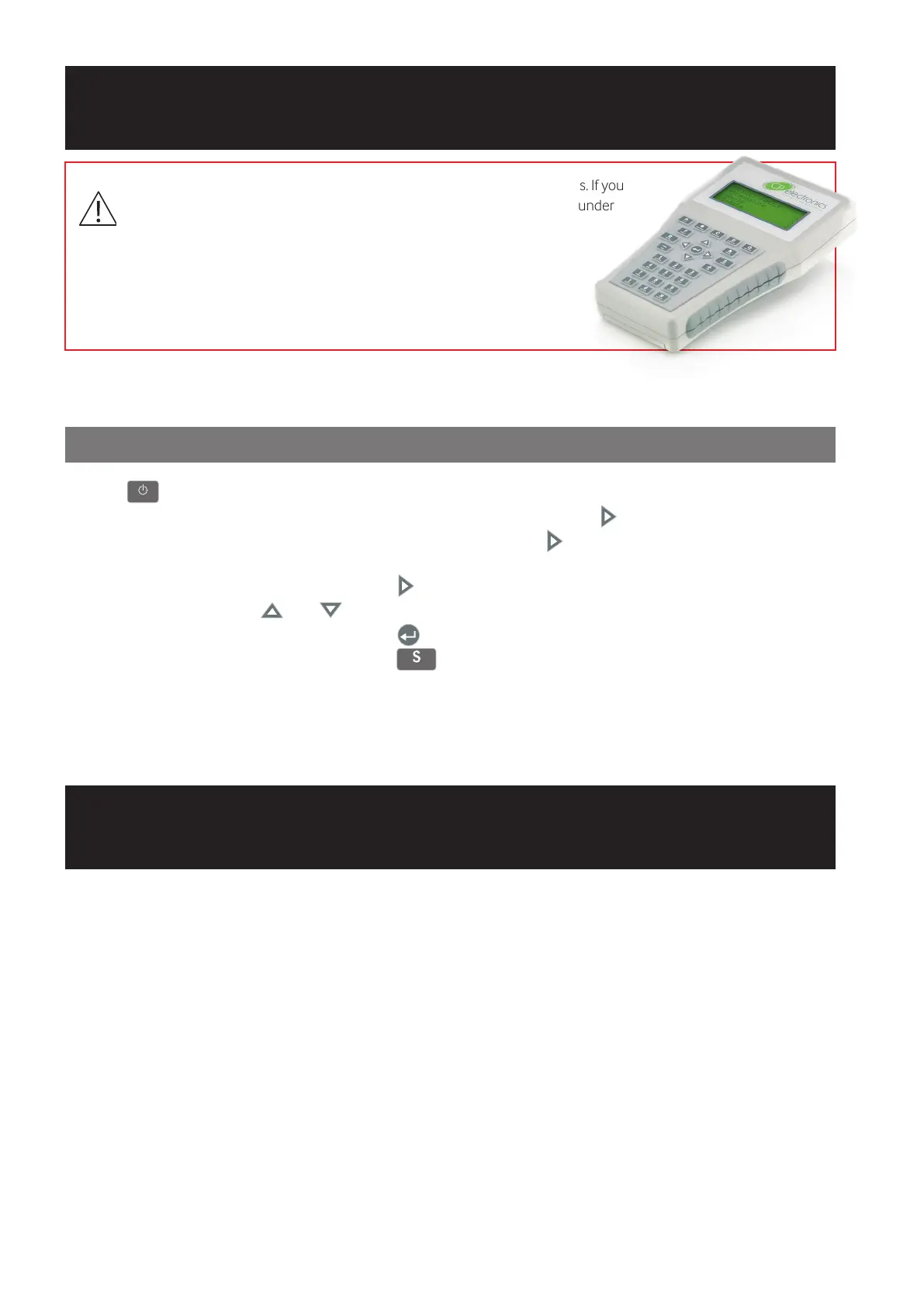
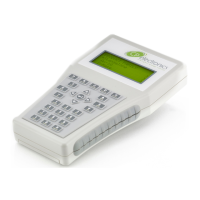
The functionality of programmable devices is controlled by a number of parameters which can be congured and changed by
the UNLCDHS Infrared Handset with LCD display.
UNLCDHS Programming
Readback function (UNLCDHS handset only)
UNLCDHS Programming
Programming overview
1. Press
ON/OFF
SEND
SHIFT
PLAY
RECORD
C
CHANNEL
D
DISPLAY
?
HELP
HOME
READ
NO
YES
1
SYMBOL
2
ABC
9
WXYZ
SHIFT
0
SPACE
DELETE
and hold for 3 seconds to turn the handset on.
2. Select the product family from the main PRODUCT FAMILY menu and press
ON/OFF
SEND
SHIFT
PLAY
RECORD
C
CHANNEL
D
DISPLAY
?
HELP
HOME
READ
NO
YES
1
SYMBOL
2
ABC
9
WXYZ
SHIFT
0
SPACE
DELETE
.
3. Either select the specic product or Generic Product and press
ON/OFF
SEND
SHIFT
PLAY
RECORD
C
CHANNEL
D
DISPLAY
?
HELP
HOME
READ
NO
YES
1
SYMBOL
2
ABC
9
WXYZ
SHIFT
0
SPACE
DELETE
. Generic Product lists all the
parameters used within the family, but some might not be available or applicable for all products.
4. Select the parameter group to program and press
ON/OFF
SEND
SHIFT
PLAY
RECORD
C
CHANNEL
D
DISPLAY
?
HELP
HOME
READ
NO
YES
1
SYMBOL
2
ABC
9
WXYZ
SHIFT
0
SPACE
DELETE
.
5. Select the parameter using
ON/OFF
SEND
SHIFT
PLAY
RECORD
C
CHANNEL
D
DISPLAY
?
HELP
HOME
READ
NO
YES
1
SYMBOL
2
ABC
9
WXYZ
SHIFT
0
SPACE
DELETE
and
ON/OFF
SEND
SHIFT
PLAY
RECORD
C
CHANNEL
D
DISPLAY
?
HELP
HOME
READ
NO
YES
1
SYMBOL
2
ABC
9
WXYZ
SHIFT
0
SPACE
DELETE
.
6. Enter parameter values. There is no need to press
ON/OFF
SEND
SHIFT
PLAY
RECORD
C
CHANNEL
D
DISPLAY
?
HELP
HOME
READ
NO
YES
1
SYMBOL
2
ABC
9
WXYZ
SHIFT
0
SPACE
DELETE
aer entering a number.
7. Point the handset directly at the device and press
SEND
SHIFT
PLAY
RECORD
C
CHANNEL
D
DISPLAY
?
HELP
HOME
READ
NO
YES
1
SYMBOL
2
ABC
9
WXYZ
SHIFT
0
SPACE
DELETE
to send the currently selected parameter.
Each device is tted with an LED that ashes when it successfully receives a valid command - it won’t ash if the parameter
doesn’t apply to the device or the value is out of range.
Note: Changes that are committed to non-volatile memory will be acknowledged 4 seconds later by a double ash of the
walk-test LED on the sensor.
Basic UNLCDHS handset operation


 To Next Page