CRADLEPOINT IBR650 | USER MANUAL Firmware ver. 3.3.0
© 2011 CRADLEPOINT, INC. PLEASE VISIT HTTP://KNOWLEDGEBASE.CRADLEPOINT.COM/ FOR MORE HELP AND RESOURCES PAGE 11
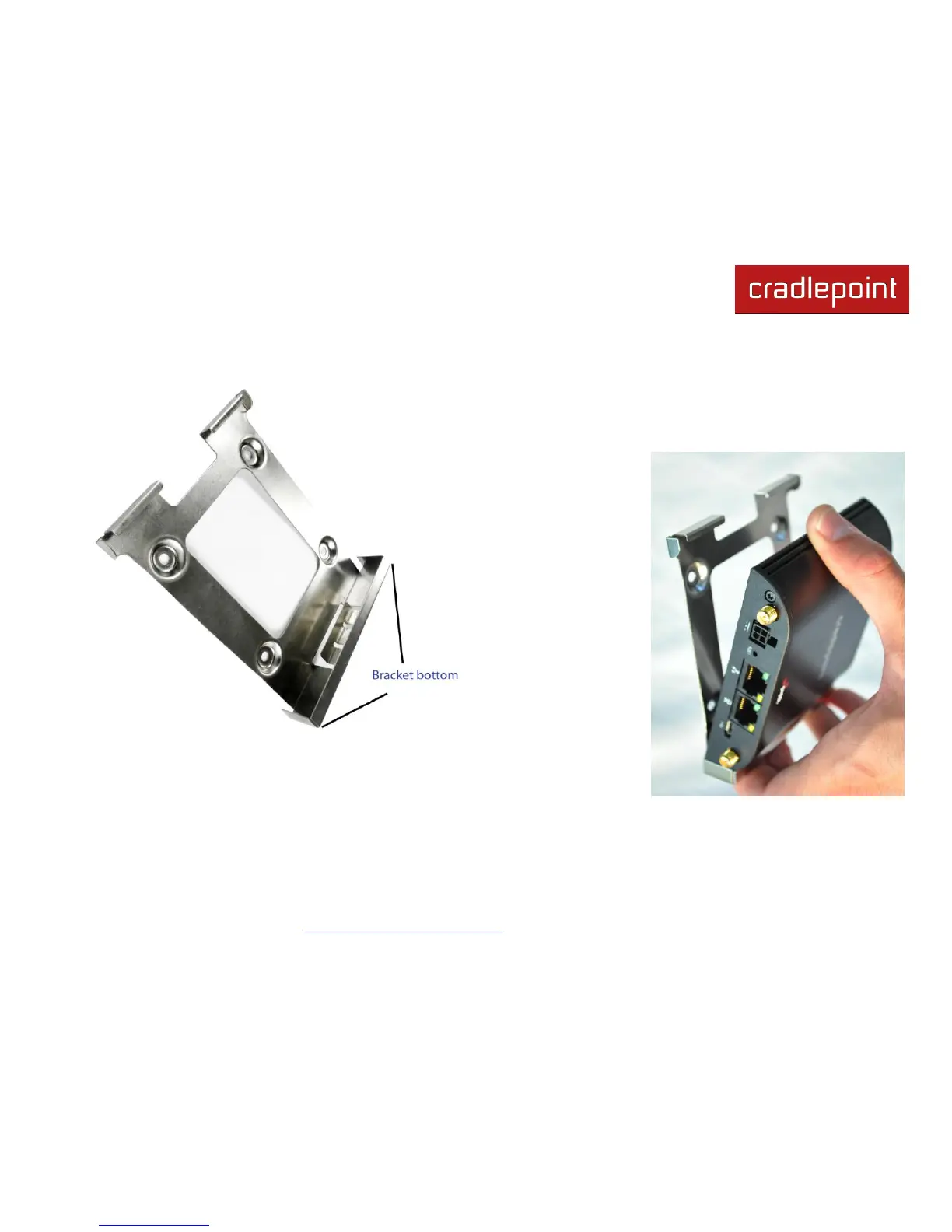
2.2.1 Attaching the IBR650 to the Mounting Bracket
1) Attach the bracket to the wall or other surface with screws.
NOTE: Screws are not provided because the type of screw required
depends on the mounting surface.
2) Place the router‘s edge
against the bottom of the
bracket.
3) Press the router down
firmly, then push it inside
the bracket. It should
latch.















 To Next Page