CRADLEPOINT IBR650 | USER MANUAL Firmware ver. 3.3.0
© 2011 CRADLEPOINT, INC. PLEASE VISIT HTTP://KNOWLEDGEBASE.CRADLEPOINT.COM/ FOR MORE HELP AND RESOURCES PAGE 21
4.3 Quick Links
The CradlePoint logo in the upper left-hand corner of all the administration pages is a link
to the Dashboard (Status → Dashboard), which displays fundamental information about
the router.
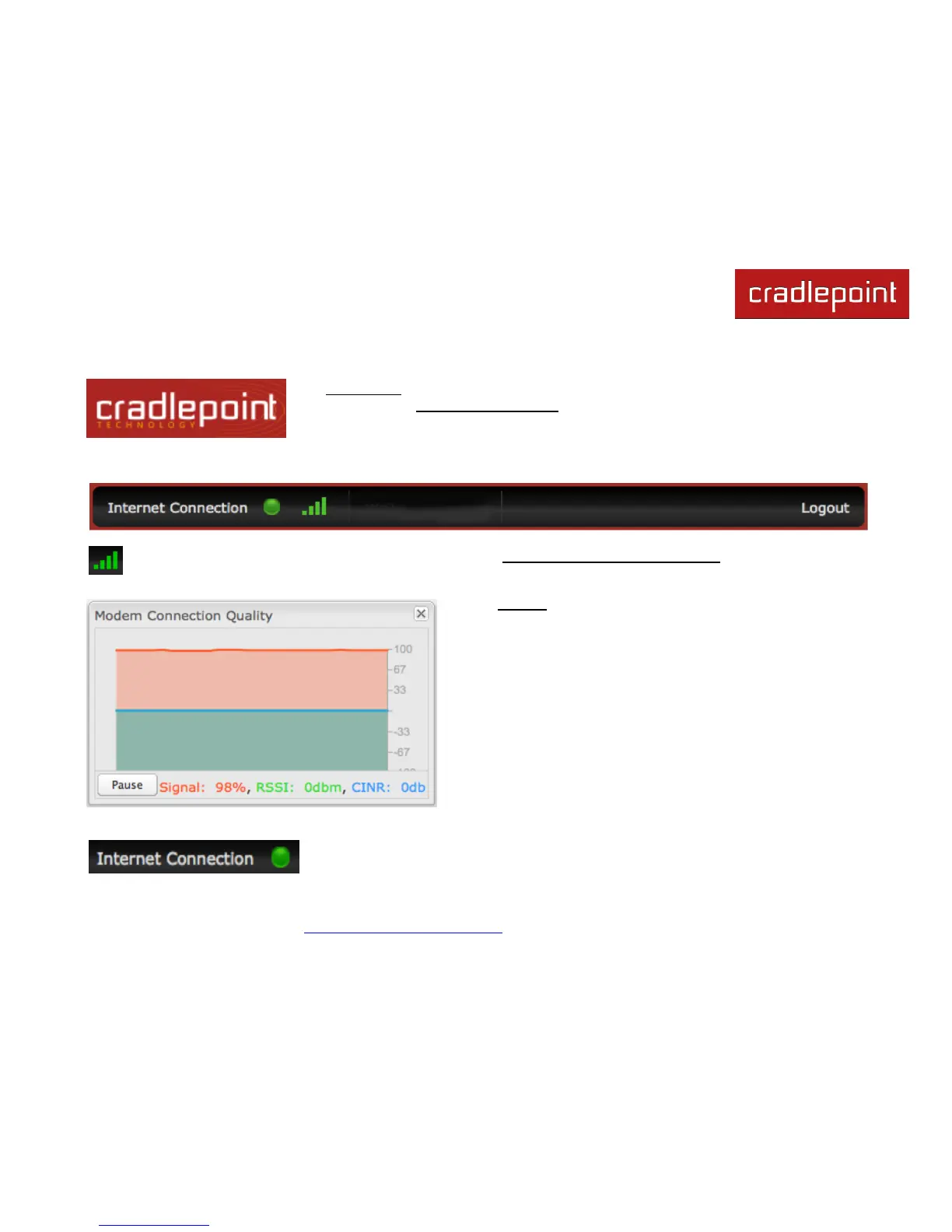
The black bar across the top provides quick access to important information and controls.
Click on the image of four signal bars to open a
―Modem Connection Quality‖ popup window that
shows the strength of your internet signal:
This links to the
Connection Manager
(Internet → Connection Manager) where you can
manage your internet sources.
Logout Click to log out of the administration pages.















 To Next Page