CRADLEPOINT IBR650| USER MANUAL Firmware ver. 3.3.0
© 2011 CRADLEPOINT, INC. PLEASE VISIT HTTP://KNOWLEDGEBASE.CRADLEPOINT.COM/ FOR MORE HELP AND RESOURCES PAGE 39
6.1 Content Filtering
You have two main options for filtering
content in a network created through your
IBR650.
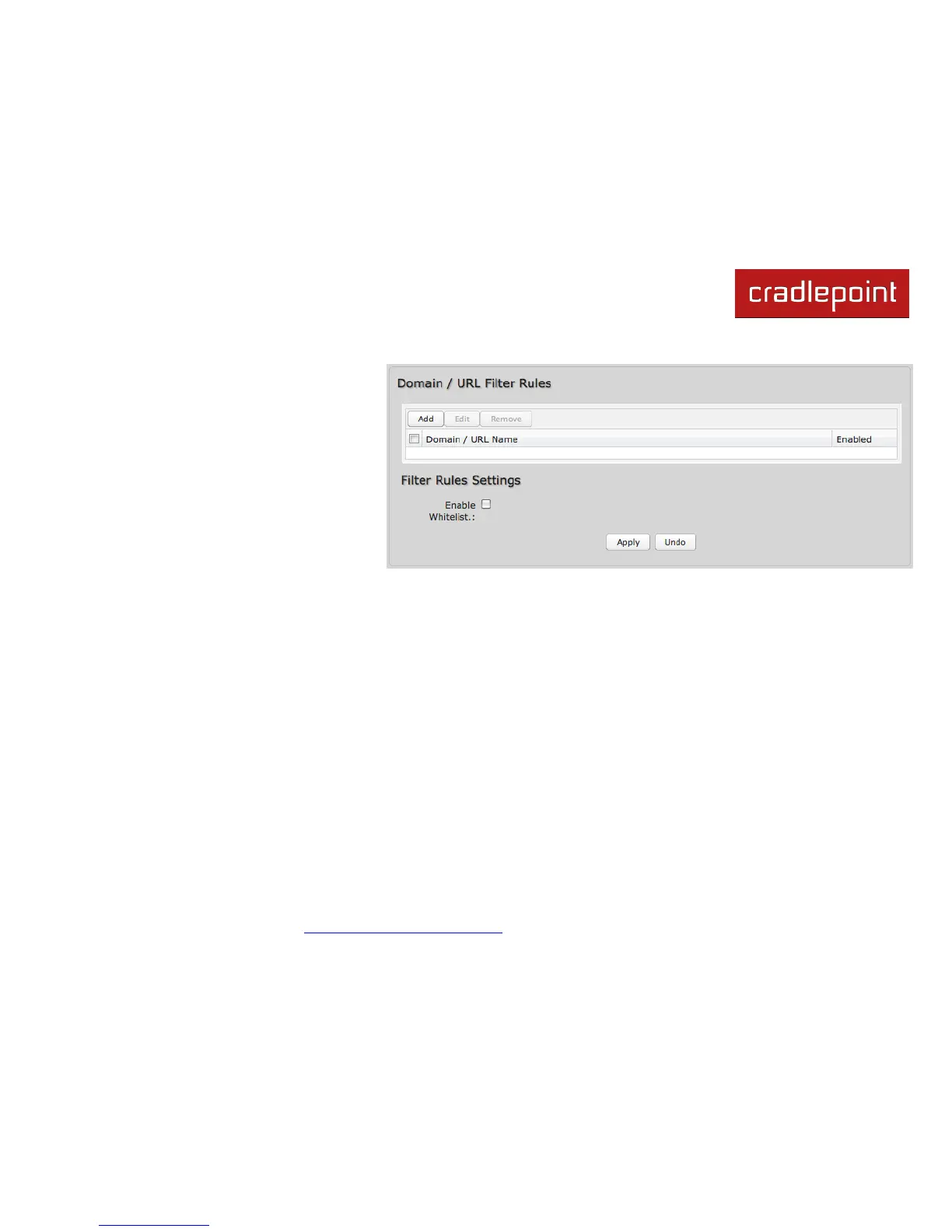
1) Domain / URL Filter Rules: Create a
list of websites that will be either
disallowed (facebook.com, for
example) or allowed exclusively (your
company‘s website, for example).
2) OpenDNS Content Filtering: Allows
several options for filtering rules.
To create Domain / URL Filter Rules, simply input one or more website domain names or URLs. By default, these
websites will be disallowed as part of a Blacklist. You can change this to a Whitelist to exclusively allow these sites.
Enable Whitelist: Domain / URL filters allow you to block access from your network to any external domain or website.
Enabling this as a Whitelist will allow access to only those sites in the list.















 To Next Page