CRADLEPOINT IBR650| USER MANUAL Firmware ver. 3.3.0
© 2011 CRADLEPOINT, INC. PLEASE VISIT HTTP://KNOWLEDGEBASE.CRADLEPOINT.COM/ FOR MORE HELP AND RESOURCES PAGE 64
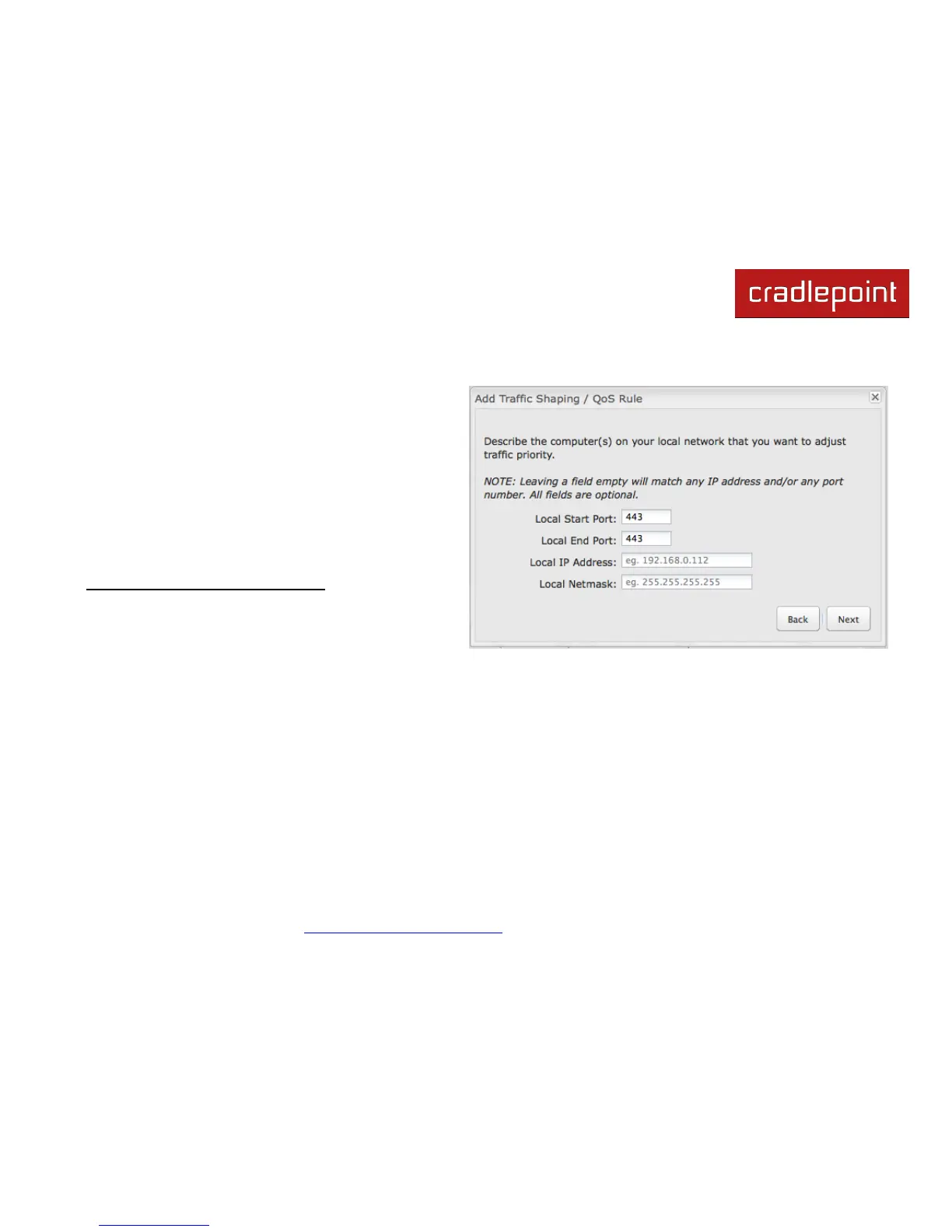
The second page allows you to designate the computer(s) on the local network for which you want to adjust traffic priority.
NOTE: Leaving a field empty will match any IP address and/or any
port number. All fields are optional.
Local Start Port and Local End Port: The rule applies to
a flow of messages whose LAN-side port number is within
the range set here.
Local IP Address: The rule applies to a flow of messages
with this LAN-side IP address.
Local Netmask: The rule applies to a flow of messages
with this LAN-side netmask.
Example (continued from previous page): To select your computer
or your kids‘ computer, you only need to input the Local IP Address.
You can ignore the other settings on this page.















 To Next Page