CRADLEPOINT IBR650 | USER MANUAL Firmware ver. 3.3.0
© 2011 CRADLEPOINT, INC. PLEASE VISIT HTTP://KNOWLEDGEBASE.CRADLEPOINT.COM/ FOR MORE HELP AND RESOURCES PAGE 68
7.1.2 Failure Check (Advanced Mode Only)
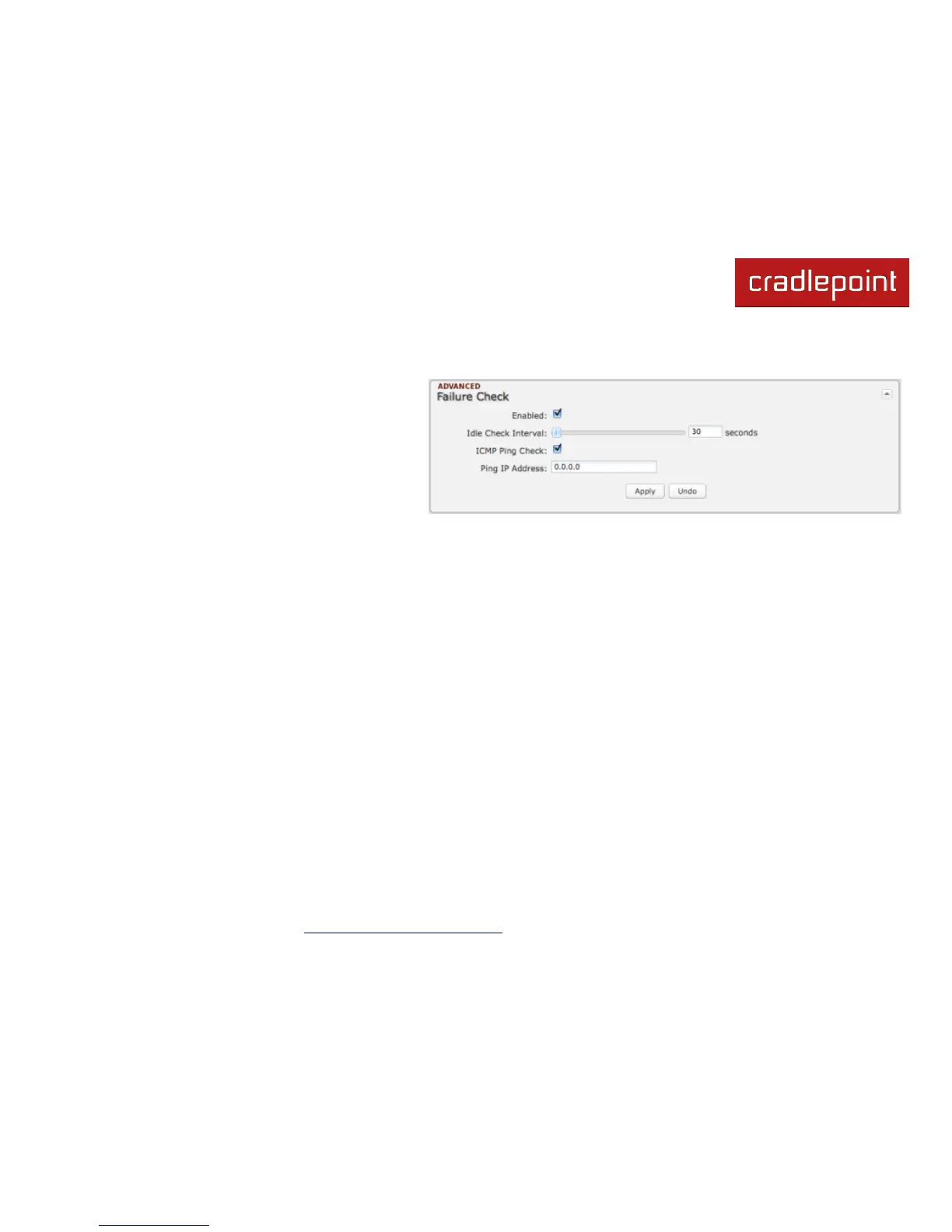
If this is enabled, the router will check that the
highest priority active WAN interface can get to the
internet even if the WAN connection is not actively
being used. If the interface goes down, the router
will switch to the next highest priority interface
available. If this is not selected, the router will still
failover to the next highest priority interface but
only after the user has attempted to get out to the
internet and failed.
Idle Check Interval: The amount of time between each check. (Default: 30 seconds. Range: 10-3600 seconds.)
ICMP Ping Check and Ping IP Address: Enable and configure an IP address that the router will use to check if the WAN
connection is available. For best results, select an established public IP address.
For example, you might ping Google Public DNS at 8.8.8.8 or Level 3 Communications at 4.2.2.2.















 To Next Page