CRADLEPOINT MBR1200B| USER MANUAL Firmware ver. 3.6.0
© 2012 CRADLEPOINT, INC. PLEASE VISIT HTTP://KNOWLEDGEBASE.CRADLEPOINT.COM/ FOR MORE HELP AND RESOURCES PAGE 10
3 QUICK START
3.1 Basic Setup
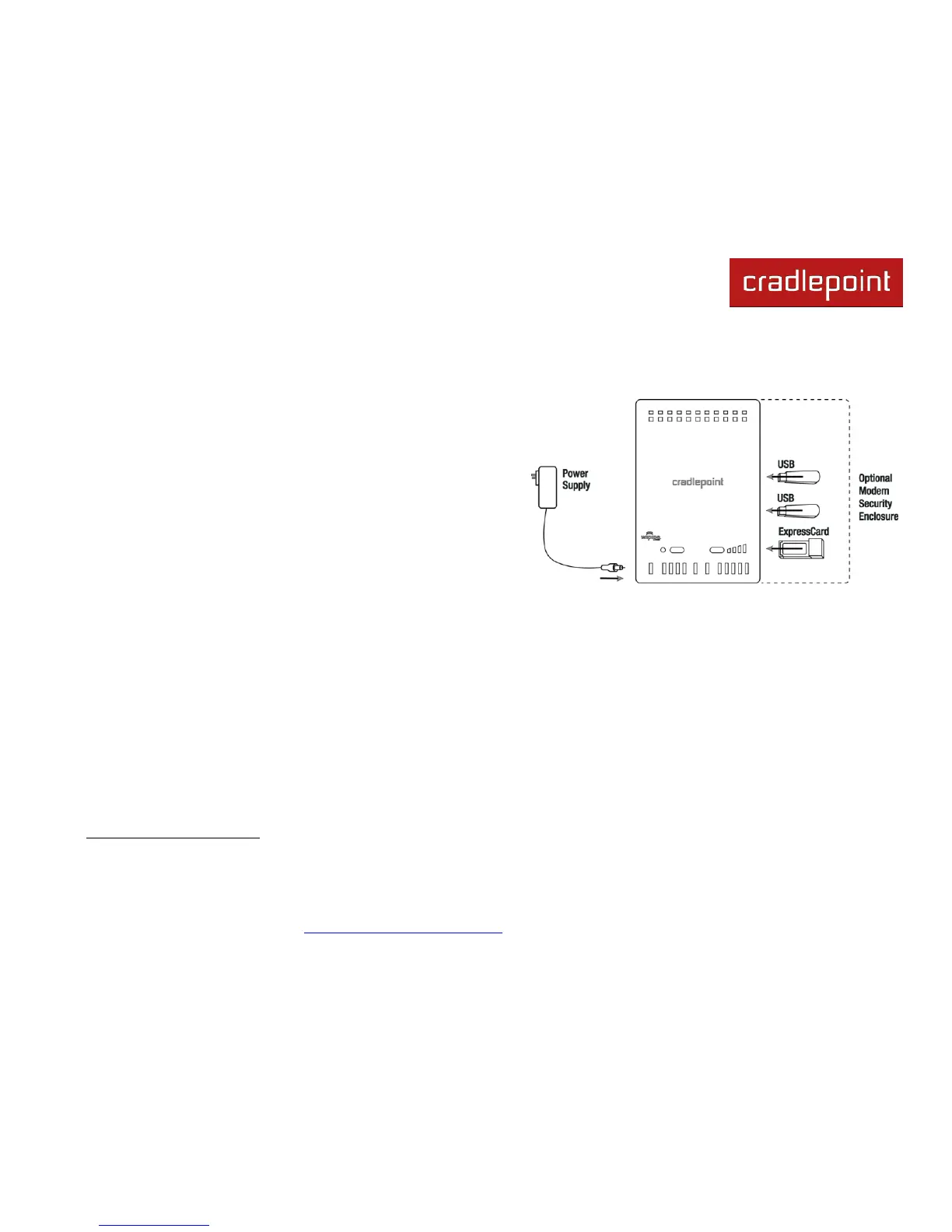
Your router requires an Internet source. Insert supported
USB or ExpressCard modem/s, connect a Cable or DSL
modem to the Blue Ethernet WAN port, or connect to an
available WiFi source. For Failover/Failback functionality,
you will need at least two of these sources (for example: one
Ethernet source and one USB modem).
1
Connect the 12v DC power adapter to the router and a
power source. Flip the power switch to the ON position; this
should illuminate the green Power Status LED.
1
Data Modem Not Included. This Product Requires an Activated Data Modem or Phone with Data Plan for Full Functionality. See your Cellular/3G/4G Service Provider for Details
on Coverage and Data Plan Options














 To Next Page