CRADLEPOINT MBR1200B| USER MANUAL Firmware ver. 3.6.0
© 2012 CRADLEPOINT, INC. PLEASE VISIT HTTP://KNOWLEDGEBASE.CRADLEPOINT.COM/ FOR MORE HELP AND RESOURCES PAGE 11
3.2 Connect to a Computer or other Device
3.2.1 Wireless Network Connection
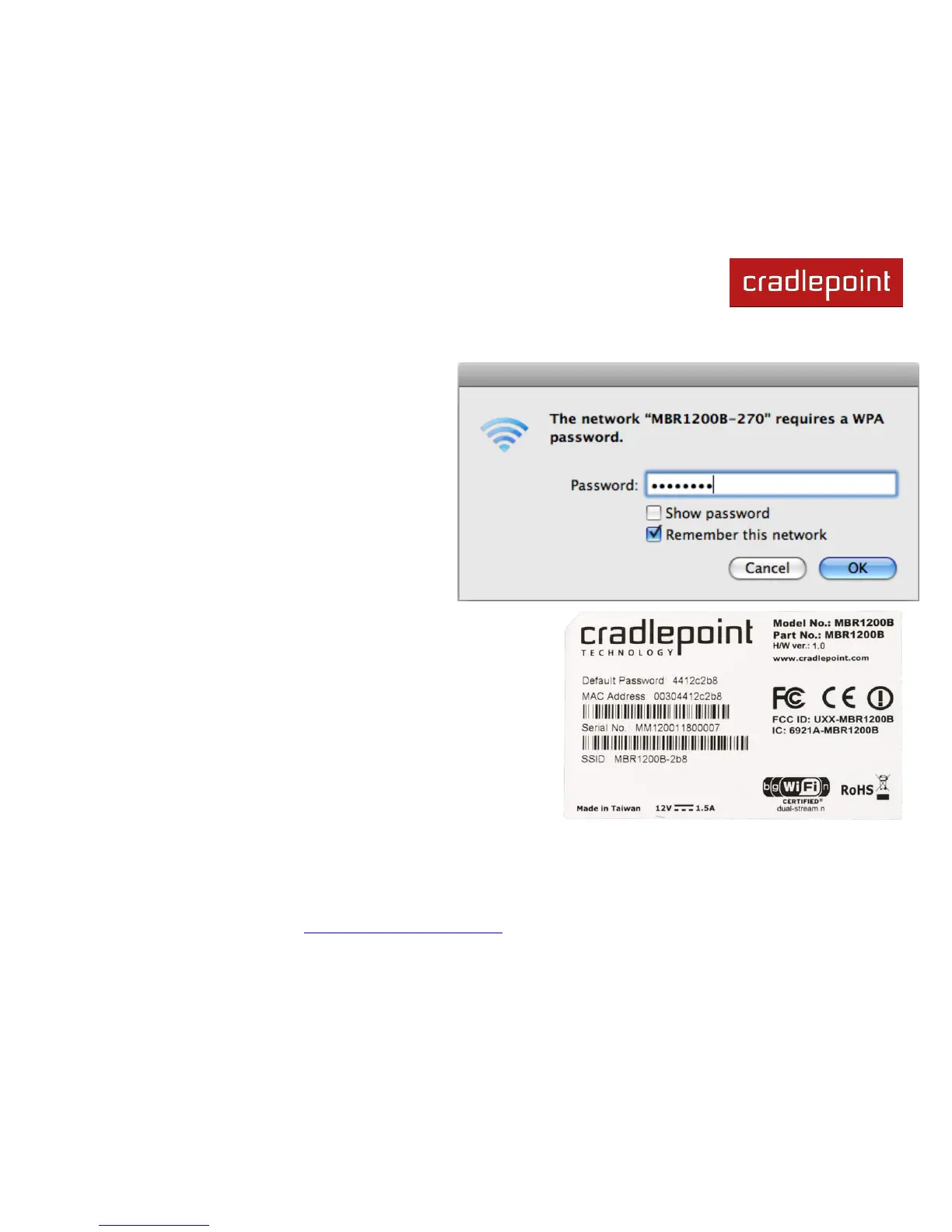
1) Find the network. On a WiFi-enabled computer or
device, open the window or dropdown menu that allows
you to access wireless networks. The MBR1200B
network will appear on the list: select this network.
2) Log in. You will need to input the Default Password
when prompted. The Default Password is provided on
the product label found on the bottom of your router
(this password is the last eight digits of the router‘s
MAC address, which can be found on the product box
or on the product label).
NOTE: If more than one MBR1200B wireless router is visible, you
can find the correct unit by checking for its SSID (service set identifier; the unique name
of the local network). The SSID can be found on the bottom of the router in the form
MBR1200B-xxx, where ―xxx‖ is the last 3 digits of the router‘s MAC address.














 To Next Page