10
Attach the elevation handle by tightening
the set-screw (2)
Thread the column lock into the table
bracket (1).
Rotate the table and position it directly over
and in line with the base.
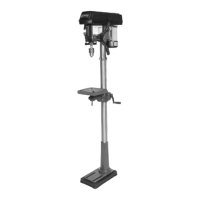
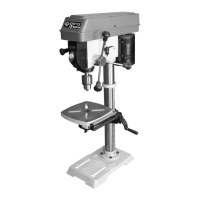
DRILL PRESS HEAD
TO COLUMN
Lift the drill press head carefully and
position it above the column. NOTE: this
will require the help of a second person.
The column fits into the drill press mounting
hole. Make certain the mounting hole is
properly seated on the column. Line the drill
press head up with the table and base and
then tighten the two set-screws using the
supplied hex wrench.
FEED HANDLE
Fit the one-piece cast-iron feed handle onto
the shaft.


 To Next Page
 Loading...