4.8 Touch Screen
Clean the glass on a regular basis to remove fingerprints or oily marks. Before cleaning the
screen switch off the machine using the internal on/off switch above the product canisters.
Use a soft micro-fibre or lint-free cloth to gently wipe the screen. Dampen the cloth with water,
glass or a screen lens cleaner to wipe the glass and dry. Do not apply any liquids directly to the
glass/screen.
4.9 Cup Check
1. Check the levels of the cups in the cup turret and where necessary, refill with correct
sized cups.
Important! Allow the cups to drop into the tubes directly from the packaging. DO NOT
touch the cups with your hands. Do not fill the tube directly above the cup dispense
position. Allow the cup turret motor to rotate a full tube to the cup dispense position
when the machine is powered up. Rotating the cup turret by hand will damage the
mechanism.
Note: If paper cups are being loaded, each pack of cups must first be inspected for
damage to the cup rims. Damaged cups must not be used.
2. Replace the lid.
4.10 Cash Box
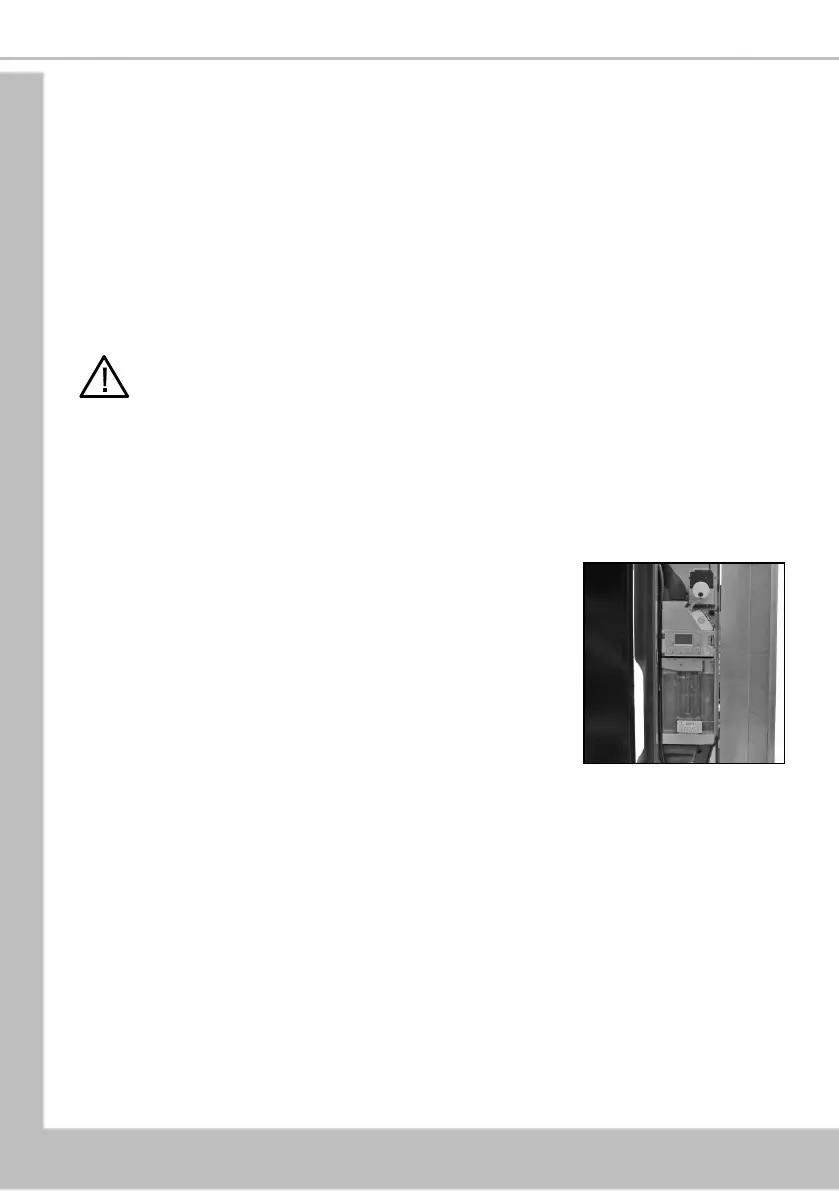
1. Open the coin mechanism cover. Wipe the inside with a
cloth.
2. Remove coins from the cashbox and refit the cashbox to
the machine.
3. Check the coin tubes and refill if required.
4.11 Test
Using the service keypad located in the rear of the door, proceed as follows:
1. Press the Cup Test button [7] and check that a cup is ejected correctly from the Cup drop
unit.
2. Press the Park Head button [8] to ensure that the dispense head operates correctly and
that the dispense pipes are fitted correctly.
3. Place a suitable container under the dispense head and press the Rinse/Flush button [3].
The machine will flush the system. Check that all of the mixing stations are water tight.
4. Press the Test Vend button [6] and using the selection buttons on the front of the
machine, vend a drink to ensure that the machine operates correctly. Exit from the Test
Vend menu.
5. If required press the View Counters button [5] and record the audit information.





 To Next Page