Section 6 - Programming Mode
6.1 Programming Interface
Programming mode allows the operator to view and change options within the machine.
6.2 Navigating through the Menu Display
1. Once you have gained access to the programming mode (see sub-section 6.4
Accessing the Programming Mode), the LCD displays the Operator’s Main Menu.
2. A menu item is selected by pressing the corresponding touch-pad.
N.B. The bottom of the screen will often show important information. In many
configuration menus it will display the current value for the selected item.
3. When a menu, sub-menu or data-display is split across multiple screens, the Next
Page and Previous Page icons will be displayed.
4. To return to a previous menu screen, e.g. from the Diagnostics sub-menu up to the
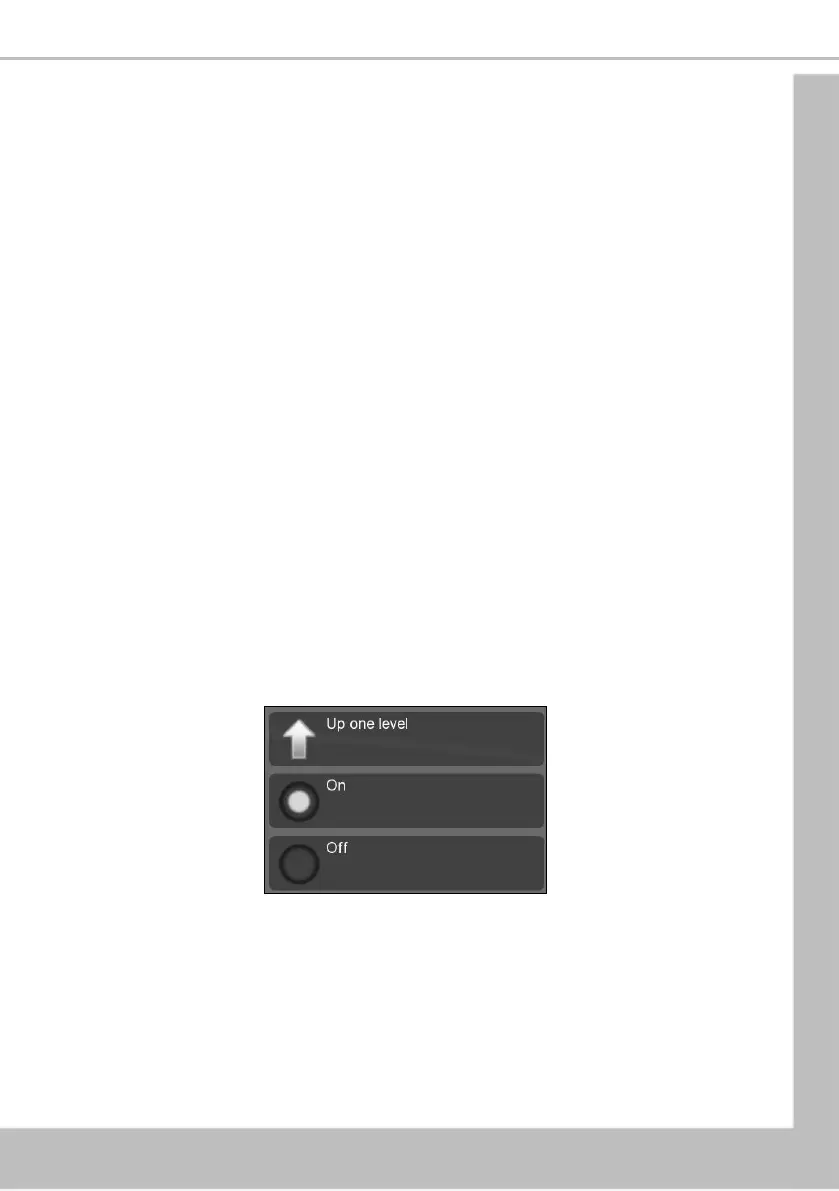
Main Menu, use the Up one level option.
6.3 Entering or Updating Parameters
To enter or update parameters, key in the actual digits of the number required using the touch-
pads 0-9. Once the correct parameter has been entered, press Save to overwrite the previous
value and store the new parameter in the machines memory.
To return to the previous screen press the Up one level touch-pad.
Certain programming functions require that the operator choose either one or multiple
parameters. These can take the form of either check boxes or radio buttons.
1. Select the required option, a filled radio button indicates that it is selected.
2. Using the touch-pads, select the day on which the Sanitation Event is to take place, a
TICK appears in its adjacent box indicating that it is selected.





 To Next Page