D-2
Power Settings
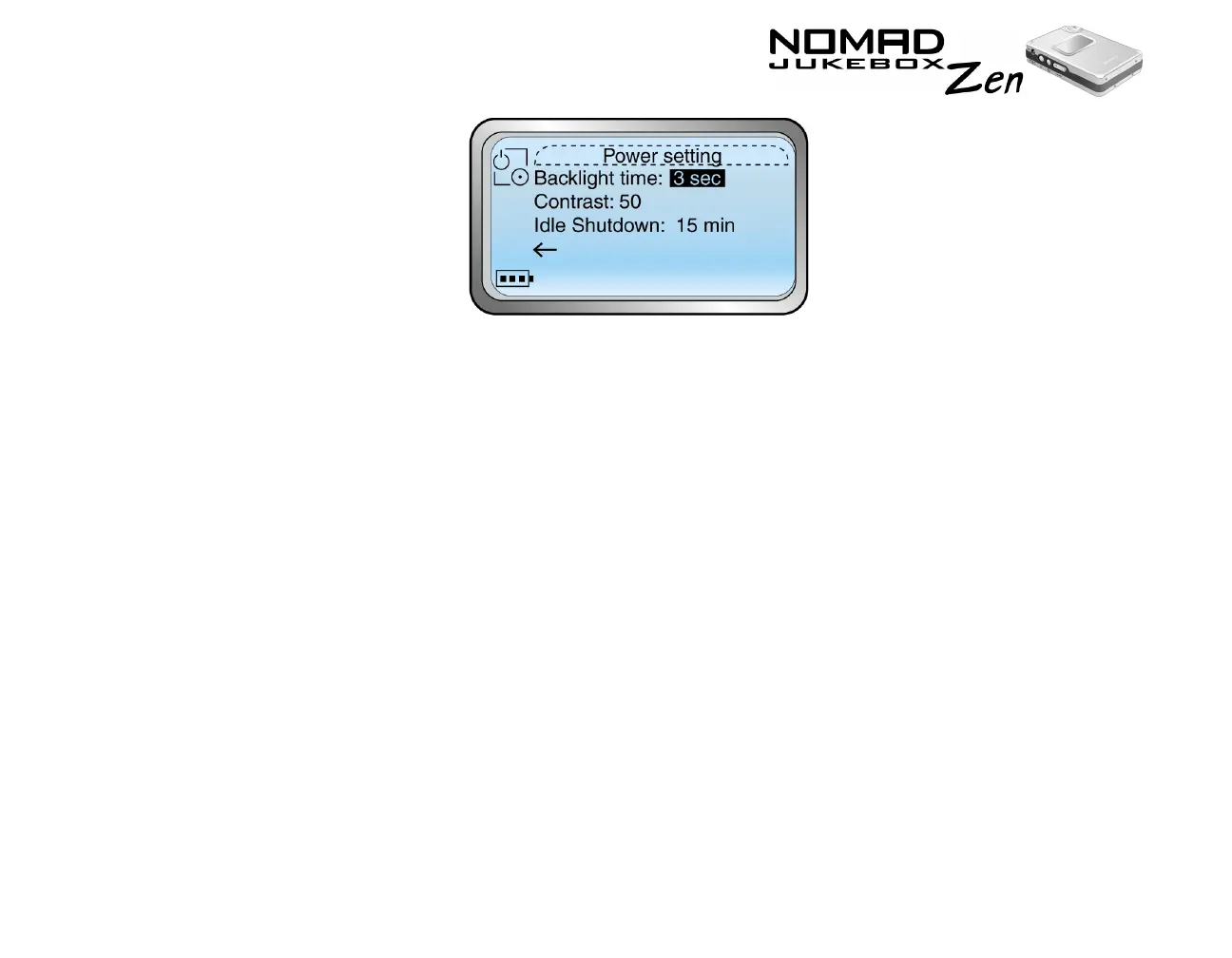
In this screen, you can:
❍ adjust the screen backlight duration. A lower number setting
conserves battery power for longer playback time.
❍ set the contrast level for your player’s screen. The lower the number,
the lower the contrast.
❍ specify how long the player remains inactive before it automatically
shuts down.
1. From the Jukebox Settings screen, Scroll Select "Power Settings".
2. Scroll Select one of the options.
3. From the menu, Scroll Select a setting.













 To Next Page