Playing and Managing Your Music 3-11
Finding a Music
Track in the
Music Library
In the following example, we will show you how to find a track by navigating
through your Music Library. A quicker way of finding audio in your player is to
use the Find feature (see"To find audio with the "Find" feature" on page 3-12).
Both ways of finding your music track are shown here.
To find a track in the Music Library
1. Press the MENU button .
2. Scroll Select "Music Library".
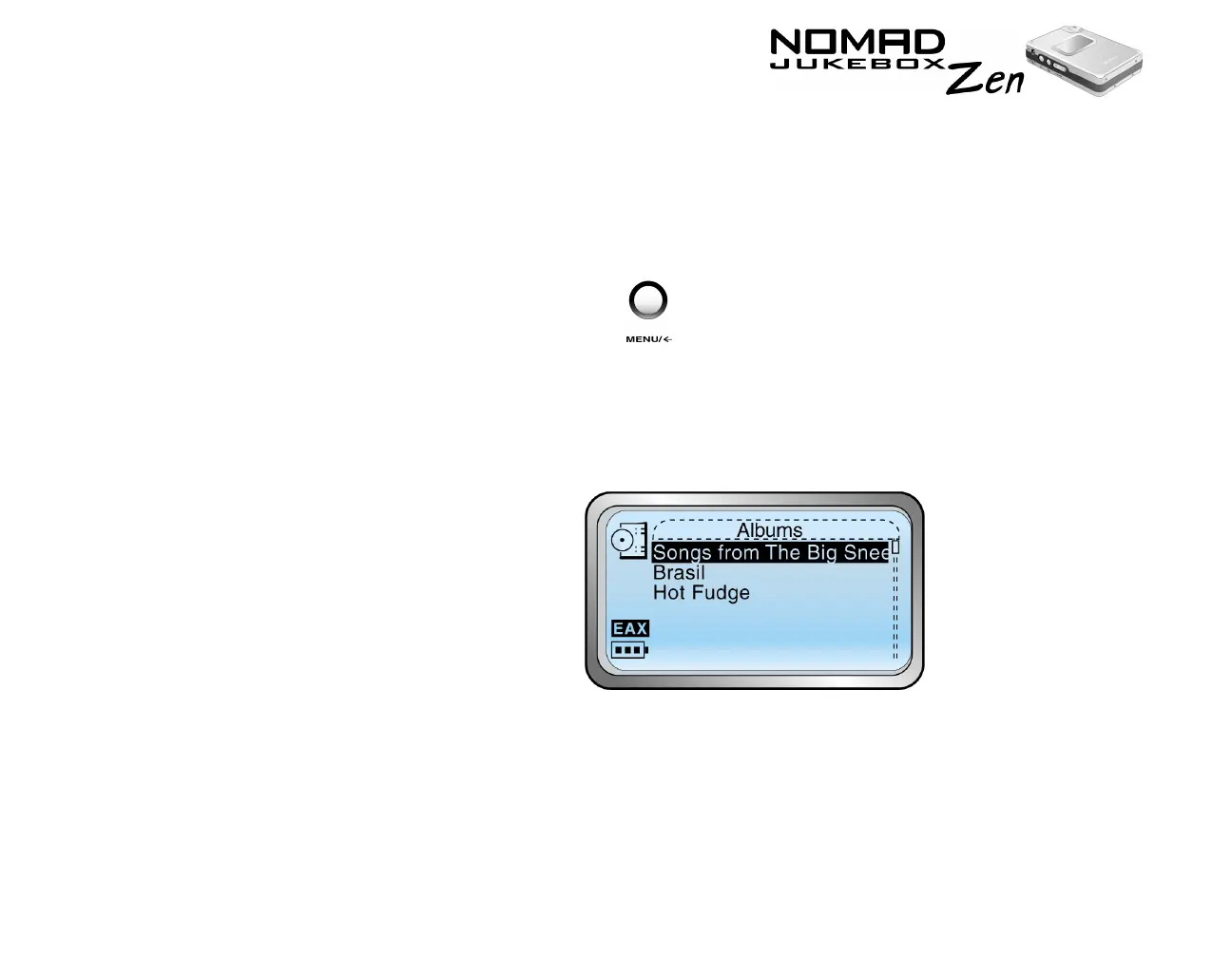
3. Scroll Select an audio category. For example, if you want to find a track in
a particular album, Scroll Select "Albums".
Note:
If Scroll Selecting "All Tracks" or "Recordings", skip to Step 5.













 To Next Page