Playing and Managing Your Music 3-16
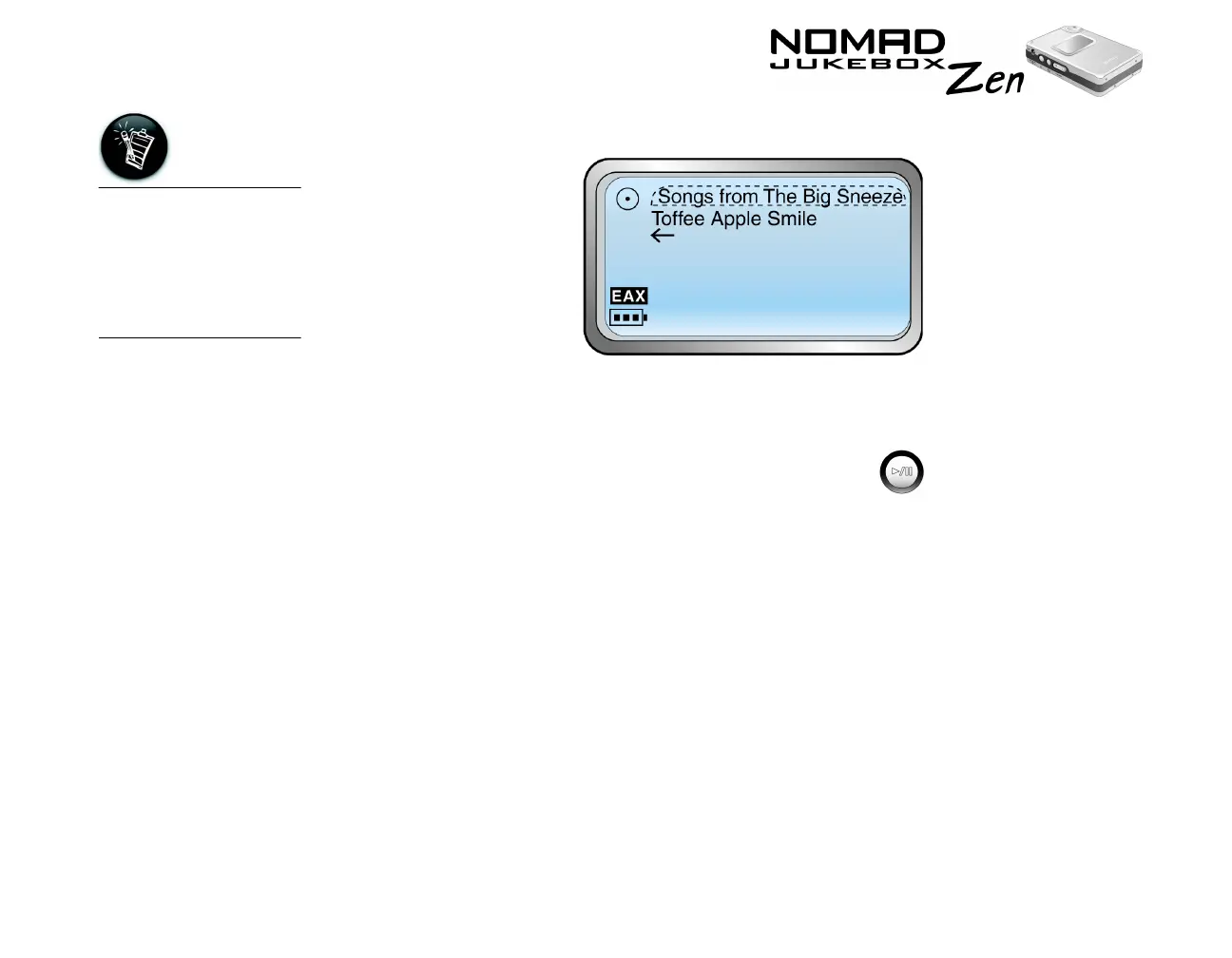
5. Scroll Select “Open”. The tracks within the sub-category appear.
6. Scroll Select “Add to Play” to add the audio selection to the back of the
Playing List.
7. Scroll Select "Play Now" or press the Play button
to add the selection to the front of the Playing List and immediately play it
back.
Viewing Track
Information in
the Music Library
Detailed information about tracks in the Music Library is readily available. This
includes track title, the artist, album and genre that the track belongs to, as well
as track length.
To view information about tracks in the Music Library
1. Follow steps 1 through 5 in "To find a track in the Music Library" on page 3-
11.
2. Scroll Select the track you want information on. A list appears.
You can also view
track information
from the Playing List.
See "Viewing track
information in the
Playing List" on page
3-23













 To Next Page